Warmerly, both channelsWarmerly ahead on this row
On every mailbox: threaded conversations with quoted replies, and spam rescue.
One row, in depth: what each tool does, the verified numbers, and who each suits.
Expandi details read from its pricing page, FAQ, home page and help centre on 19 October 2026.
On every mailbox: threaded conversations with quoted replies, and spam rescue.
Not listed on its pricing page.
Warmerly warms email mailboxes: a daily send quota that climbs from 4 a day on day 0 to 50 a day by day 30, capped lower for Gmail (40), Outlook (30) and Zoho (25), with weekends at 0.6 of the weekday quota. We found no mailbox warmup on Expandi's pricing page or in the help centre pages we read. Expandi does warm something: your LinkedIn profile, which is a different job with different limits (see the profile warm-up page). Expandi can send email follow-ups from a Gmail or custom SMTP mailbox you connect, and says nothing we found about warming that mailbox. Last checked 19 October 2026.
On every mailbox: threaded conversations with quoted replies, and spam rescue.
Not listed on its pricing page.
Warmup emails a day, per mailbox, over the first 30 days
Straight lines join the published anchor points. Real ramps vary by mailbox and provider, and the other limits below cut a day's quota further.
Pick a provider, a health state and a day. Our arithmetic from the published numbers
25
emails a day, limited by age
?
No mailbox warmup listed on its pricing page, so there is nothing to draw.
Weekends run at 0.6 of the weekday quota in the mailbox's own timezone. A spam placement score of 20 or more multiplies the quota by 0.4 and 10 or more by 0.7; a health score below 50 by 0.4 and below 70 by 0.75; the lower of the two applies. Source: Warmerly's capacity code, read 19 October 2026.
| Day | Age ramp | Gmail, cap 40 | Outlook, cap 30 | Zoho, cap 25 |
|---|---|---|---|---|
| Day 0 | 4 | 4 | 4 | 4 |
| Day 3 | 8 | 8 | 8 | 8 |
| Day 7 | 15 | 15 | 15 | 15 |
| Day 14 | 25 | 25 | 25 | 25 |
| Day 21 | 35 | 35 | 30 | 25 |
| Day 30 | 50 | 40 | 30 | 25 |
Expandi warms a LinkedIn profile. Warmerly's mailbox warmup warms an email mailbox
Counts emails a day per mailbox: 4 at day 0, 50 at day 30, with caps of 40, 30 and 25 for Gmail, Outlook and Zoho.
Its LinkedIn add-on has its own ramp for LinkedIn accounts. See the profile warm-up page.
Counts LinkedIn actions: a 14-day gradual option starts at 5 on day one, rises by 3 every 2 days and stops at 21.
Its help article says nothing about email mailboxes, so the two are not drawn on one axis.
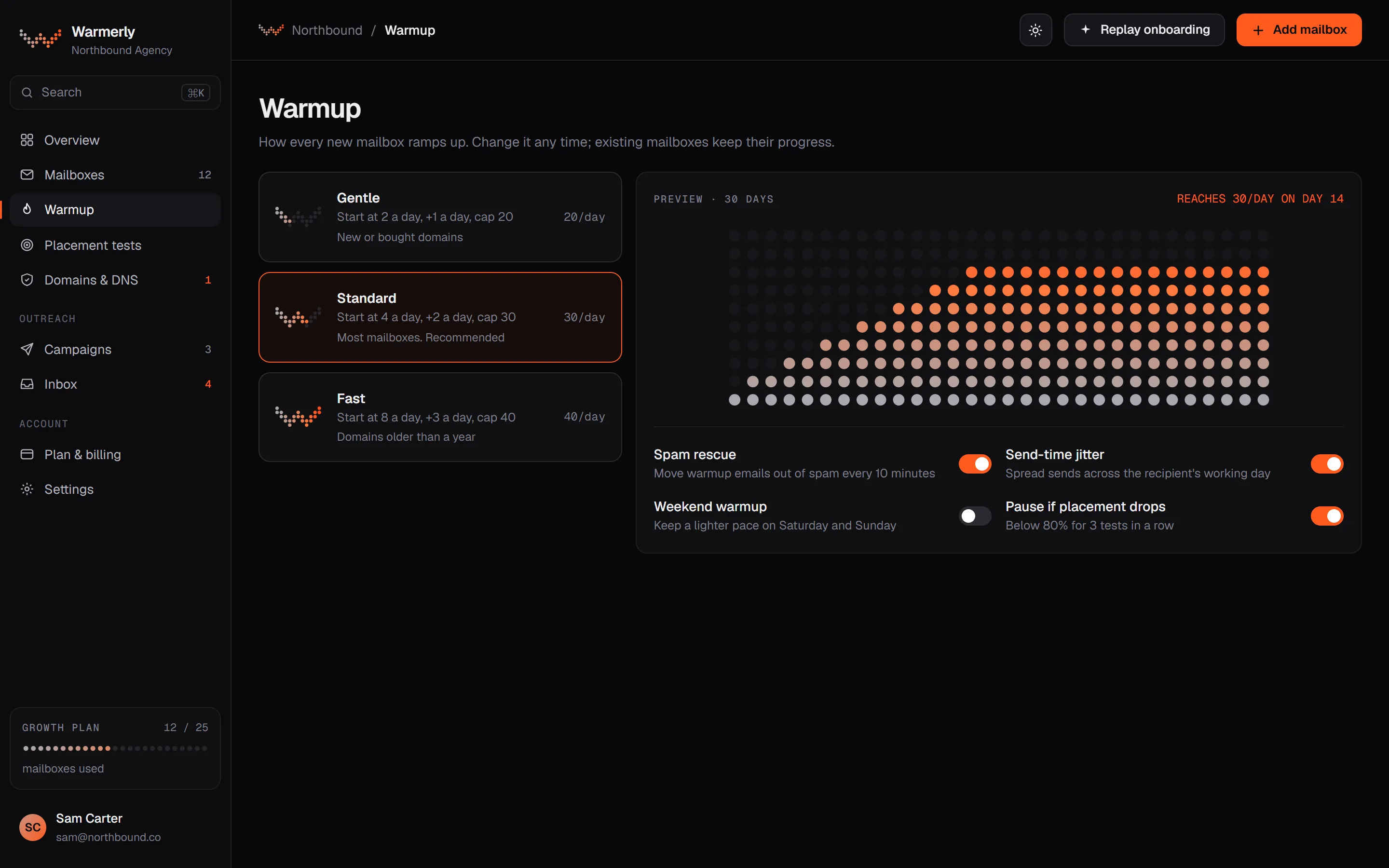
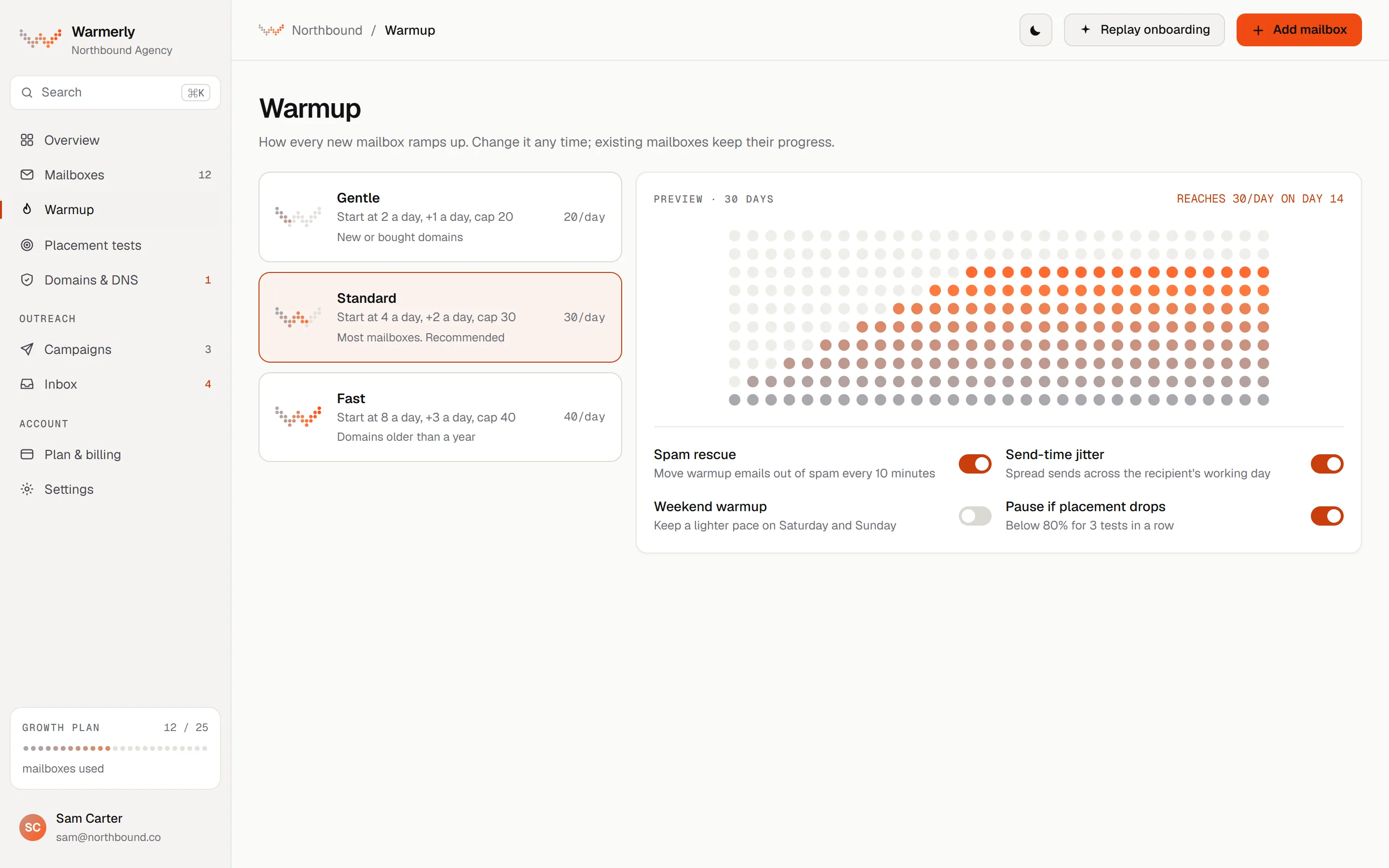
Warmerly warms each mailbox on a ramp set by Warmerly: 4 a day at day 0, 50 a day by day 30, then cut by provider cap, weekends, spam placement and health. Warmup sends are not a billing meter, but every mailbox follows the ramp.
The daily quota is interpolated between anchors: 4 a day at day 0, 8 at day 3, 15 at day 7, 25 at day 14, 35 at day 21 and 50 at day 30. It counts days the mailbox really sent, so a paused or newly enabled old mailbox cannot skip ahead. Domain age is not an input.
Warmerly product, checked 19 October 2026
The quota is the lowest of the age ramp, the provider cap and the hard ceiling of 50 a day. Provider caps are Gmail 40, Outlook 30 and Zoho 25. Worked through the ramp, a Zoho mailbox reaches its cap of 25 at day 14, an Outlook mailbox passes 30 at day 18 and a Gmail mailbox reaches 40 at day 24.
Warmerly product, checked 19 October 2026
Weekends run at 0.6 of the weekday quota, measured in the mailbox's own timezone, so a mature mailbox on the 50 ceiling plans 30 on a weekend, a mature Gmail mailbox 24, Outlook 18 and Zoho 15. A spam placement score of 20 or more multiplies the quota by 0.4 and 10 or more by 0.7. A health score below 50 multiplies it by 0.4 and below 70 by 0.75. The lower of the two reductions applies.
Warmerly product, checked 19 October 2026
The capacity calculation returns a named limiting factor for each mailbox (age, provider, hard cap, health, weekend, your own daily limit and others) and the warmup page reads it. You can set a lower daily warmup limit yourself. A free sandbox mailbox is capped at 3 a day.
Warmerly product, checked 19 October 2026
A warmup mail is opened after a delay of 10 to 120 minutes, and the recipient replies with a default probability of 0.3, stopping at thread depth 3. Mail that lands in spam is read, moved to the inbox and answered.
Warmerly product, checked 19 October 2026
Warmup mail is real mail between mailboxes in one pool that includes other customers' mailboxes. A sender does not write to the same recipient twice within 72 hours, relaxing to 48 and then 24 if the pool runs short.
Warmerly product, checked 19 October 2026
Warmup sends are not a billing meter on paid plans, but every mailbox follows the ramp. The limit you feel is the number of mailboxes: 1 on Free, 5 on Starter, 25 on Growth and 100 on Agency, with more on a call.
Warmerly product, checked 19 October 2026
Warmup does not warm a LinkedIn profile: LinkedIn account warmup is a separate feature of the LinkedIn add-on.
Warmerly product, checked 19 October 2026
No mailbox warmup is listed on the pricing page or in the help centre pages we read. The warm-up Expandi names is Profile Auto Warm-up for a LinkedIn account. Email is a follow-up channel: you connect a Gmail account with an app password or a custom SMTP and IMAP mailbox.
We read the pricing page for warm-up, email, DNS, SPF, DKIM, deliverability and inbox placement. The only warm-up line is "Profile Auto Warm-up When you begin automating your outreach, it's important to start slowly." It is about LinkedIn. The email line is "Multichannel Outreach You can send connection requests, messages, and email follow-ups in just one sequence".
expandi.io/pricing · read 19 October 2026
The help article describes a gradual 14-day warm-up that starts at 5 actions on day one and rises by 3 every 2 days up to 21, or a custom ramp. It sits in LinkedIn settings under LinkedIn account limits. It does not mention email mailboxes.
help.expandi.io/en/articles/5405001-account-warm-up · read 19 October 2026
For Gmail you turn on 2-step verification, generate an app password and enter it, with your address, in the IMAP and SMTP fields under LinkedIn Settings, Integration apps, Custom SMTP. The article says to click Test Credentials before Connect. It names Gmail and Gmail's SMTP server only.
help.expandi.io/en/articles/6236088-how-to-adapt-your-gmail-and-expandi-integration · read 19 October 2026
The Gmail article states no sending limit, no warm-up guidance and nothing about SPF or DKIM. Emails sent from a campaign appear in the same conversation as the lead's LinkedIn messages.
help.expandi.io/en/articles/6236088-how-to-adapt-your-gmail-and-expandi-integration · read 19 October 2026
Emails sent from campaigns show in the lead's conversation, but "Emails are view only in Expandi." You reply from your own mailbox, and attachments are not shown or stored.
help.expandi.io/en/articles/16608436-how-are-emails-shown-in-the-inbox · read 19 October 2026
Expandi warms the LinkedIn profile before automation starts, which is the risk its product carries. Warmerly's LinkedIn add-on has its own ramp but this page is about mailboxes, where we found nothing on the Expandi side.
expandi.io/pricing · read 19 October 2026
We looked, and found no statement on these. That is about its published pages only, not about the product.
| Measure | Warmerly, both channels | Expandi |
|---|---|---|
| Mailbox warmup | On every mailbox: threaded conversations with quoted replies, and spam rescue. | Not listed on its pricing page. |
| First day of warmup | 4 a day, per mailbox | No mailbox warmup listed |
| Day 30 of warmup | 50 a day, per mailbox | No mailbox warmup listed |
| Gmail, Outlook, Zoho caps | 40, 30 and 25 a day | Not stated |
| Weekend quota | 0.6 of the weekday quota | Not stated |
| Reply probability | 0.3 by default, thread depth 3 | Not stated |
| Mailboxes warmed | 1 Free, 5 Starter, 25 Growth, 100 Agency | Not stated |
| LinkedIn profile warm-up | A separate LinkedIn add-on feature | 14-day gradual ramp, 5 actions rising to 21 |
Our reading of the facts above. Not a promise, and not the only reasonable reading.
Expandi warms a LinkedIn profile so automation does not look sudden. Warmerly warms an email mailbox so cold email does not land in spam. If you send email from a mailbox, Warmerly's warmup is the part Expandi's pages do not describe.
On Warmerly's ramp a mailbox reaches 50 a day at day 30, and a Gmail mailbox reaches its cap of 40 at day 24. Plan campaign sending around the ramp, not around the day you connected.
If you only send a few email follow-ups to people who have already connected on LinkedIn, you may not need a warmup pool. The ramp matters when email is the main channel.
We found no mailbox warmup on its pricing page or in the help centre pages we read. Its warm-up is for a LinkedIn profile.
The ramp reaches 50 a day at day 30. Gmail mailboxes cap at 40, Outlook at 30 and Zoho at 25, so those reach their cap earlier.
No. Warmup sends are not a billing meter on paid plans, but every mailbox follows the ramp and ceiling, and the number of mailboxes depends on the plan.
No. It limits how fast a LinkedIn account takes actions. Mailbox warmup builds sending reputation for email.
Expandi pages were read on 19 October 2026. Plans and wording change, so check the vendor's own page before you decide. Warmerly details come from the product as it runs today.
Connect a mailbox. Warmerly runs alongside whatever you send from now, so you can compare before you move anything.
Free plan, no card. Paid plans: 7-day trial, first charge on day 8.