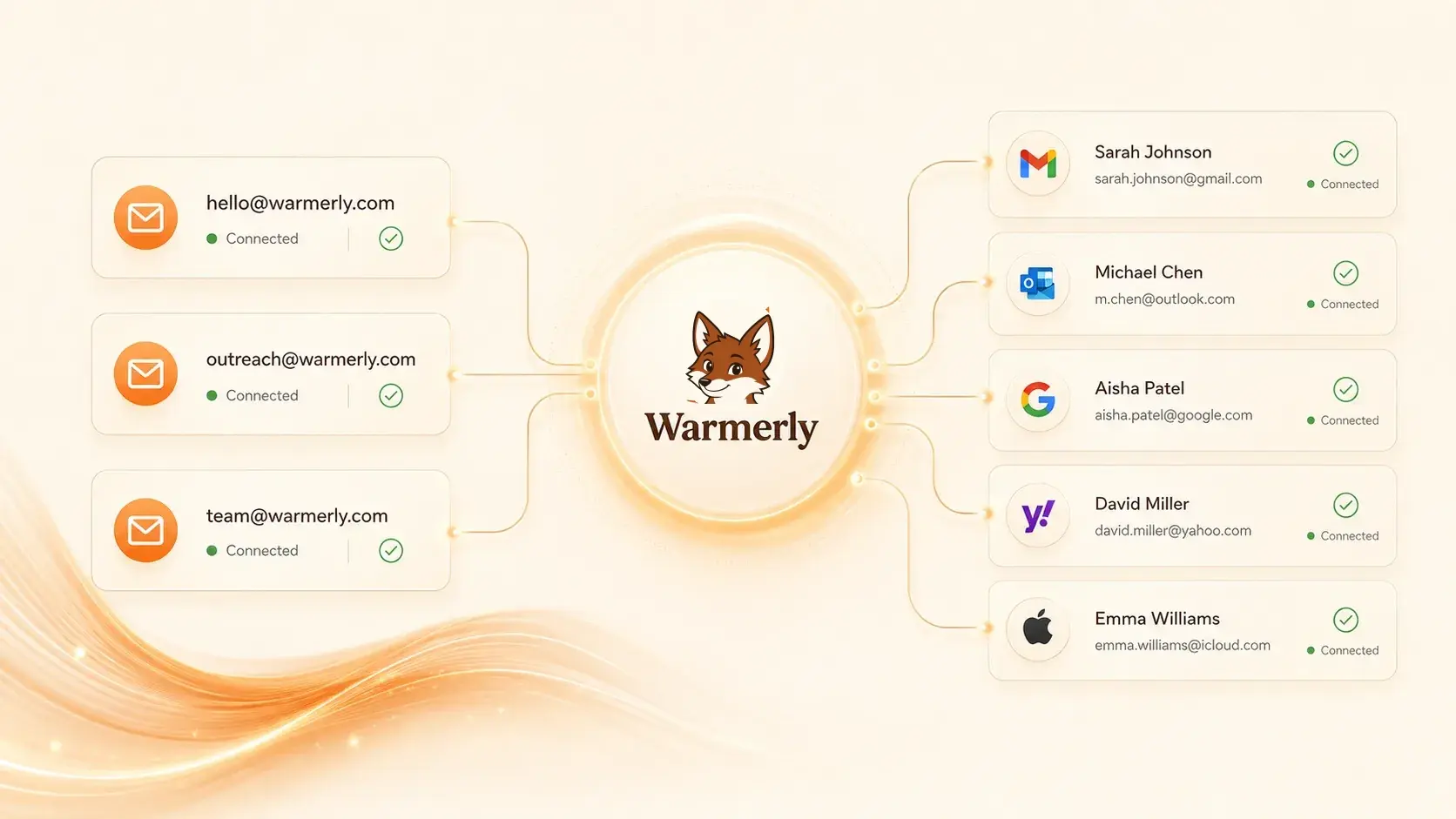

- Email warmup
- Email warmup is the process of gradually sending and engaging with mail from a new or low-volume sending mailbox so that providers like Gmail and Outlook learn to treat it as a trusted human sender. A warmup tool such as Warmerly connects to your mailbox securely and runs continuous, human-like conversations (sends, replies with quoted history, stars, marks important, and spam-folder rescue) against a shared pool of other Warmerly mailboxes, building the baseline reputation a mailbox needs before any cold outreach is sent.
- Sender reputation
- A score that mailbox providers like Gmail and Microsoft assign to a sender across domain, IP, signing domain, and user-perceived identity. It is shaped by authentication, complaint rate, bounce rate, volume consistency, and user actions on prior messages.
- SPF (Sender Policy Framework)
- A DNS TXT record that authorises which IP addresses may send email on behalf of your domain. Required by Gmail and Yahoo for bulk senders since February 2024.
- DKIM (DomainKeys Identified Mail)
- A cryptographic signature added to outgoing mail that lets receivers verify the message was not tampered with and was authorised by the signing domain. Use a 2048-bit key in 2026.
- DMARC (Domain-based Message Authentication, Reporting and Conformance)
- A DNS policy that tells receivers what to do when SPF or DKIM fail and where to send aggregate reports. Start at p=none with rua reports, then progress to quarantine and reject as confidence grows.
- MTA-STS
- A policy that forces inbound mail to your domain over TLS. Providers read its presence as a signal of operational maturity.
- Inbox placement
- Where a delivered message actually lands: primary inbox, promotions, updates, social, or spam. Distinct from 'delivered'. SMTP can return 250 OK while the message lands in spam.
- Spam recovery (warmup)
- The action of a recipient (or warmup peer) marking a message as not-spam, starring it, replying to it, and moving it back to the inbox. Widely treated as a strong positive signal by Gmail's spam filter.
- Peer pool (warmup)
- The set of mailboxes a warmup tool routes your warmup traffic through. In Warmerly it is a shared pool of connected mailboxes, and the planner spreads each mailbox's warmup mail across it.
- Suppression list
- The addresses a sender must never email again: unsubscribes, hard bounces, spam complaints and legal erasure requests. Every send is checked against it, and entries are kept rather than deleted, so an opt-out keeps working in every later campaign.
- Ramp schedule
- The day-by-day curve of warmup sends from a mailbox. Warmerly uses one built-in curve that rises from about 4 a day at the start to up to 50 a day at day 30, lower on some providers.
- Health score (InboxPulse)
- A 0-100 score recalculated daily from the last 7 days of warmup mail: mostly inbox placement rate, with bounce rate, reply rate and the share of warmup mail processed. Warmerly lowers warmup volume below 70 and pauses a mailbox that scores under 60 two days in a row.
- InMail
- A LinkedIn message you can send to someone you're not connected to, available on Premium and Sales Navigator plans. Each account gets a monthly allotment of credits, and a credit is refunded when the recipient replies within 90 days. InMail bypasses the connection request entirely, so it competes with DMs from everyone else paying for the same access.
- Connection request
- The invitation you send to add someone to your first-degree network. You can attach a short note (the limit is small, so most requests are read as the note plus your headline), and the recipient either accepts, ignores, or marks it as spam. Acceptance moves you into their network and lets you message them without spending InMail credits.
- LinkedIn SSI (Social Selling Index)
- A 0-100 score LinkedIn assigns based on four behaviors: building your professional brand, finding the right people, engaging with insights, and building relationships. It's a directional signal LinkedIn surfaces to sellers, not a ranking that directly controls reach. Treat it as a rough health check rather than a metric to optimize for its own sake.
- Connection request limit
- LinkedIn caps how many invitations you can send, with a weekly ceiling commonly cited around 100-200 depending on account age and standing. Sending too fast, or piling up pending requests that never get accepted, triggers temporary restrictions and warning prompts. Staying well under the ceiling and withdrawing stale requests keeps your account in good standing.
- Multichannel sequence
- An outreach plan that touches a prospect across more than one channel, typically LinkedIn plus email, with the steps timed so they reinforce rather than collide. A connection request and a profile view warm up the name before the first email lands, so the email isn't cold to a complete stranger. Done well, each channel covers the other's blind spots in attention and deliverability.
- Open Profile
- A setting some Premium members enable that lets anyone message them for free, without spending an InMail credit or being connected. When a profile is Open, your message lands in their inbox like a normal note even though you have no relationship. Sales Navigator and Premium search can surface who has it enabled, which makes those prospects cheaper to reach.
- Connection acceptance rate
- The share of your sent connection requests that get accepted, the single most useful number for judging targeting and messaging quality. A healthy rate generally sits above 30-40%; a low one usually means you're targeting the wrong people or your note reads as a pitch. A persistently low rate also drags your account toward LinkedIn's spam restrictions.
- Withdrawal (of pending requests)
- Manually canceling connection requests that have sat unanswered for weeks. Large piles of pending invites count against your standing and can trigger LinkedIn's 'invitations on hold' restriction, so clearing requests older than two to three weeks protects your account. It also frees room under your weekly send limit for fresher, better-targeted prospects.
- LinkedIn warmup
- Gradually increasing activity on a newer or dormant LinkedIn account before running outreach at volume, so the behavior looks human rather than automated. That means logging in regularly, viewing profiles, engaging with posts, and ramping connection requests slowly instead of jumping to the cap on day one. Skipping warmup is the fastest way to get a new account restricted.
- Profile dwell / views
- How often you appear in a prospect's 'who viewed your profile' list and how long they spend on yours when they click through. A view before a connection request creates light familiarity, so the request feels less out of nowhere. It's a soft signal, not a metric to game, but a deliberate profile view is a cheap warm-up touch in a multichannel sequence.
Warming up