













































Warming up
Every account now comes with a free mailbox, warmed automatically, no domain to buy. See how it works
Every account now comes with a free mailbox, warmed automatically, no domain to buy. See how it works
LinkedIn outreach is the fastest way to start real conversations with B2B buyers, when it's done with a clear strategy, human messaging, and safe sending limits. This guide covers the whole system.
Done well, LinkedIn outreach gets you in front of decision-makers who never open a cold email. Done badly, it gets your messages ignored and your account restricted. The difference is not the tool, it's the strategy, the message, and the discipline behind the sending.
LinkedIn outreach is the practice of contacting prospects on LinkedIn (through connection requests, direct messages, and InMail) to start a business conversation. It works because LinkedIn is where buyers already keep a professional identity, so a relevant, well-timed message reaches them in a context they trust.
Unlike cold email, LinkedIn outreach is built on a visible profile and a mutual network. Prospects can see who you are before they reply, which raises response rates, but it also means a thin profile or a spammy pitch costs you instantly.
You have three ways to reach someone. A connection request (with or without a note) is free and the backbone of most outreach. InMail lets you message people you are not connected to, but it is metered and best saved for high-value targets. Direct messages are for people already in your network. Most campaigns lead with connection requests and use InMail surgically.
The best LinkedIn messages are short, specific to the person, and ask for a small next step. Lead with a reason you are reaching out that is true and about them (a shared group, a recent post, a role change) then make a single, low-friction ask. Save the pitch for after they reply.
Automation lets you run outreach at scale, but LinkedIn watches for non-human behaviour. The accounts that get restricted are the ones that blow past daily limits, send identical messages in bursts, or run a brand-new account hard. Warm the account, stay inside limits, and randomise timing.
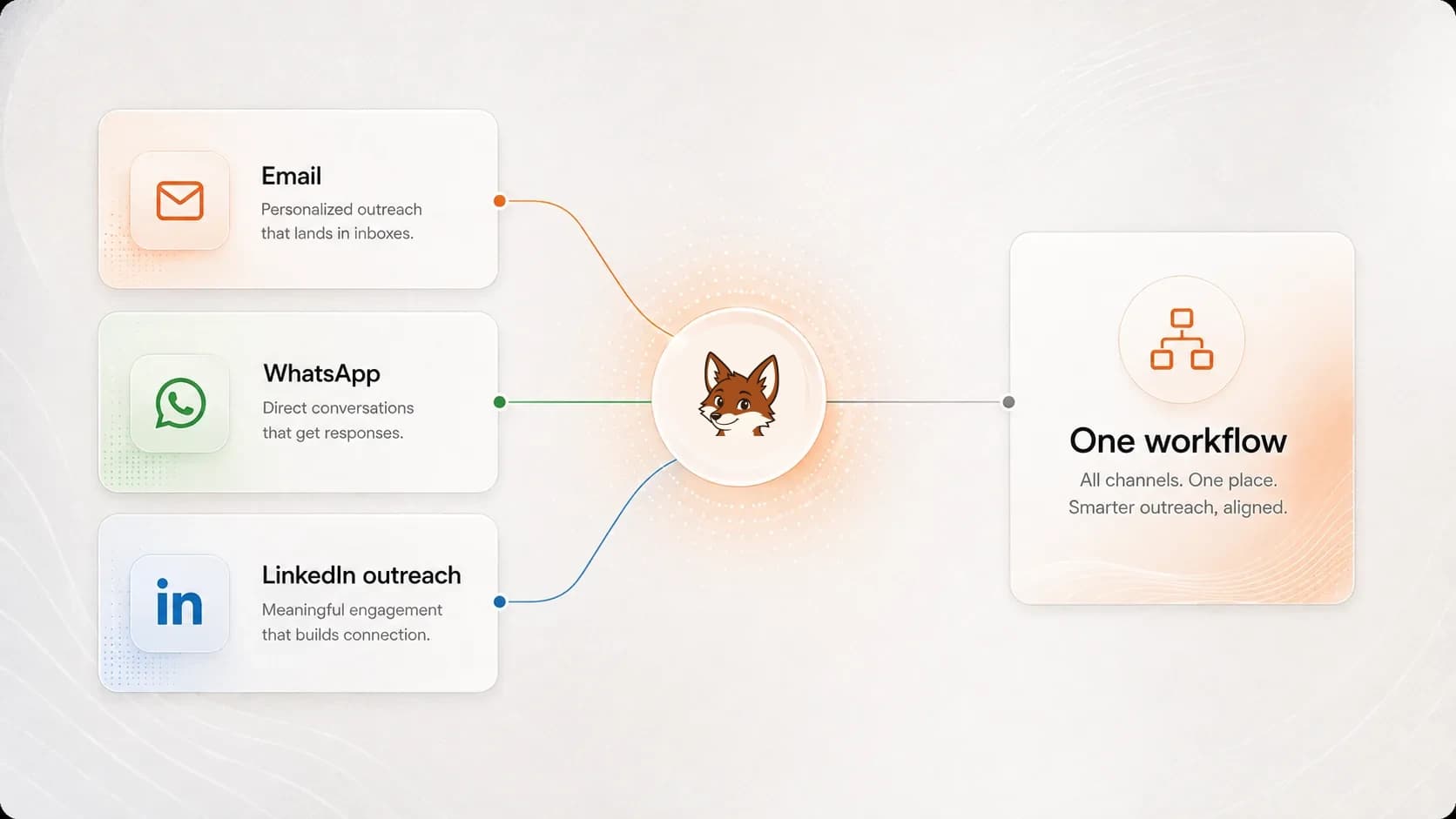
The highest-performing outbound campaigns are multichannel: a LinkedIn touch plus an email touch, sequenced so each reinforces the other. A prospect who has seen your profile is far more likely to open your email, and email gives you a channel that does not depend on a connection being accepted.
Warmerly Link and Sendflow run LinkedIn outreach and email outreach from one place, prospecting, multichannel sequences, and the Warmflow deliverability layer that keeps your follow-ups landing in the inbox instead of spam. The LinkedIn touch gets attention; the warmed mailbox makes sure the email half of the sequence is actually seen.
Everything you need to run linkedin outreach, from first message to safe scaling.
A LinkedIn outreach strategy is more than a message template. It's targeting, profile, sequence, and cadence working together. Here's how to build one.
Templates are a starting point, not a script. These LinkedIn outreach templates give you a proven structure for every step, then you make them yours.
The connection request is the gate. If it's not accepted, nothing else in your outreach matters. Here's how to write ones that get a yes.
InMail lets you message people you're not connected to, but it's metered and easy to waste. Here's when it's worth it and how to write it.
Send 3-4 follow-ups, spaced 3-5 days apart, and stop pitching after the first message. Here is the timing, the sequence, and what to say when it's been ignored, after a call, or after an apology.
Automation makes outreach scalable: and risky. The tools that last respect LinkedIn's limits and keep a human in the loop. Here's how to choose and use one.
LinkedIn doesn't publish exact limits, and they vary by account. Here are the safe daily numbers that keep your account healthy while you scale.
Sales Navigator is the targeting engine behind serious LinkedIn outreach. Used well, it turns a vague audience into a precise, ready-to-message list.
The best outbound isn't LinkedIn or email, it's both, sequenced so each channel makes the other work harder. Here's how to build a multichannel sequence.
LinkedIn or email? They have different strengths, and the honest answer is that the best outbound uses both. Here's how they compare and when to lead with each.
Most "30% reply rate" claims hide the denominator. Here are realistic LinkedIn outreach response rate benchmarks by message type and audience, how to measure them without lying to yourself, and the specific levers that move the number.
Running LinkedIn outreach for clients is a different job than running it for yourself. You're managing separate identities, separate risk profiles, and separate inboxes, and one banned account can cost you the account. Here's how to structure it so the program survives contact with reality.
Most recruiter messages get ignored because they read like a job ad, not a conversation. Here is how to run LinkedIn outreach that earns replies from passive candidates without burning your account.
A practical system for using LinkedIn to build B2B pipeline: how to pick accounts, warm a profile that buyers trust, sequence touches that get replies, and measure the numbers that actually forecast revenue.
Yes: but the bar is higher. Generic, automated pitches are ignored and increasingly penalised. Outreach that is well-targeted, personalised to the individual, and paired with a credible profile still produces strong response rates, often higher than cold email for senior B2B buyers.
Stay conservative. Most accounts should keep to roughly 20 connection requests a day (lower for new accounts) and a similar number of messages, ramped up gradually. Pushing past LinkedIn's limits is the fastest way to get warned or restricted. See our guide to safe LinkedIn outreach limits for specifics.
Both. LinkedIn gets attention and builds familiarity; email gives you a reliable, unmetered channel and room to say more. The best results come from sequencing the two together so a prospect sees you in both places.
For serious outbound, yes. Sales Navigator gives you the search filters to build a precise list and the InMail credits to reach people outside your network. You can start without it, but targeting quality is what makes outreach work, and Navigator is the main tool for it.
Run a free deliverability check on your sending domain (SPF, DKIM, DMARC, and spam-trap risk) before you send another outreach sequence.
Summarize with AI
Warmerly handles prospecting, multichannel sequences, and the deliverability layer underneath. Email warmup is free to start with no card; LinkedIn is $19/month per account.
