Warmerly
$19 and up, per plan
Free is $0 with no card. Starter is $19 for 5 mailboxes, Growth $49 for 25, Agency $179 for 100. Paying yearly costs ten times the monthly price. A LinkedIn account is $19 more.
Octopus CRM automates LinkedIn from a Chrome extension, from $9.99 a month for each LinkedIn account. Warmerly warms the mailbox and sends cold email from $19 a month, with LinkedIn as a $19 add-on. They overlap on two actions, so this page shows where each one stops.
Octopus CRM read on octopuscrm.io, its FAQ, blog and terms,
Octopus CRM is cheaper at the door and gets dearer as you unlock features: messaging starts on Pro, funnels on Advanced, Zapier and HubSpot on Unlimited. Warmerly's LinkedIn account is one price whichever email plan you hold. Flip between the two price sets Octopus CRM shows and watch the bars move. Octopus CRM's page does not say which tab holds which set in words, so we read the tab names from its code: the higher set sits under Monthly.
Octopus CRM: its home page, with the tick counts from the plan table on its feature pages, read 21 October 2026. The Annually badge reads -35%, while the prices shown work out to about 30%, 33%, 32% and 37.5% off. Warmerly: a LinkedIn account is $19 a month, $49 for a pack of 3 and $75 for a pack of 5, charged at once with no trial. The two are different products: a Warmerly account buys connection requests, messages and warmup, and a Warmerly email plan is separate from it.
Free is $0 with no card. Starter is $19 for 5 mailboxes, Growth $49 for 25, Agency $179 for 100. Paying yearly costs ten times the monthly price. A LinkedIn account is $19 more.
Four tiers, one licence for each LinkedIn account. Twenty or more accounts are priced by enquiry. Payments are in US dollars and monthly purchases are non-refundable under its terms.
On monthly billing, Pro at $14.99 is below a Warmerly account at $19. Advanced is $21.99 and Unlimited $39.99, above it. Three Pro licences are $44.97 against Warmerly's $49 pack.
Warmerly is built around the mailbox you warm and the campaign you send from it. Octopus CRM is a pop-up on LinkedIn and a CRM page of tabs, one for each action. We have no rights to Octopus CRM's own screenshots, so its half is drawn from its blog's description of the same screens, and says so.
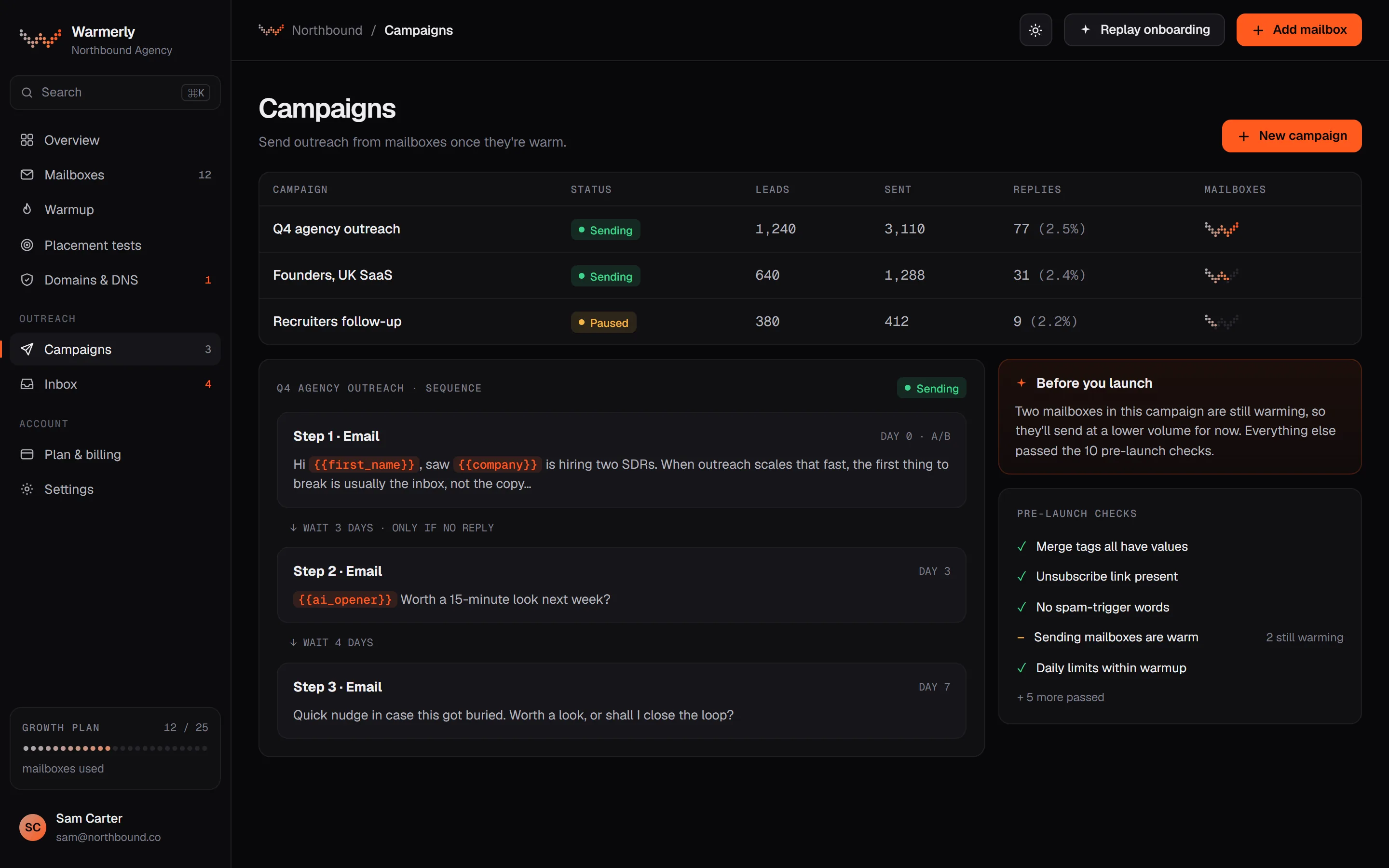
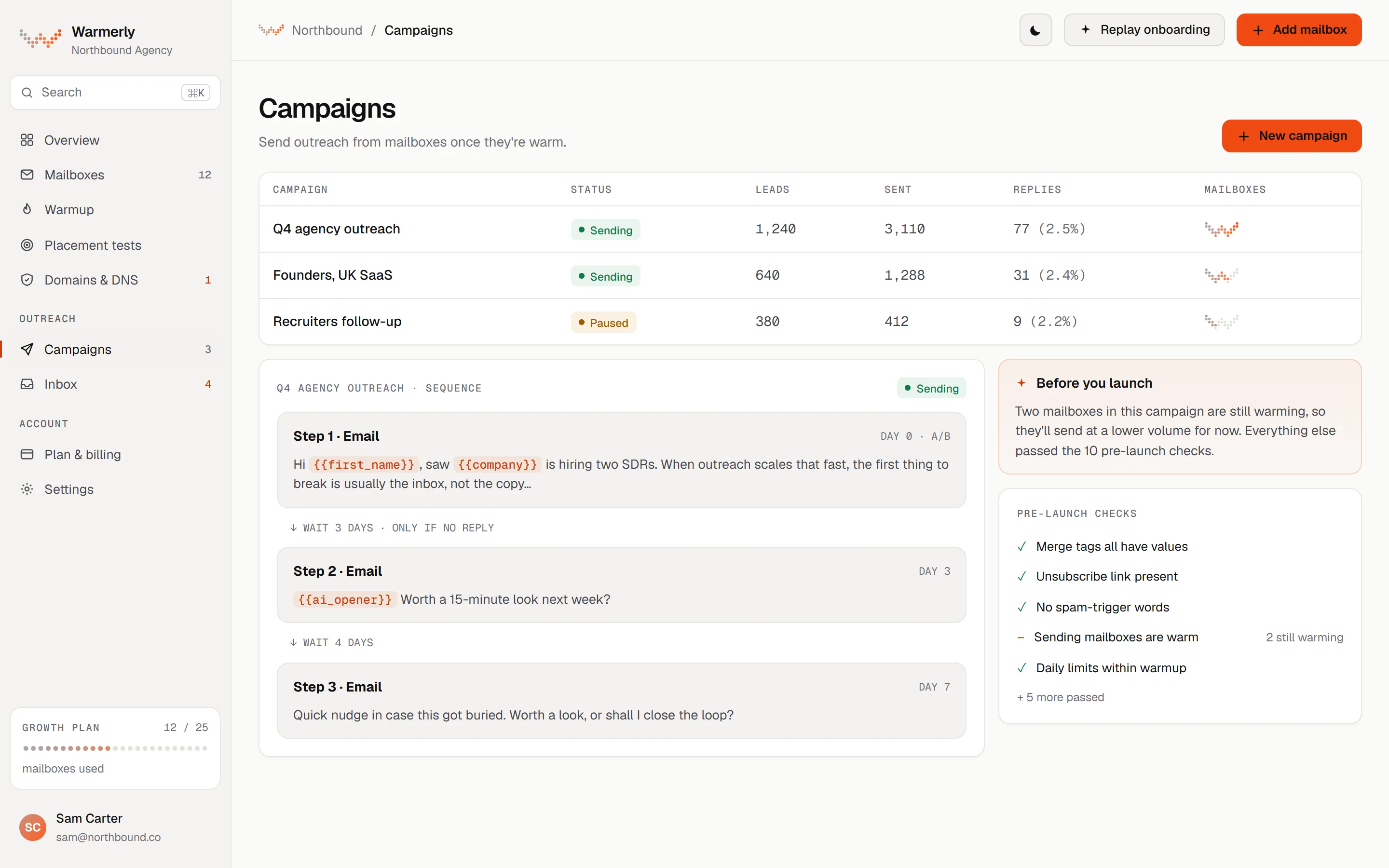
Drawn from the blog, not a screenshot
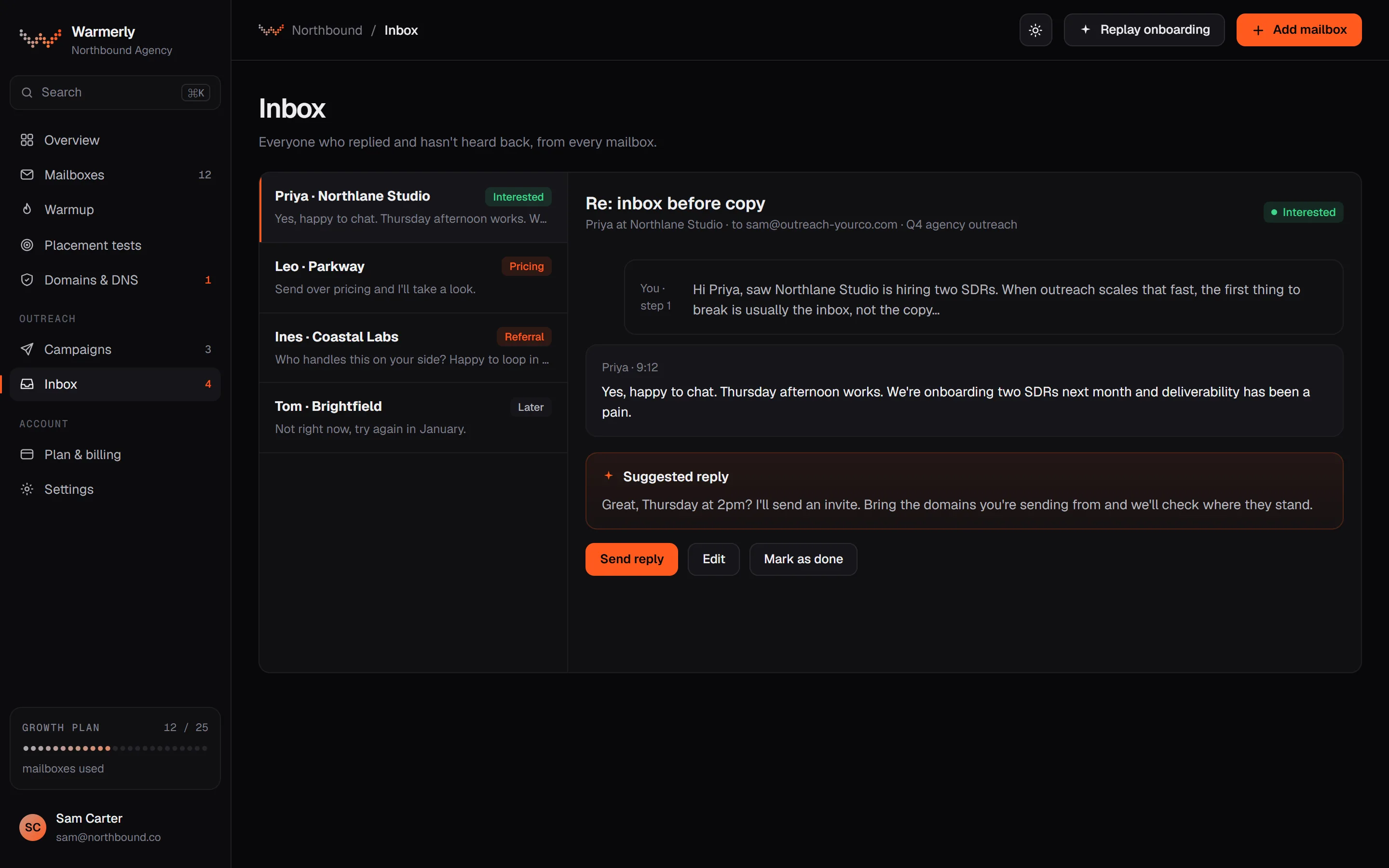
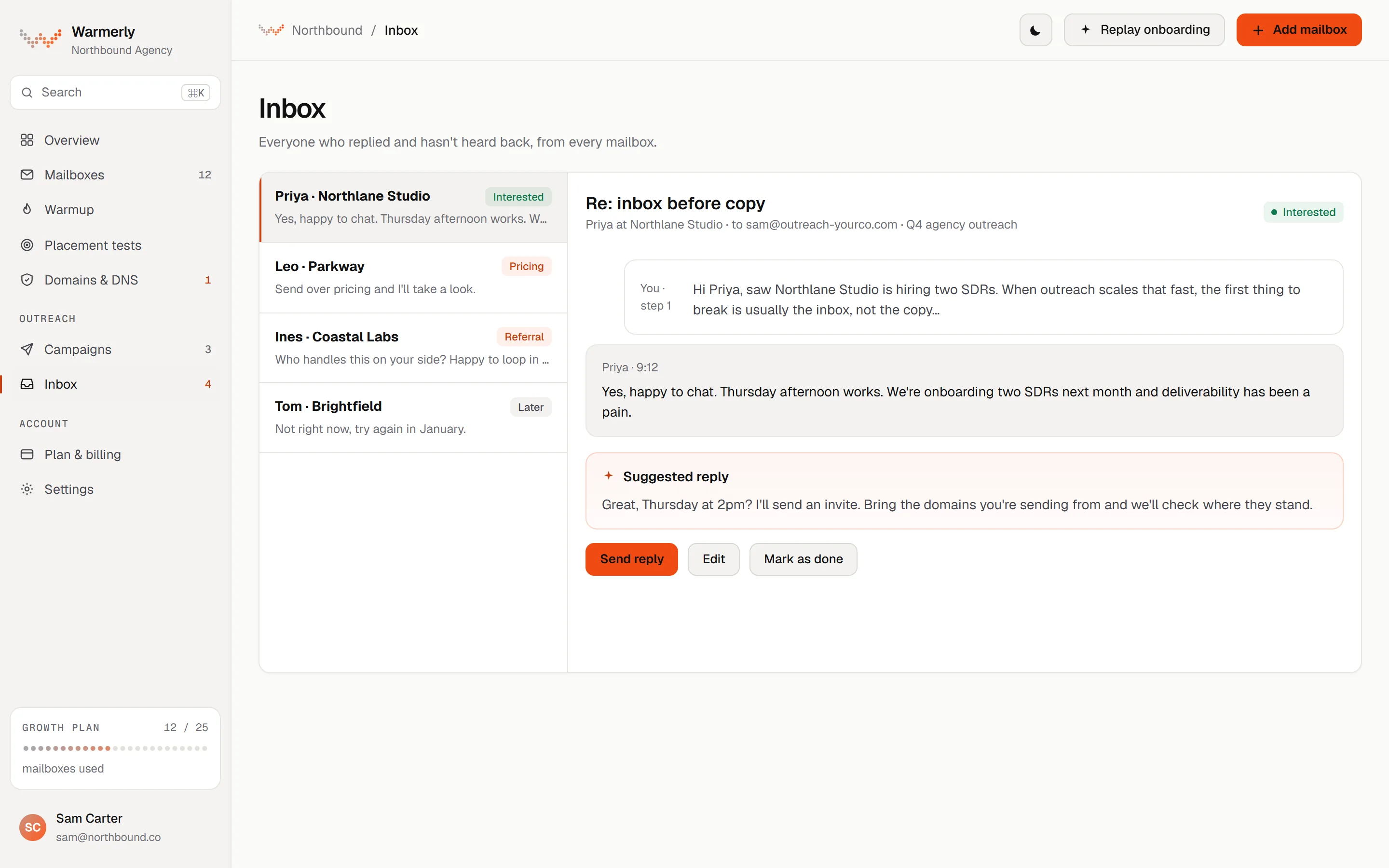
The eleven controls its blog lists, drawn, not a screenshot
Gmail and Outlook judge how many messages a mailbox sends. LinkedIn judges how many actions a profile takes. Both start small on purpose. Drag through the first 30 days to see the ramps Warmerly uses for each. Octopus CRM publishes no ramp: its FAQ asks you to keep activity growth gradual, adds random delays after each action, and offers Activity Control alerts on Unlimited. Its row stays empty.
Lit dot: what the ramp allows that day. Faint dot: room the curve has above the mailbox provider's cap.
Its pages give no ramp and no daily figure. They name LinkedIn's weekly limit of 100 connection requests and a range of 100 to 150 messages by account type, and say Activity Control sends alerts about excessive activity.
Mailbox ramp: the anchor points in Warmerly's capacity code (4 a day at day 0, 8 at day 3, 15 at day 7, 25 at day 14, 35 at day 21, 50 at day 30, straight lines between), held to 40 a day on Gmail and 30 on Outlook. LinkedIn: connection requests start at half the ceiling (10 a day and 50 a week on a standard account, 20 and 100 on Premium) and reach it on day 15. Views, reactions, comments and posts ramp to 20%, 35%, 55%, 75% and 100% of their ceilings over days 1 to 3, 4 to 7, 8 to 14, 15 to 21 and from day 22. These are ceilings, not promises: weekends run lower, and LinkedIn's and the mailbox provider's own limits and signals still decide. Octopus CRM: octopuscrm.io and its FAQ, read 21 October 2026.
Warmerly's figures are the ceilings in its LinkedIn safety code, reached after about two weeks of ramp: connection requests are held to 10 a day and 50 a week, or 20 and 100 on Premium, and messages to 50 a day. Octopus CRM's home page says you may send up to 100 connection requests a week due to LinkedIn's limitations, and up to 100 to 150 messages depending on account type, with no period given. It suggests switching to connection requests by email once you reach the weekly limit. LinkedIn's own rules and your profile's health decide what is safe. Read 21 October 2026 on octopuscrm.io.
Set how many LinkedIn accounts you automate, which Octopus CRM tier you would need, and how many mailboxes you send from. Three stacks, one scale, list prices. The tier matters more than the headline price: Starter does not tick messaging, visits or endorsements, so most real workflows need Pro or above.
Warmerly: the Free plan covers 1 mailbox, Starter 5 ($19), Growth 25 ($49), Agency 100 ($179); a LinkedIn account is $19 a month on top, with no trial (3 accounts are $49 and 5 are $75, which this scale does not apply). Octopus CRM: one licence for each LinkedIn account, at the price shown on its Monthly or Annually tab (the Annually tab states a price per month and no yearly total). The scale stops at 19 accounts because Octopus CRM sends 20 or more to its team for special pricing. More than 100 mailboxes? Email us.
An orange dot marks where Warmerly is ahead. A teal dot marks where Octopus CRM is. Where Octopus CRM's own pages do not say, the cell says so rather than guess, and it may exist elsewhere. Every row opens its own page, with the sources.
| Feature | Warmerly | Octopus CRM |
|---|---|---|
| Main job | Email warmup, then cold email from the warmed mailboxes. LinkedIn is a paid add-on. | LinkedIn automation that runs as a Chrome extension. |
| Starting price (per month) | $19 a month on Starter (5 mailboxes), or a free plan with no card. A LinkedIn account is $19 more. | $9.99 a month on Starter for one LinkedIn account on monthly billing; $6.99 on its Annually tab. |
| What each plan unlocks | Email plans differ by mailboxes and allowances. A LinkedIn account has the same steps on every plan. | Four tiers tick 3, 6, 8 and 11 of 11 rows. Messaging starts on Pro, funnels on Advanced, Zapier and HubSpot on Unlimited. |
| Free trial, refunds and cancelling | A free plan with no card and no end date. Paid plans: 7 days, with a card. LinkedIn has no trial. | 7 days of the Unlimited plan with no card. Monthly payments are not refundable. |
| LinkedIn actions | A connection request and a message in a sequence, plus warmup posts, reactions, comments and profile views. | Connection requests, bulk messages to 1st-level connections, profile visits and endorsing up to 7 skills. |
| Where it runs | Through a hosted LinkedIn service, so nothing runs in your browser. You sign in to LinkedIn through Warmerly. | As a Chrome extension. It says it never asks for your LinkedIn password. It does not say whether Chrome must stay open. |
| Daily limits and account safety | A ramp from 5 invitations a day to 10, and 50 a week, with caps you can only lower. | Up to 100 invitations a week, random delays, and Activity Control alerts on Unlimited. No ramp is published. |
| Lead lists and import | A company database, an email finder and verifier, LinkedIn search with a paid account, and CSV import that needs an Email column. | Lists built from LinkedIn or Sales Navigator searches or My Network, up to 1,000 at a time, or a CSV of profile URLs. |
| Funnels and sequences | A canvas with email, LinkedIn and wait steps and one condition step: replied, clicked, opened or timeout. | Linked campaigns pass accepted users to a messaging campaign. Funnels start on the Advanced tier. |
| Statistics and reporting | Email counts for sent, opened, clicked, replied, bounced and failed, a 30-day roll-up and mailbox health. No LinkedIn index. | A dashboard with connections, profile views against last week, search appearances, Social Selling Index and acceptance rates, with CSV export. |
| Several accounts and agencies | Client workspaces on Agency share one pool, with three roles and no fee per client. LinkedIn accounts are $19, or less in packs. | One licence per LinkedIn account. Twenty or more accounts get special pricing by enquiry. |
| Integrations and API | An API and 16 mailbox-health webhooks on every plan, and an MCP server on every plan. No CRM sync. | Zapier and HubSpot from the Unlimited tier, and through Zapier to apps such as Google Sheets and Zoho. |
| Email outreach and connect by email | Cold email sequences from Gmail, Outlook, Zoho or SMTP, with a reply inbox for email and LinkedIn. No connect by email. | No email sequences listed. Connect by Email sends connection requests by email to pass LinkedIn's weekly limit. |
| Warmup and deliverability | Mailbox warmup on a 30-day ramp, DNS checks every 6 hours, 16 blocklists and placement tests. | None listed. Its warming means endorsing and visiting leads, not warming a mailbox. |
Warmerly is aheadOctopus CRM is ahead
Competitor prices and features change. Octopus CRM details were read from its home page, FAQ, feature pages, blog, terms, privacy policy and Chrome Web Store listing on 21 October 2026. Check its site before you decide.
On LinkedIn, Octopus CRM goes further and costs less to start: more actions, a stats dashboard, linked campaigns and Zapier. On the email half, Warmerly warms the mailbox, checks it on a schedule and sends from it, and Octopus CRM has no email side. Neither list is a ranking, and each item is something the product's own pages or code state.
Slide to the share of your outreach that goes through LinkedIn. It is a rough guide, not a verdict: your buyers, your list and your own limits matter more than any slider.
If a sequence ends in an email, this is the mailbox behind it, which Octopus CRM does not touch. The LinkedIn card shows the daily budget Warmerly gives a LinkedIn account, so you can judge that half too.
Your mailbox writes to a network of other mailboxes, and Warmerly's warmup engine writes back with the earlier message quoted, so each exchange is a thread, not a one-line ping.
Each domain is checked every six hours, with MX and blocklists, and a plain explanation when something is missing.
At full ramp on a standard account. Connection requests are also capped at 50 a week.
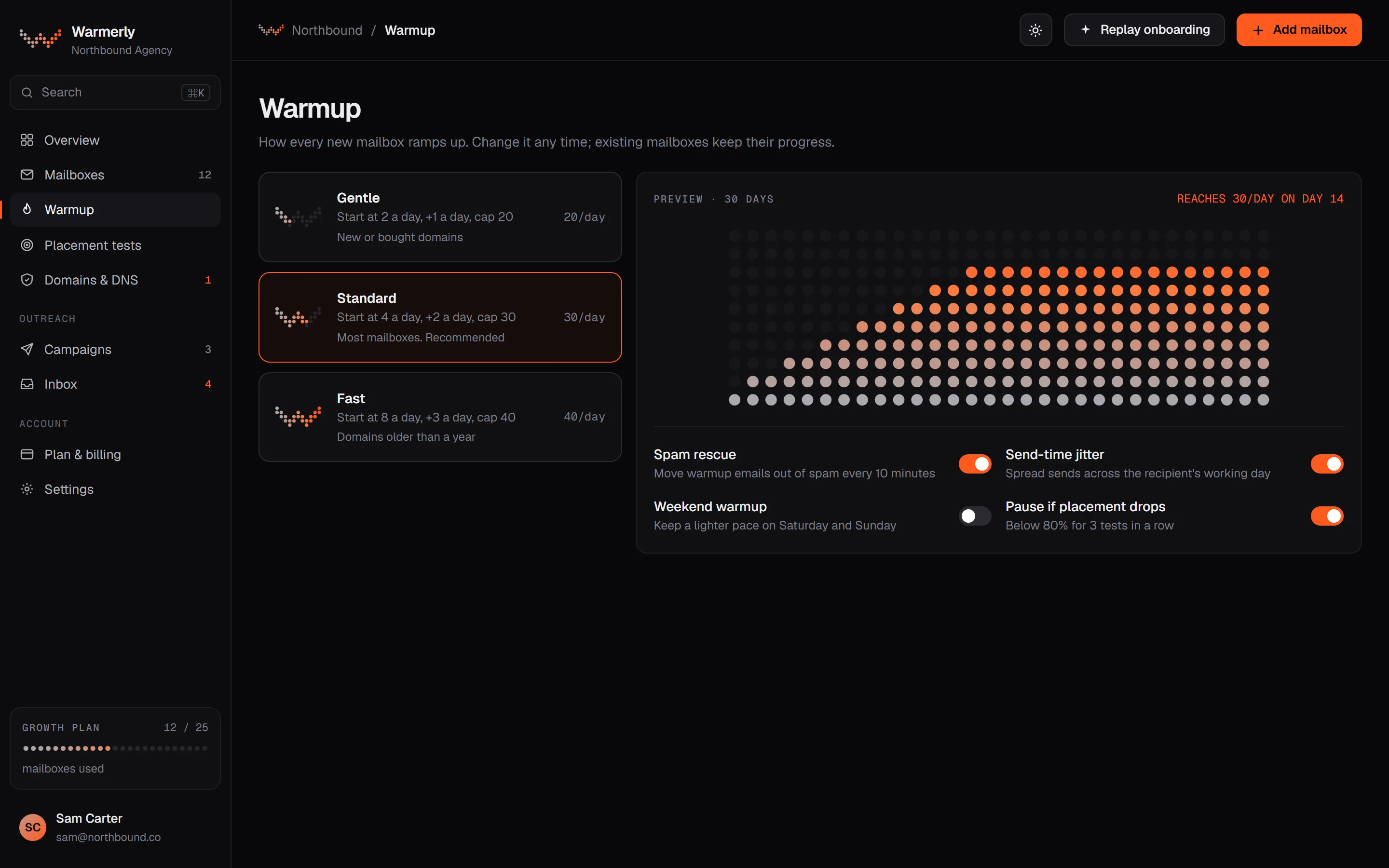
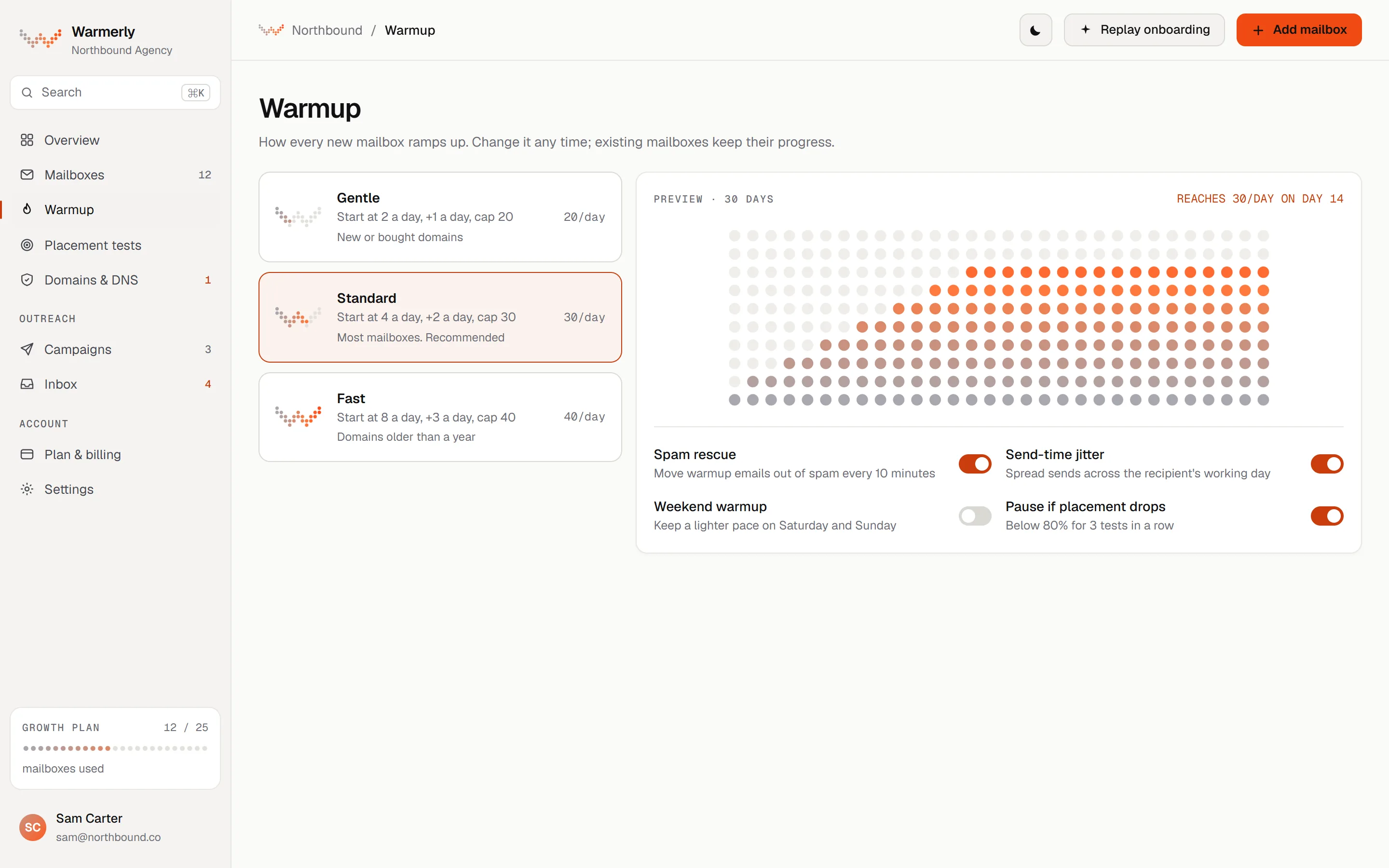
Octopus CRM leaves email to you, and we offer no endorsements or profile visits. Plenty of teams run
both.Octopus CRM works inside your browser session on LinkedIn, and Warmerly connects mailboxes, so there is no switching step to do before you start. Keep Octopus CRM on LinkedIn and let Warmerly warm and send the email half underneath it. If you later want to move the LinkedIn half over as well, the lists below show what carries and what does not. Here is a sample fortnight for one prospect, with the two lanes taking turns.
Your licences, campaigns, lists and limits stay in Octopus CRM. Nothing changes there, and nothing in Warmerly reads it.
Gmail or Microsoft 365, on the free plan with no card. Warmup starts at once and the DNS checks run.
Launch cold email from the same mailboxes. If you later want LinkedIn steps in the same sequence, the add-on is $19 an account.
Timing: Octopus CRM's terms say cancelling takes effect at the end of the paid term, monthly purchases are non-refundable and annual ones can be refunded within 24 hours of payment. Warmerly's LinkedIn accounts are charged at once, with no trial and no refund. Run both for a billing period before you cancel either. Octopus CRM read on 21 October 2026.
Octopus CRM is the LinkedIn specialist and the cheaper way in: four actions including visits and endorsements, linked campaigns, a stats dashboard, Connect by Email, Zapier and HubSpot, and no LinkedIn password given away. Warmerly is the email specialist: it warms the mailboxes and checks their DNS every six hours, then sends cold email from any mailbox, from $19 a month with no cap on sends, and it keeps email and LinkedIn replies in one inbox. They overlap on two actions, and little else. Pick by the channel that brings you meetings, or run both.
Connect a mailbox. Warmerly runs alongside Octopus CRM, so you can see your mailbox warm before you change anything.
Free plan, no card. Paid email plans: 7-day trial, first charge on day 8. LinkedIn accounts are $19 a month each, with no trial.