Warmerly
Email counts for sent, opened, clicked, replied, bounced and failed, a 30-day roll-up and mailbox health. No LinkedIn index.
One row, in depth: what each tool does, the verified numbers, and who each suits.
Octopus CRM details read from its home page, FAQ, feature pages, blog, terms, privacy policy and Chrome Web Store listing on 21 October 2026.
Email counts for sent, opened, clicked, replied, bounced and failed, a 30-day roll-up and mailbox health. No LinkedIn index.
A dashboard with connections, profile views against last week, search appearances, Social Selling Index and acceptance rates, with CSV export.
Warmerly reports on campaigns and mailboxes: sent, opened, clicked, replied, bounced and failed for email, a 30-day roll-up against the 30 before, and mailbox warmth over time. Octopus CRM puts LinkedIn statistics in its CRM dashboard from the Starter tier: connections, pending invites, profile views against last week, search appearances, Social Selling Index, endorsements and acceptance and response rates, with CSV export. We found no Social Selling Index or LinkedIn acceptance-rate view in Warmerly. Last checked 21 October 2026.
Email counts for sent, opened, clicked, replied, bounced and failed, a 30-day roll-up and mailbox health. No LinkedIn index.
A dashboard with connections, profile views against last week, search appearances, Social Selling Index and acceptance rates, with CSV export.
From each side's own pages
Warmerly found no Social Selling Index or LinkedIn acceptance view. Octopus CRM lists no email statistics. Personal CRM with stats is ticked from its Starter tier.
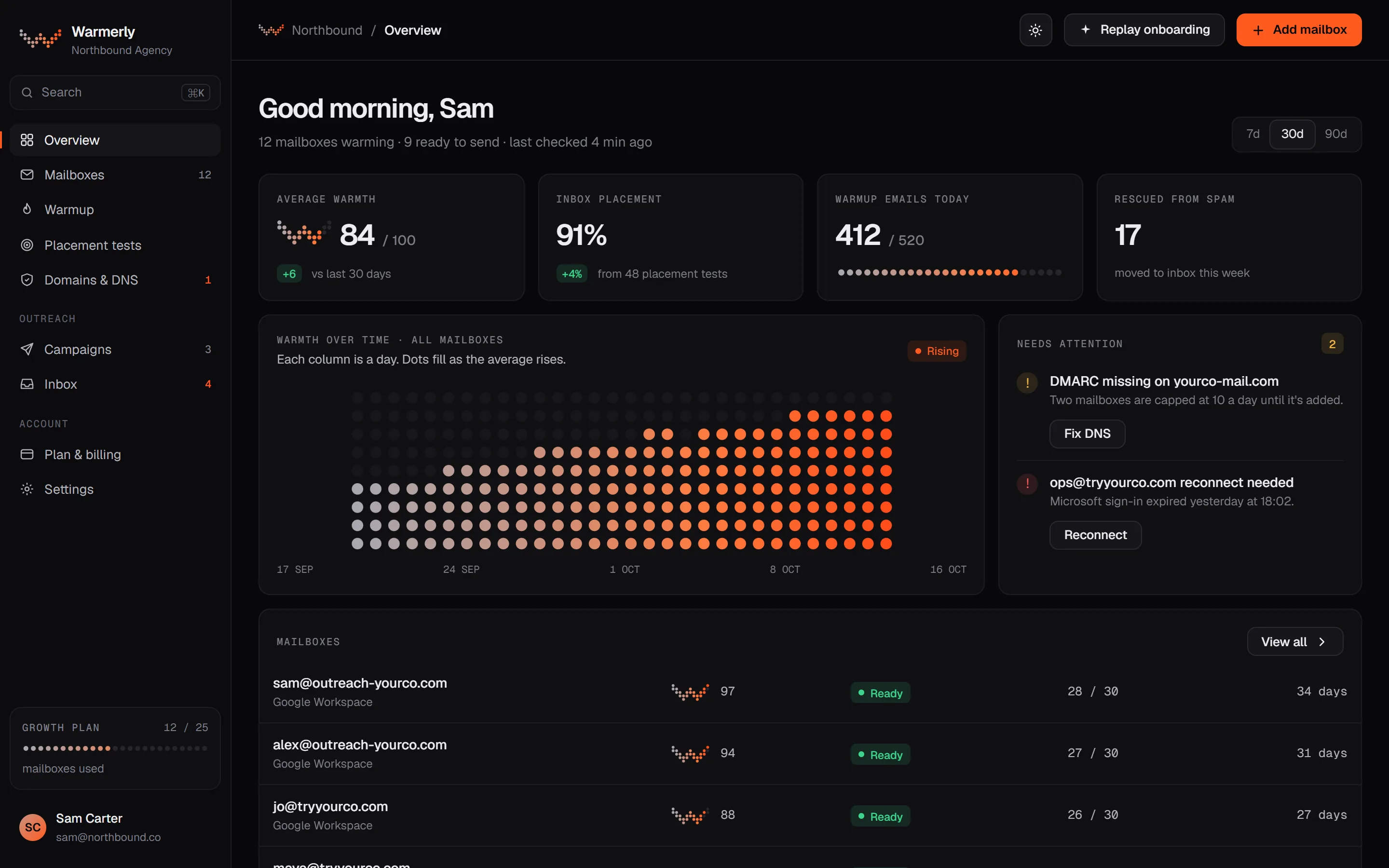
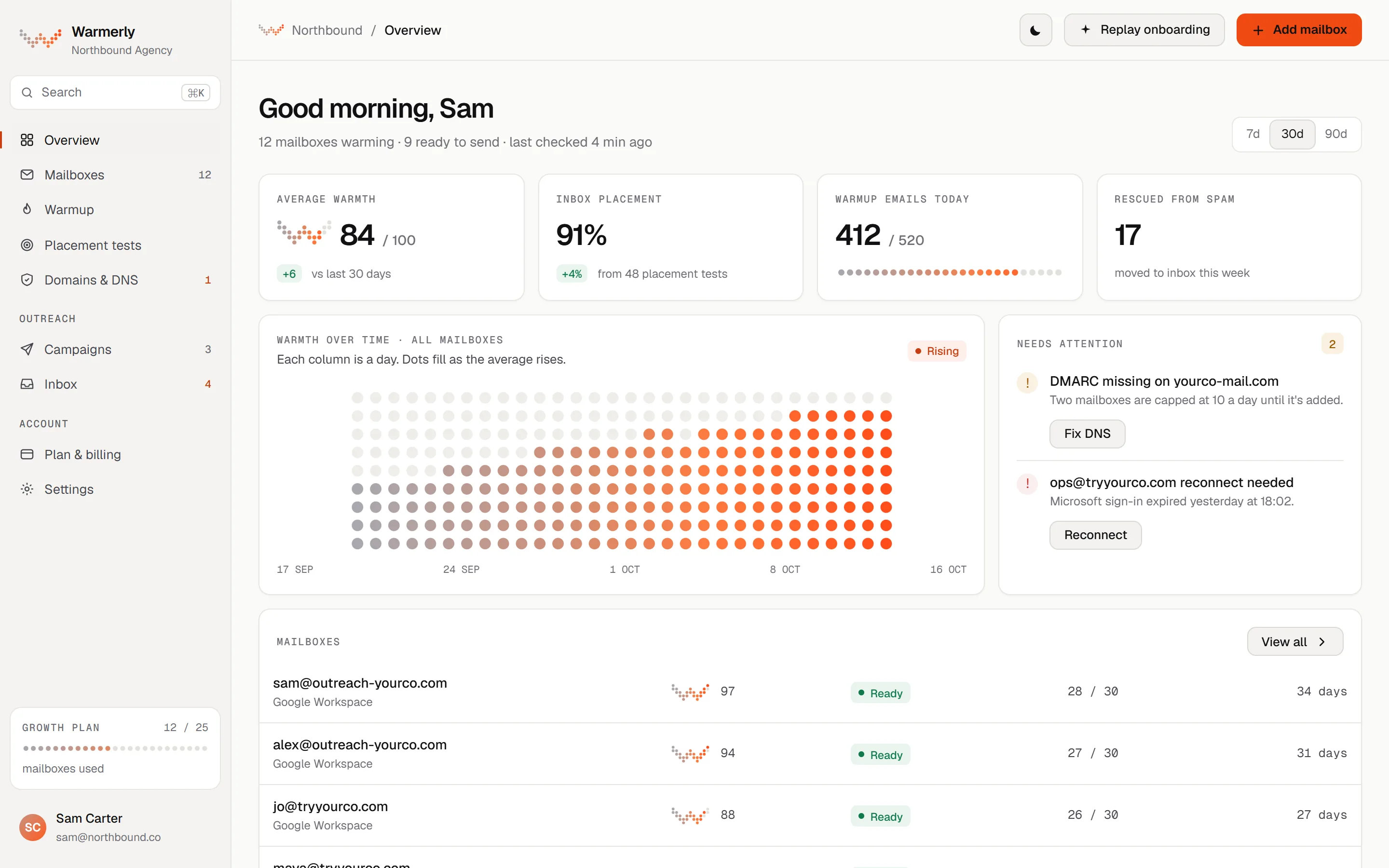
Warmerly's numbers describe campaigns and mailboxes: what was sent and what came back, how a project is doing against the previous 30 days, and how healthy each mailbox is. LinkedIn profile statistics are not part of it.
A campaign's Overview tab shows Sent, Opened, Clicked, Replied, Bounced and Failed, each as a share of sent emails. There is no separate delivered figure. Opened and Clicked stay at zero if tracking is off.
Warmerly product, checked 21 October 2026
For a new campaign click tracking is on and open tracking is off, because the hidden image used for opens is one of the more reliable signs of bulk email to spam filters. Plain text mode removes both. The help page says replies are the number to trust.
Warmerly product, checked 21 October 2026
The campaigns list returns a project summary, the last 30 days against the 30 before, daily sends, replies and bounces, a funnel, a sparkline of daily sends for each campaign and the top campaigns. Archived campaigns are left out of the roll-up.
Warmerly product, checked 21 October 2026
The Overview screen shows average warmth across the mailboxes, and warmth over time. Each mailbox has its own health score and daily limit, with the reason for today's limit named.
Warmerly product, checked 21 October 2026
An A/B test of email copy is decided on replies first and uses opens only as a fallback, because opens are a rough guide. LinkedIn steps carry no A/B test that we found.
Warmerly product, checked 21 October 2026
The engine records when a LinkedIn invitation was accepted, but we found no acceptance-rate view, no Social Selling Index, no profile-view or search-appearance trend and no CSV export of LinkedIn statistics. These checks were made in the code on 22 October 2026 and were not exhaustive.
Warmerly product, checked 21 October 2026
A dashboard of LinkedIn account statistics and campaign performance, listed as Personal CRM with stats on every tier, with CSV export.
The blog lists what the dashboard shows: the number of connections, pending invitations sent, profile views compared with the previous week, weekly search appearances, a profile rating, the Social Selling Index, the endorsements of your top skills and your activity for the past 7 days.
octopuscrm.io/blog/octopus-for-linkedin-how-it-works · read 21 October 2026
The analytics page says that once campaigns run you can see the connection requests or messages sent, skill endorsements and profile views performed, and your acceptance and response rates.
octopuscrm.io/linkedin-analytics-tools · read 21 October 2026
The same page says you can export the analytics data to a CSV file. Separately, the lists can be exported with first name, last name, email, website, LinkedIn URL, company and position.
octopuscrm.io/linkedin-analytics-tools · read 21 October 2026
The message page says you can see how many automated messages you sent in a period, observe your average response rate and eventually A/B test LinkedIn outreach campaigns to see which work best. It does not say how a test is set up.
octopuscrm.io/linkedin-mailer · read 21 October 2026
Personal CRM with stats is the first row of the plan table and is ticked on Starter, so the dashboard is part of the cheapest tier.
octopuscrm.io/linkedin-mailer · read 21 October 2026
The auto endorse page says you can keep an eye on your main skills and see the number of endorsements you have in the dashboard. It claims you could reach 99+ endorsements in around 2 to 3 months of active use.
octopuscrm.io/linkedin-auto-endorse · read 21 October 2026
We looked, and found no statement on these. That is about its published pages only, not about the product.
We report each version rather than pick one.
| Measure | Warmerly | Octopus CRM |
|---|---|---|
| Statistics and reporting | Email counts for sent, opened, clicked, replied, bounced and failed, a 30-day roll-up and mailbox health. No LinkedIn index. | A dashboard with connections, profile views against last week, search appearances, Social Selling Index and acceptance rates, with CSV export. |
| Social Selling Index shown | Not found | Yes, in the dashboard |
| Acceptance and response rates | Replies shown for email; no LinkedIn acceptance rate found | Both, per its analytics page |
| Profile views against last week | Not found | Shown in the dashboard |
| Email statistics | 6: sent, opened, clicked, replied, bounced, failed | None found |
| Roll-up window | Last 30 days against the 30 before | Profile views against the previous week, activity for 7 days |
| CSV export of statistics | Lead export by plan allowance; no LinkedIn statistics export found | Yes, per its analytics page |
Our reading of the facts above. Not a promise, and not the only reasonable reading.
Social Selling Index and profile views are about how LinkedIn sees you. Warmerly's numbers are about what went out and what came back. Pick the ones that match the question you ask each week.
Warmerly's own help page calls opens a rough guide and tells you to trust replies. Treat any open or view count the same way.
Octopus CRM's pages mention CSV export, not a client report. Warmerly's roll-up is available through its API on the Agency plan, which a client report would have to be built from.
An acceptance rate depends on whether pending invitations count. Octopus CRM's pages do not say, so check a number against a handful of invitations you can count yourself.
Yes, in its CRM dashboard from the Starter tier: acceptance and response rates, profile views against last week and a Social Selling Index, with CSV export.
No, we found none. We also found no LinkedIn acceptance-rate view.
Six: sent, opened, clicked, replied, bounced and failed.
The last 30 days against the 30 before. Octopus CRM compares profile views against the previous week.
Octopus CRM pages were read on 21 October 2026. Plans and wording change, so check the vendor's own page before you decide. Warmerly details come from the product as it runs today.
Connect a mailbox. Warmerly runs alongside whatever you send from now, so you can compare before you move anything.
Free plan, no card. Paid plans: 7-day trial, first charge on day 8.