Warmerly
One Needs reply queue for email and LinkedIn, with suggested replies
One row, in depth: what each tool does, the verified numbers, and who each suits.
Saleshandy details read from its pricing, home, warm-up, deliverability, inbox, agency, integrations, lead finder and email infrastructure pages on 21 and 22 October 2026.
One Needs reply queue for email and LinkedIn, with suggested replies
Unified inbox across accounts, replies tagged by intent, built-in CRM pipeline
Both gather replies from several mailboxes in one place. Warmerly gives one Needs reply queue for email and LinkedIn with suggested replies. Saleshandy's unified inbox tags replies by intent and sits next to a built-in CRM pipeline. Last checked 22 October 2026.
One Needs reply queue for email and LinkedIn, with suggested replies
Unified inbox across accounts, replies tagged by intent, built-in CRM pipeline
What each product does with it
Saleshandy's unified inbox sits next to a built-in CRM. Warmerly's inbox stops at the reply and the draft.
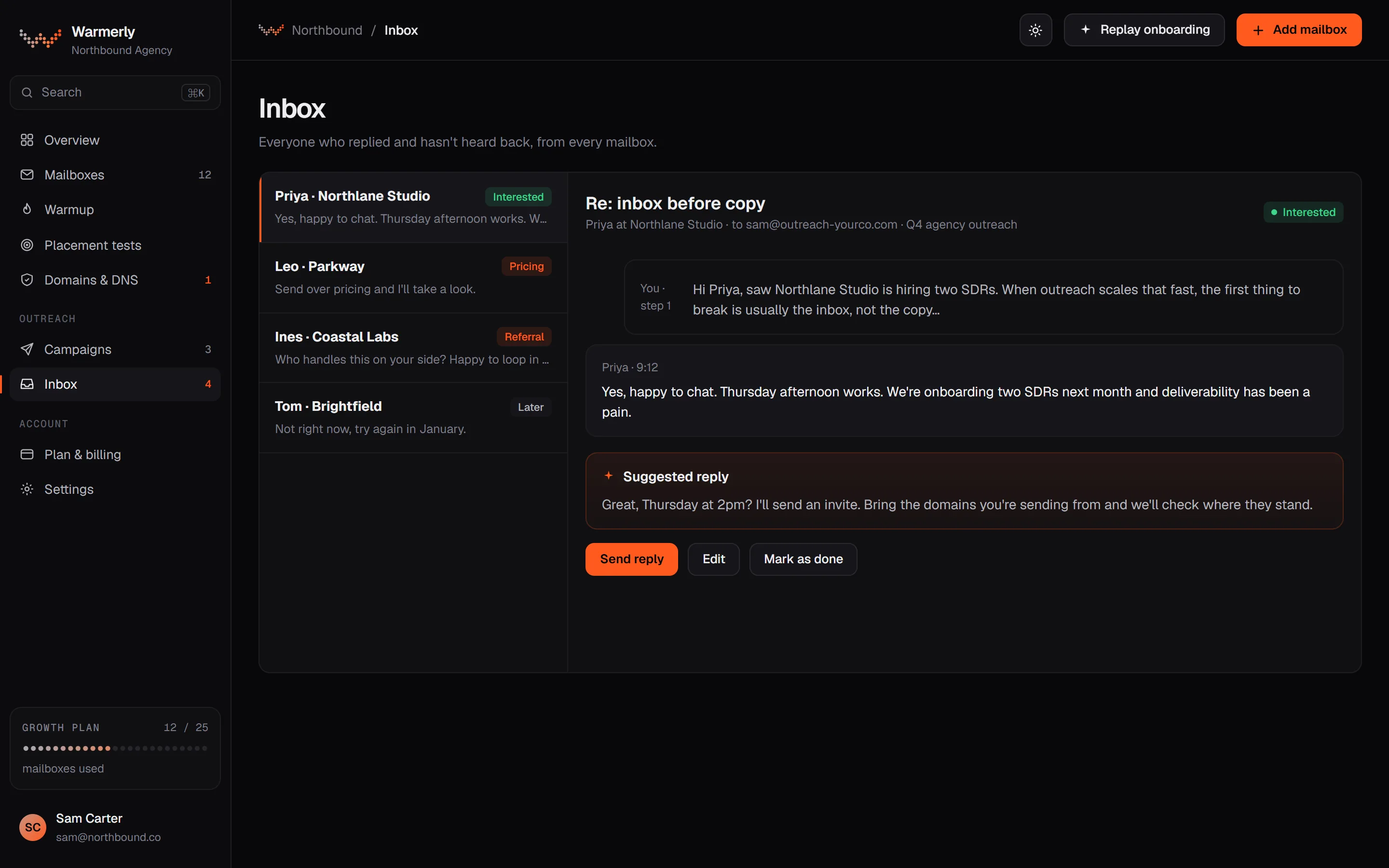
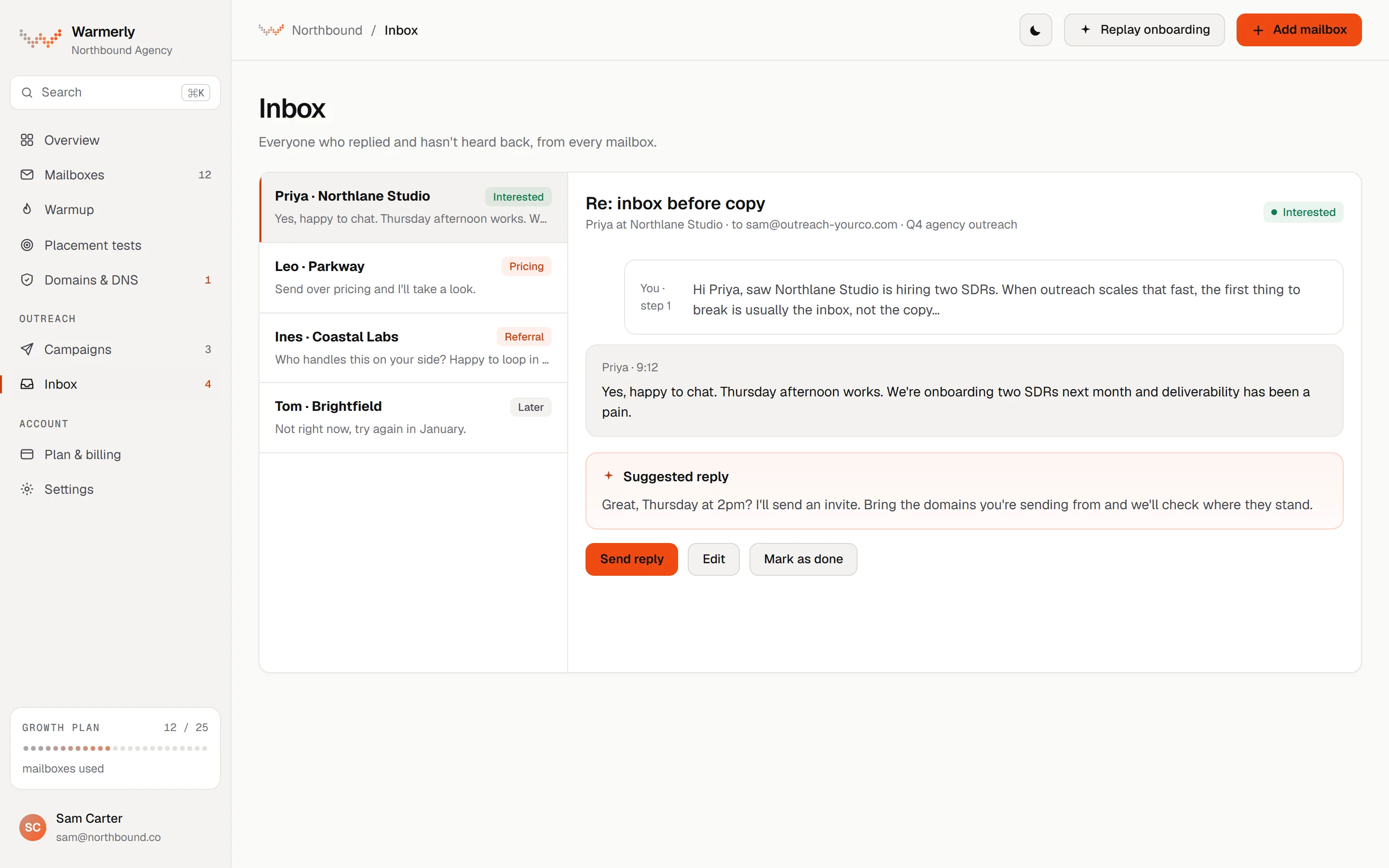
One inbox per workspace with a default Needs reply view, email and LinkedIn replies in the same list, automatic labelling with a manual override, and suggested replies. Warmup traffic is kept out.
The default view is conversations where the newest message is theirs and it is either labelled a lead or not labelled at all.
Warmerly product, checked 21 October 2026
Mail is labelled lead, not relevant or spam. An AI step labels campaign replies only. You can override a label.
Warmerly product, checked 21 October 2026
LinkedIn replies land in the same inbox as email replies.
Warmerly product, checked 21 October 2026
Warmerly can draft a short reply to the latest inbound email, under 120 words, saved for you to edit and send.
Warmerly product, checked 21 October 2026
Connected mailboxes are synced every five minutes. Warmup traffic is hidden.
Warmerly product, checked 21 October 2026
A connected WhatsApp number shows replies and one-to-one messages in the same inbox. Plans include 0 numbers on Starter, 2 on Growth and 8 on Agency, and more cost $6 a month each.
Warmerly product, checked 21 October 2026
Warmup traffic is hidden from the inbox, so a reply count is made of real people only.
Warmerly product, checked 21 October 2026
A reply typed in the inbox is a human sending now and is not held by a campaign's pacing rules.
Warmerly product, checked 21 October 2026
Mail is labelled lead, not relevant or spam, and you can change a label by hand. The AI step labels campaign replies only, so ordinary mail is not guessed at.
Warmerly product, checked 21 October 2026
One unified inbox for replies from several accounts, replies tagged by intent, and a built-in CRM with a deal pipeline.
Its page says replies from Gmail, Outlook and all providers land in one unified inbox. The connected panel names Gmail, Outlook, Zoho and Yahoo.
saleshandy.com/unified-inbox · read 21 October 2026
The mockup shows a Sending as selector so you can choose which connected account replies.
saleshandy.com/unified-inbox · read 21 October 2026
Replies are auto-tagged by intent and can be filtered by intent, date range or a mix.
saleshandy.com/unified-inbox · read 21 October 2026
Its home page shows one inbox and one pipeline, with a CRM to email, call, log notes and close deals from the prospect's card.
saleshandy.com · read 21 October 2026
Replies can be searched by subject, recipient or account and filtered by intent status, date range or both. The page's example is every Interested reply from this week across all accounts.
saleshandy.com/unified-inbox · read 22 October 2026
The mock-up shows tabs for All, Interested, Meeting Booked and Not Interested.
saleshandy.com/unified-inbox · read 22 October 2026
The page says replies are tagged the moment they land. It gives no accuracy figure and does not explain how the tagging works.
saleshandy.com/unified-inbox · read 22 October 2026
It says you can connect unlimited inboxes to the unified inbox, with no plan conditions stated.
saleshandy.com/unified-inbox · read 22 October 2026
The only mention of a pipeline on this page is a card about Kanban pipelines. Its home page shows the CRM in more detail.
saleshandy.com/unified-inbox · read 22 October 2026
The mock-up shows a Sending as selector so you choose which account answers. Gmail, Outlook, Zoho and Yahoo are named.
saleshandy.com/unified-inbox · read 22 October 2026
Claims such as 3 times faster replies and an hour saved per rep a day come from customer quotes on the page, not from Saleshandy's own measurement.
saleshandy.com/unified-inbox · read 22 October 2026
We looked, and found no statement on these. That is about its published pages only, not about the product.
We report each version rather than pick one.
| Measure | Warmerly | Saleshandy |
|---|---|---|
| Reply inbox | One Needs reply queue for email and LinkedIn, with suggested replies | Unified inbox across accounts, replies tagged by intent, built-in CRM pipeline |
| Replies gathered from | Connected mailboxes and LinkedIn | Several accounts; Gmail, Outlook, Zoho and Yahoo named |
| Labels | Lead, not relevant, spam, with override | Intent tags |
| Suggested replies | Yes, under 120 words | Not described |
| Built-in pipeline | Not found | Yes, a CRM with deals |
| Default view | Needs reply: their message is the newest | All, with tabs by intent |
| Labels | Lead, not relevant, spam | Interested, Meeting Booked, Not Interested, Follow Up |
| Channels in the inbox | Email, LinkedIn and WhatsApp | Email accounts; other channels not described |
Our reading of the facts above. Not a promise, and not the only reasonable reading.
If you want deals tracked beside replies, its CRM does that. Warmerly stops at the inbox.
One queue of people who replied and have not heard back.
On Warmerly you open Needs reply and see people whose newest message is theirs. On Saleshandy you filter by an intent tab such as Interested and by date. Both reach the same people by different roads.
We found no assignment feature on Saleshandy's inbox page. If several people share replies, test how your own team would split them in a trial of either tool.
Saleshandy's CRM lets you move the person into a deal pipeline. Warmerly keeps the thread, the label and a draft reply, and ends there.
Warmerly keeps warmup out of the inbox and keeps real replies in it, so a paused mailbox's earlier threads stay readable. We did not find how Saleshandy treats threads from a disconnected account.
Yes. Replies from several accounts land in one inbox tagged by intent, such as Interested, Meeting Booked, Not Interested and Follow Up.
Yes, under 120 words. Labels are lead, not relevant and spam, and you can override them.
Saleshandy does, a CRM with deals. We found none in Warmerly.
Warmerly gathers email, LinkedIn and WhatsApp. Saleshandy describes email accounts, with other channels not described.
Saleshandy pages were read on 21 October 2026. Plans and wording change, so check the vendor's own page before you decide. Warmerly details come from the product as it runs today.
Connect a mailbox. Warmerly runs alongside whatever you send from now, so you can compare before you move anything.
Free plan, no card. Paid plans: 7-day trial, first charge on day 8.