Warmerly
30 a day a mailbox by default, with a ramp from 3 to 15 a day for young mailboxes.
One row, in depth: what each tool does, the verified numbers, and who each suits.
Meet Alfred details read from its pricing page, home page, security page and help centre on 21 October 2026.
30 a day a mailbox by default, with a ramp from 3 to 15 a day for young mailboxes.
Up to 400 a day from Gmail and 800 from Google Workspace, with advice to start below 100 a day.
Warmerly's default is 30 a day per mailbox, with a ramp from 3 to 15 a day for young mailboxes. Meet Alfred's help article says a Gmail account can send up to 400 emails a day and Google Workspace up to 800, and advises starting below 100 a day for the first few weeks. Meet Alfred states higher ceilings, but a ceiling is not a safe volume, and neither number is a promise about inbox placement. Last checked 22 October 2026.
30 a day a mailbox by default, with a ramp from 3 to 15 a day for young mailboxes.
Up to 400 a day from Gmail and 800 from Google Workspace, with advice to start below 100 a day.
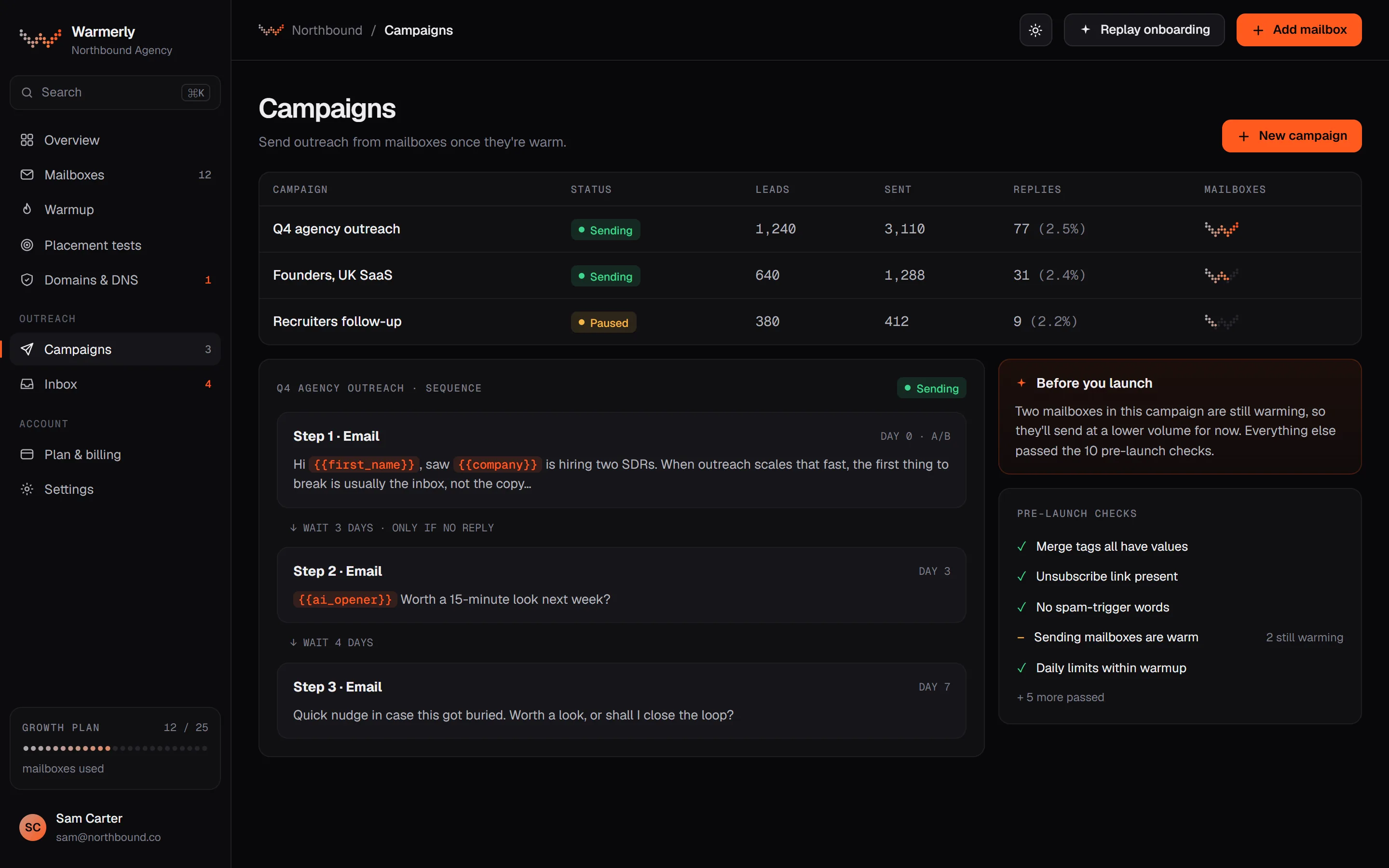
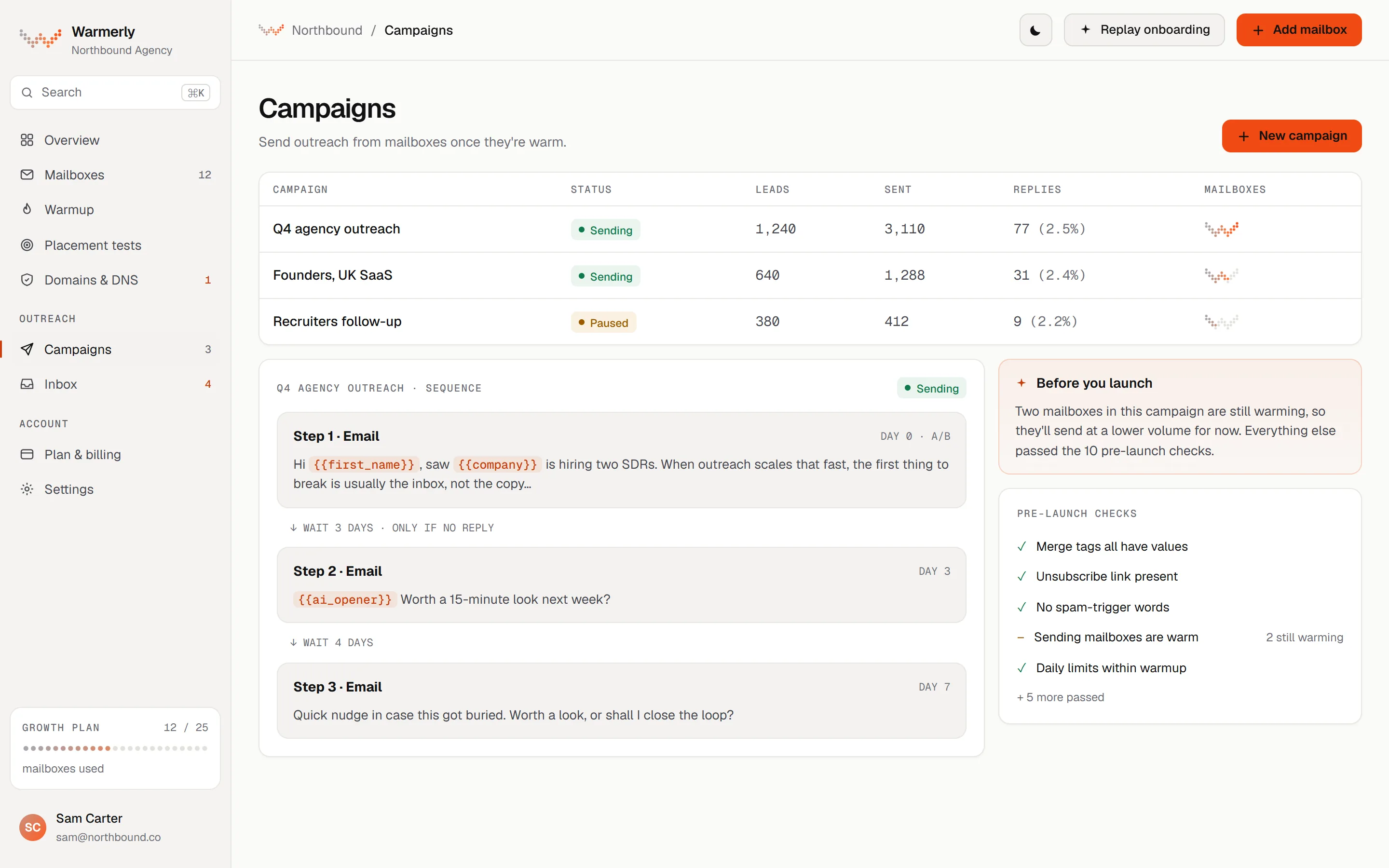
Warmerly sets a daily limit per mailbox, ramps young mailboxes from a low start, and slows or pauses a mailbox that bounces.
Each mailbox has its own daily campaign limit, 30 by default, and a campaign has its own daily limit field, also 30 by default. Sending is not metered on paid plans: volume is mailboxes times each mailbox's daily limit.
Warmerly product, checked 21 October 2026
A campaign can ramp each mailbox from 3 emails on sending day 1, adding 1 a day, up to 15 by default, so full volume arrives on the 13th sending day. It is switched on automatically for young mailboxes and can only tighten a mailbox's limit.
Warmerly product, checked 21 October 2026
Over a rolling 7 days, below 2 per cent bounces a mailbox is untouched. From 2 per cent its daily cap is multiplied by 0.75, from 3 per cent by 0.5 and from 5 per cent by 0.25. At 7 per cent the mailbox is paused. None of it applies under 25 sends.
Warmerly product, checked 21 October 2026
Each campaign has sending days (Monday to Friday by default), an hour window (09:00 to 17:00 by default) and a timezone.
Warmerly product, checked 21 October 2026
Each campaign has a minimum gap between two emails from the same mailbox, 10 minutes by default, and each mailbox has its own minimum wait. The longer of the two applies. An 8-hour window with a 10-minute gap allows about 48 emails per mailbox a day, so the gap often caps a campaign before the daily limit does.
Warmerly product, checked 21 October 2026
The ramp counts only the days a campaign is allowed to send, in the campaign's timezone. With Monday to Friday sending, twelve calendar days hold only eight sending days, so weekends hold the cap flat rather than moving the ramp on.
Warmerly product, checked 21 October 2026
The ramp never lets a mailbox send more than its own daily limit: the cap used is the smaller of the mailbox limit and the ramp value for that day. Pausing and resuming a campaign does not rewind it.
Warmerly product, checked 21 October 2026
A new campaign switches the ramp on when the project has no mailbox yet, or any live mailbox with fewer than 14 days of warmup. Projects whose mailboxes are all established keep it off, so a warm mailbox is not held below its own limit.
Warmerly product, checked 21 October 2026
Warmup sends from the same mailbox as campaigns, so they also count against the gap between sends. The real figure for campaign mail is lower than the plain arithmetic on a mailbox that is still warming.
Warmerly product, checked 21 October 2026
Click tracking is on by default and open tracking is off. Plain text mode removes both. Tracking is set per campaign under Settings, then Tracking.
Warmerly product, checked 21 October 2026
With a verified custom tracking domain on working HTTPS, every campaign email gets an unsubscribe link and the one-click headers Gmail and Yahoo look for. Without one, the mailbox sends in a no-link mode and asks recipients to reply 'unsubscribe'.
Warmerly product, checked 21 October 2026
A reply, an out-of-office reply, a bounce, an unsubscribe, the do-not-contact list, removing the lead or finishing the last step all stop that lead's sequence.
Warmerly product, checked 21 October 2026
Meet Alfred gives sending ceilings for Gmail and Google Workspace and a rule of thumb for starting out.
The email campaign article says Gmail account users can send up to 400 emails a day and Google Workspace accounts up to 800.
help.meetalfred.com/en/articles/4276734-create-automated-email-campaigns · read 21 October 2026
The same article says to start with daily limits below 100 emails for the first few weeks to help maintain deliverability.
help.meetalfred.com/en/articles/4276734-create-automated-email-campaigns · read 21 October 2026
It says emails are delivered during working hours and does not define them.
help.meetalfred.com/en/articles/4276734-create-automated-email-campaigns · read 21 October 2026
The email automation page says you can send 400+ emails daily, and its headline says 'Reach 400+ Prospects in minutes'. It does not say whether 400 is a cap, a reach figure or a typical result.
meetalfred.com/features/email-automation · read 21 October 2026
Up to 5 attachments per email are supported, each up to 10MB.
help.meetalfred.com/en/articles/4276734-create-automated-email-campaigns · read 21 October 2026
Real-time email analytics list leads, sent emails, opened emails, conversion rate, bounced emails, bounce rate, sent follow-ups, opened follow-ups, replies and reply rate. The article does not define conversion rate.
help.meetalfred.com/en/articles/4276734-create-automated-email-campaigns · read 22 October 2026
Subject lines and bodies take insertable snippets and templates, and a CSV upload gives a preview with its extra columns. An email signature can be included on each step, but HTML signatures are not supported.
help.meetalfred.com/en/articles/4276734-create-automated-email-campaigns · read 22 October 2026
The article says there is no limit on the number of email steps in a campaign, and the delay between steps can be edited in Edit Sequence.
help.meetalfred.com/en/articles/4276734-create-automated-email-campaigns · read 22 October 2026
Gmail or G Suite, Microsoft or Outlook, and SMTP with IMAP can be connected. Only one email integration can be used at a time. The connection is on plans that support multi-channel automation, which the article does not name.
help.meetalfred.com/en/articles/4276322-connect-your-email-to-meet-alfred · read 22 October 2026
Before you change the authorised email address, the article says to pause or archive old campaigns so that emails keep sending without errors.
help.meetalfred.com/en/articles/4276322-connect-your-email-to-meet-alfred · read 22 October 2026
We looked, and found no statement on these. That is about its published pages only, not about the product.
We report each version rather than pick one.
| Measure | Warmerly | Meet Alfred |
|---|---|---|
| Daily email limits and ramp | 30 a day a mailbox by default, with a ramp from 3 to 15 a day for young mailboxes. | Up to 400 a day from Gmail and 800 from Google Workspace, with advice to start below 100 a day. |
| Gmail ceiling a day | Default limit 30 a mailbox | Up to 400 |
| Google Workspace ceiling a day | Default limit 30 a mailbox | Up to 800 |
| Advice for a new mailbox | Ramp from 3 to 15 a day | Start below 100 a day |
| Bounce brake | Slows from 2% and pauses at 7% | Not stated |
| Attachments | Not found | 5 per email, 10MB each |
| Gap between sends | 10 minutes by default | Not stated |
| Sending days and hours | Mon to Fri, 09:00 to 17:00 by default | 'Working hours', not defined |
| Open tracking | Off by default; click tracking on | Opened emails listed in analytics |
Our reading of the facts above. Not a promise, and not the only reasonable reading.
400 or 800 a day from one address is what Meet Alfred says its integration allows. Receiving providers decide what a young mailbox may send, and Meet Alfred's own advice is to start below 100.
On Warmerly, five mailboxes at the default 30 a day send up to 150 a day between them, each warmed. One mailbox at 400 a day is a different risk.
Warmerly slows a mailbox from a 2 per cent bounce rate. We found no bounce rule in Meet Alfred's article, though it lists bounce rate in its analytics.
Warmerly's docs show that an 8-hour window with a 10-minute gap gives about 48 emails per mailbox, so raising a daily limit above that changes nothing. Meet Alfred's article gives no gap or hours to work from, so a 400 a day ceiling cannot be turned into a real schedule from its pages.
On Warmerly a reply, a bounce or an unsubscribe stops that lead's sequence. The Meet Alfred article we read does not say whether a campaign stops on a reply, so check this before you run a long email sequence.
Warmerly adds an unsubscribe link and one-click headers when the mailbox has a working tracking domain. The Meet Alfred article does not mention unsubscribes. If you send cold email into the EU or the UK, ask Meet Alfred how it is handled.
Its help article says up to 400 from Gmail and up to 800 from Google Workspace, and suggests starting below 100 a day for the first few weeks (read 21 October 2026).
Each mailbox has a daily campaign limit, 30 by default, and young mailboxes ramp from 3 to 15 a day. Paid plans have no monthly send meter.
Neither company can promise that. Meet Alfred states 400 as what Gmail allows and advises starting below 100 a day for the first few weeks. Warmerly's default limit is 30 a mailbox and its ramp starts at 3, which is lower because a new mailbox has no sending history.
Warmerly multiplies a mailbox's daily cap by 0.75 from a 2 per cent bounce rate over 7 days, by 0.5 from 3 per cent and by 0.25 from 5 per cent, and pauses it at 7 per cent. We found no bounce rule in Meet Alfred's article.
Meet Alfred pages were read on 21 October 2026. Plans and wording change, so check the vendor's own page before you decide. Warmerly details come from the product as it runs today.
Connect a mailbox. Warmerly runs alongside whatever you send from now, so you can compare before you move anything.
Free plan, no card. Paid plans: 7-day trial, first charge on day 8.