Warmerly LinkedIn
Linear steps in a list editor, or a canvas with a condition step; the LinkedIn acceptance check is built in
One row, in depth: what each tool does, the verified numbers, and who each suits.
Linked Helper details read from its pricing page, home page, feature pages, safety kit and download page on 21 October 2026.
Linear steps in a list editor, or a canvas with a condition step; the LinkedIn acceptance check is built in
Builder with 30+ actions, IF-THEN-ELSE, templates and several campaigns in parallel
Warmerly's drag-and-drop canvas mixes email, LinkedIn and wait steps with conditions, while Linked Helper combines more than 30 action types with IF-THEN-ELSE message logic. Linked Helper is the more flexible LinkedIn builder. Warmerly has a drag-and-drop canvas with a condition step that branches on replied, clicked, opened or a timeout, mixed with email, LinkedIn and wait steps, and a simpler list editor for straight lines. Linked Helper's builder combines more than 30 action types with IF-THEN-ELSE message logic, reply detection, templates and several campaigns in parallel. Linked Helper is the more flexible LinkedIn builder. Warmerly's is the one that mixes channels. Last checked 21 October 2026.
Linear steps in a list editor, or a canvas with a condition step; the LinkedIn acceptance check is built in
Builder with 30+ actions, IF-THEN-ELSE, templates and several campaigns in parallel
From each side's own description
Warmerly branches on email behaviour and mixes channels. Linked Helper has the longer list of LinkedIn actions, 30+, and runs several campaigns in parallel.
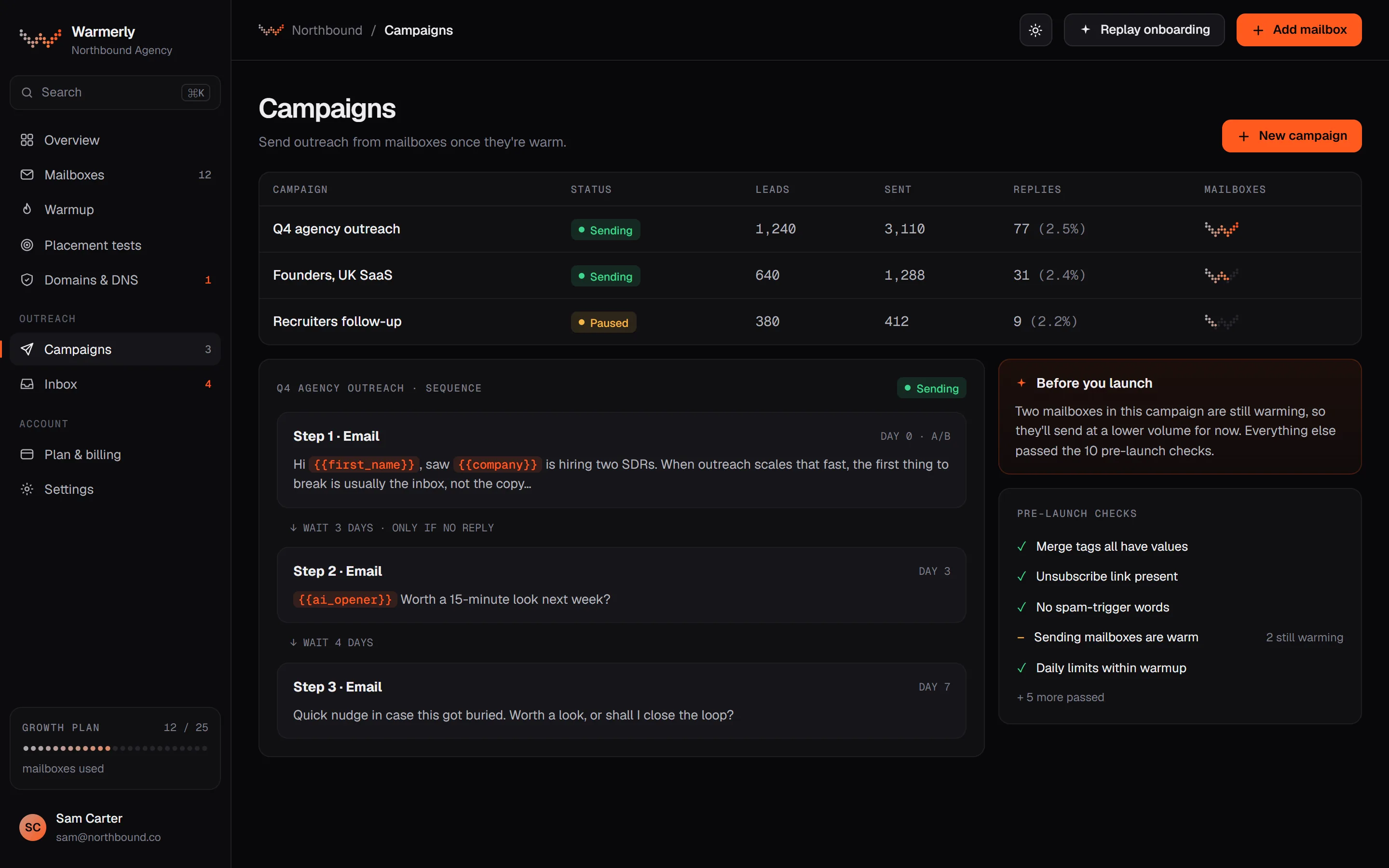
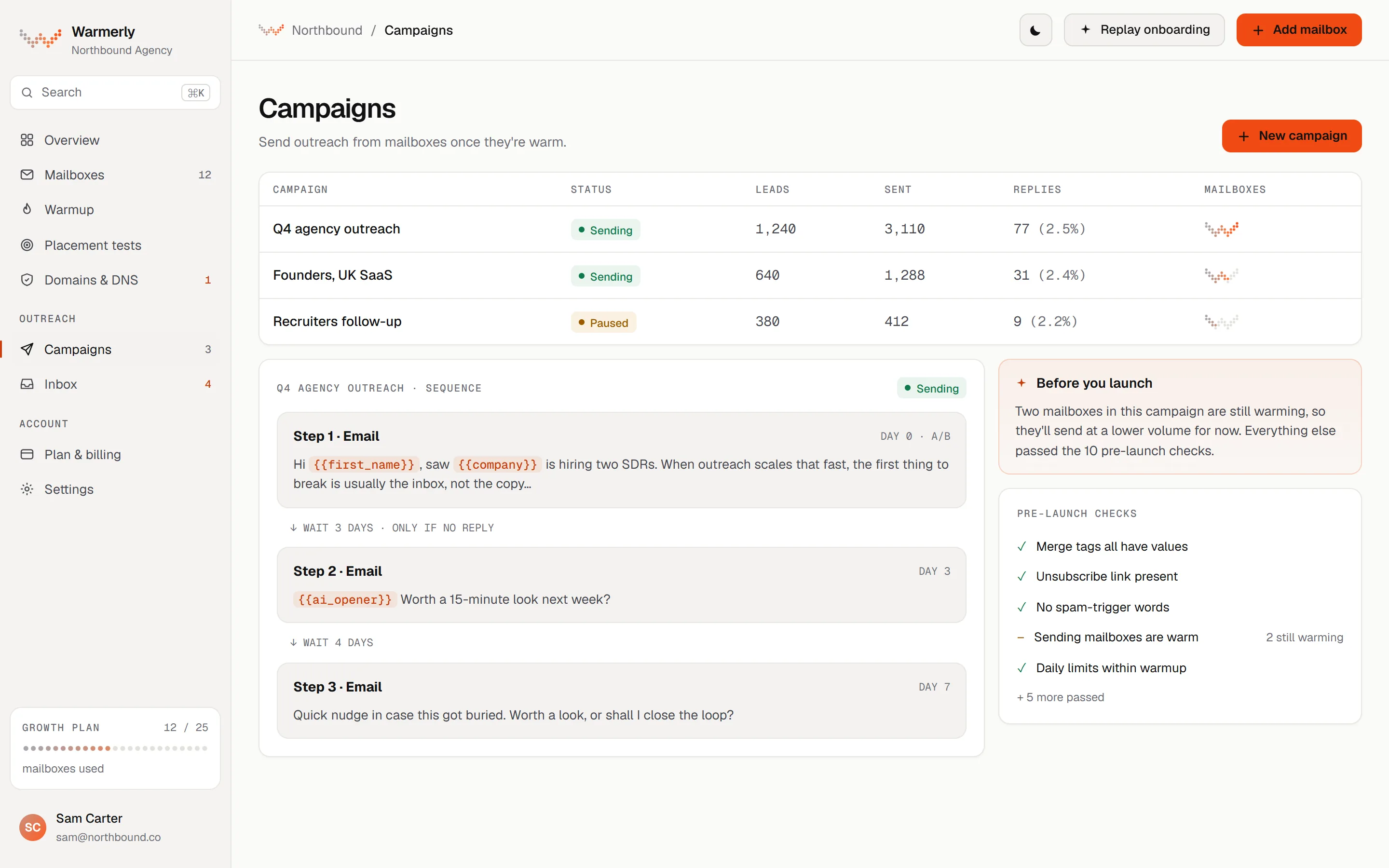
A canvas with one condition step for branches, a list editor for linear sequences, and LinkedIn rules built in, not drawn.
A condition step waits for a set time and races the outcomes against each other. A reply wins first, then a click, then an open, and if the time runs out with nothing matched the timeout edge fires. Opened and clicked are read from the lead's latest email.
Warmerly product, checked 21 October 2026
The list editor handles linear sequences: email, wait, LinkedIn connection, LinkedIn message and WhatsApp message. If a sequence has a condition, the list editor refuses to show it rather than flatten it.
Warmerly product, checked 21 October 2026
Before a LinkedIn message step the engine checks whether the lead is now a first-degree connection. If not, it re-checks every 6 hours and skips the lead 21 days after the invitation. You cannot draw an alternative path from that check, for example to switch to email when an invitation is ignored.
Warmerly product, checked 21 October 2026
A 'LinkedIn then email' template connects first, waits 2 days, then sends two emails. It is the only LinkedIn template we found in the sequence templates.
Warmerly product, checked 21 October 2026
A genuine reply stops the lead's sequence by default, and unsubscribes go on a workspace-wide suppression list that every step respects.
Warmerly product, checked 21 October 2026
The pre-launch table lists 13 kinds of check: 7 that block, such as no usable step or an unknown merge tag, and 6 that warn, such as no postal address or spam-style copy. A warning needs one acknowledgement.
Warmerly product, checked 21 October 2026
We found no condition on whether a lead is connected, has an open profile, followed you or visited your profile, and no branch on a missing email address. A lead who never accepts cannot be sent down a different path by a rule you draw.
Warmerly product, checked 21 October 2026
A builder you start empty or from a template, with delays between steps, reply detection and conditions in the message text.
Start from an empty campaign or a ready-made template filtered by campaign goal. A sequence can combine invitations, messages, follow-ups, profile visits, engagement, data collection and CRM actions.
linkedhelper.com/features/outreach-sequences · read 21 October 2026
The pricing page says the builder has 30+ action types, unlimited campaigns, a template library, a dashboard, analytics, custom limits and timeouts, and working-hour settings with randomised starts. Lead moving and campaign cloning differ between Local and Cloud.
linkedhelper.com/pricing · read 21 October 2026
A Multi-campaigns runner runs several campaigns in parallel with separate lead lists, in a single queue with status monitoring and workflow cloning.
linkedhelper.com/features/outreach-sequences · read 21 October 2026
A Check for replies action sits after a message step. If there is no reply the sequence continues. A real reply moves the contact to the Replied list and later follow-ups stop. Its agencies page says the check runs every 3 hours by default.
linkedhelper.com/features/check-replies · read 21 October 2026
The sequences page mentions IF-THEN-ELSE logic for hyper-personalisation without explaining how to configure it. A CRM transfer can run after any step or only after a reply to a specific message. AI ICP Detection can sort leads into Success and Failed lists before outreach.
linkedhelper.com/features/outreach-sequences · read 21 October 2026
Delays between steps, action working hours, smart limits and an auto invite withdrawal are available. The page gives no durations, working-hour defaults or limit values.
linkedhelper.com/features/action-timing-control · read 21 October 2026
Leads can be fed into a live campaign from any webhook, each campaign with its own URL, queued in a 'Profiles to process' list. With Smart Standby, the campaign pauses when the queue is empty. This needs the Cloud version.
linkedhelper.com/features/incoming-webhooks · read 21 October 2026
We looked, and found no statement on these. That is about its published pages only, not about the product.
We report each version rather than pick one.
| Measure | Warmerly LinkedIn | Linked Helper |
|---|---|---|
| Campaign builder | Linear steps in a list editor, or a canvas with a condition step; the LinkedIn acceptance check is built in | Builder with 30+ actions, IF-THEN-ELSE, templates and several campaigns in parallel |
| Action types in the builder | 5 step kinds in the list editor (email, wait, LinkedIn connection, LinkedIn message, WhatsApp message), plus a condition on the canvas | 30+ |
| Condition outcomes | 4: replied, clicked, opened, timeout | Reply check, IF-THEN-ELSE in text, ICP Success and Failed |
| Campaigns at once | 1 active campaign on Free | Unlimited campaigns, run in parallel |
| Pre-launch checks | 13 kinds (7 block, 6 warn) | Not described |
| Reply check interval | Reply stops the sequence by default | Every 3 hours by default |
| Channels in one sequence | Email, LinkedIn and WhatsApp | LinkedIn only in the builder |
Our reading of the facts above. Not a promise, and not the only reasonable reading.
Warmerly lets you branch on email behaviour and mix channels. Linked Helper lets you do far more on LinkedIn but has no email step in its builder that we found.
On Warmerly a lead who never accepts is skipped after 21 days, and you cannot draw a fallback to email. Plan for it by running a parallel email campaign for the same list.
It lists unlimited campaigns. Warmerly's Free plan allows 1 active campaign, so a team running many experiments will hit that sooner.
Neither builder tells you whether your sequence is a good one. Warmerly's pre-launch checks catch mistakes. Linked Helper's pages do not describe equivalent checks.
A builder is easier to judge by using it. Linked Helper's trial is 14 days, and Warmerly's Free plan lets you open the editor with one campaign.
Not by a rule you draw. The engine skips the lead 21 days after the invitation. You can run an email campaign for the same leads separately.
Its pages describe a campaign builder with templates and delays and mention IF-THEN-ELSE for message text. We found no description of a visual branching canvas.
A Check for replies action looks at the thread after a message step and moves real replies to the Replied list. You can list polite phrases such as 'Thanks for connecting' to ignore.
Yes, sequence templates exist, and the one we found for LinkedIn is 'LinkedIn then email', which connects, waits 2 days, then sends two emails.
Linked Helper pages were read on 21 October 2026. Plans and wording change, so check the vendor's own page before you decide. Warmerly details come from the product as it runs today.
Connect a mailbox. Warmerly runs alongside whatever you send from now, so you can compare before you move anything.
Free plan, no card. Paid plans: 7-day trial, first charge on day 8.