Warmerly
A daily score from the last 7 days (inbox rate, bounces, replies, delivery)
One row, in depth: what each tool does, the verified numbers, and who each suits.
Instantly details read from its pricing and help pages on 15 and 17 October 2026.
A daily score from the last 7 days (inbox rate, bounces, replies, delivery)
Warmup health score, a rolling 7-day inbox rate
Both products give each mailbox a health score from its warmup mail, and neither measures where campaign emails land. Instantly's is one plain ratio: warmup emails that reached the inbox divided by warmup emails sent, over a rolling seven days. Warmerly writes one snapshot a day from the last seven days, weighting inbox rate, bounces, replies and delivery, and stores which folder each warmup email landed in. Last checked 19 October 2026.
A daily score from the last 7 days (inbox rate, bounces, replies, delivery)
Warmup health score, a rolling 7-day inbox rate
Share of each mailbox's health score
Neither score measures where your campaign emails land: both look at warmup mail only.
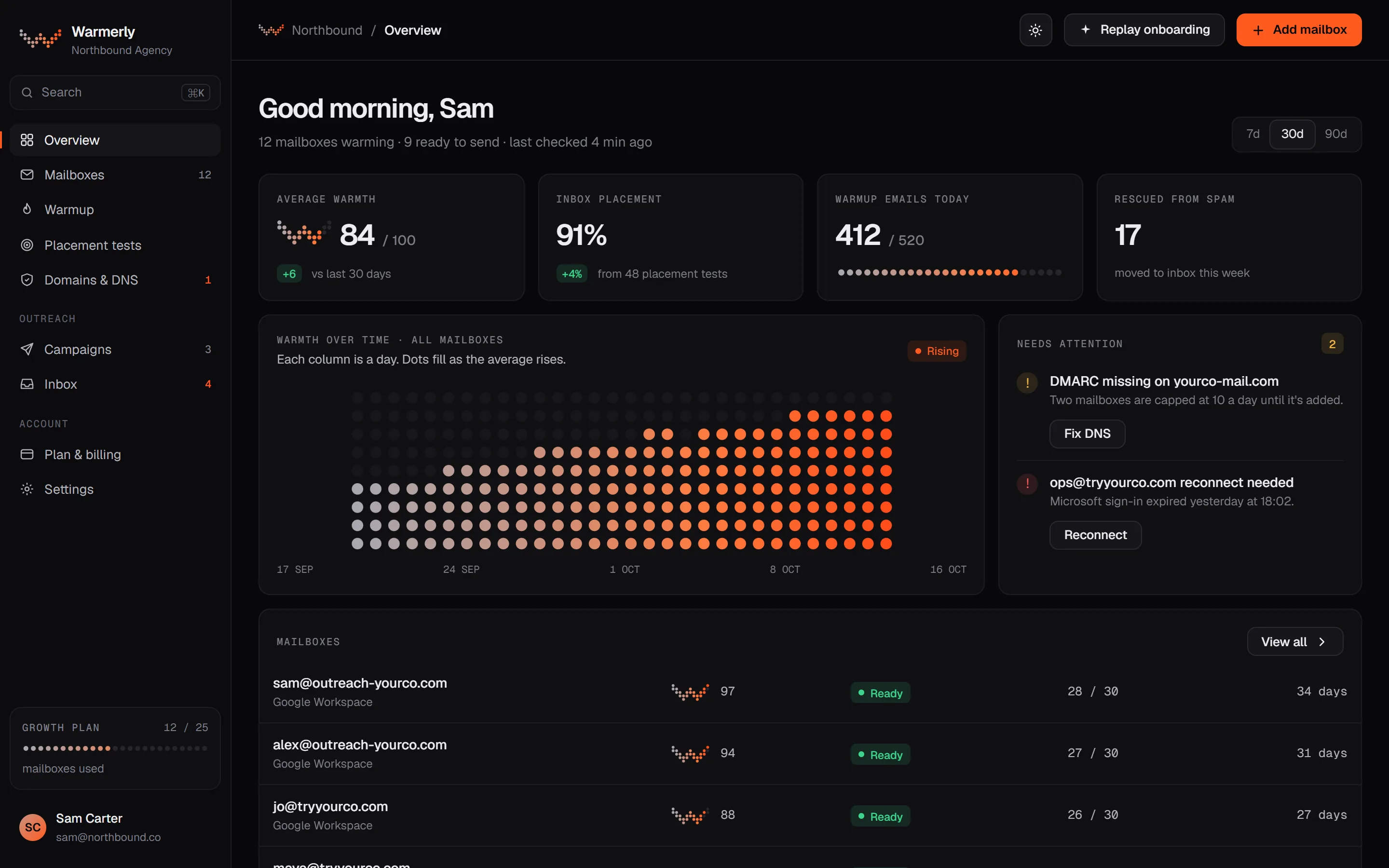
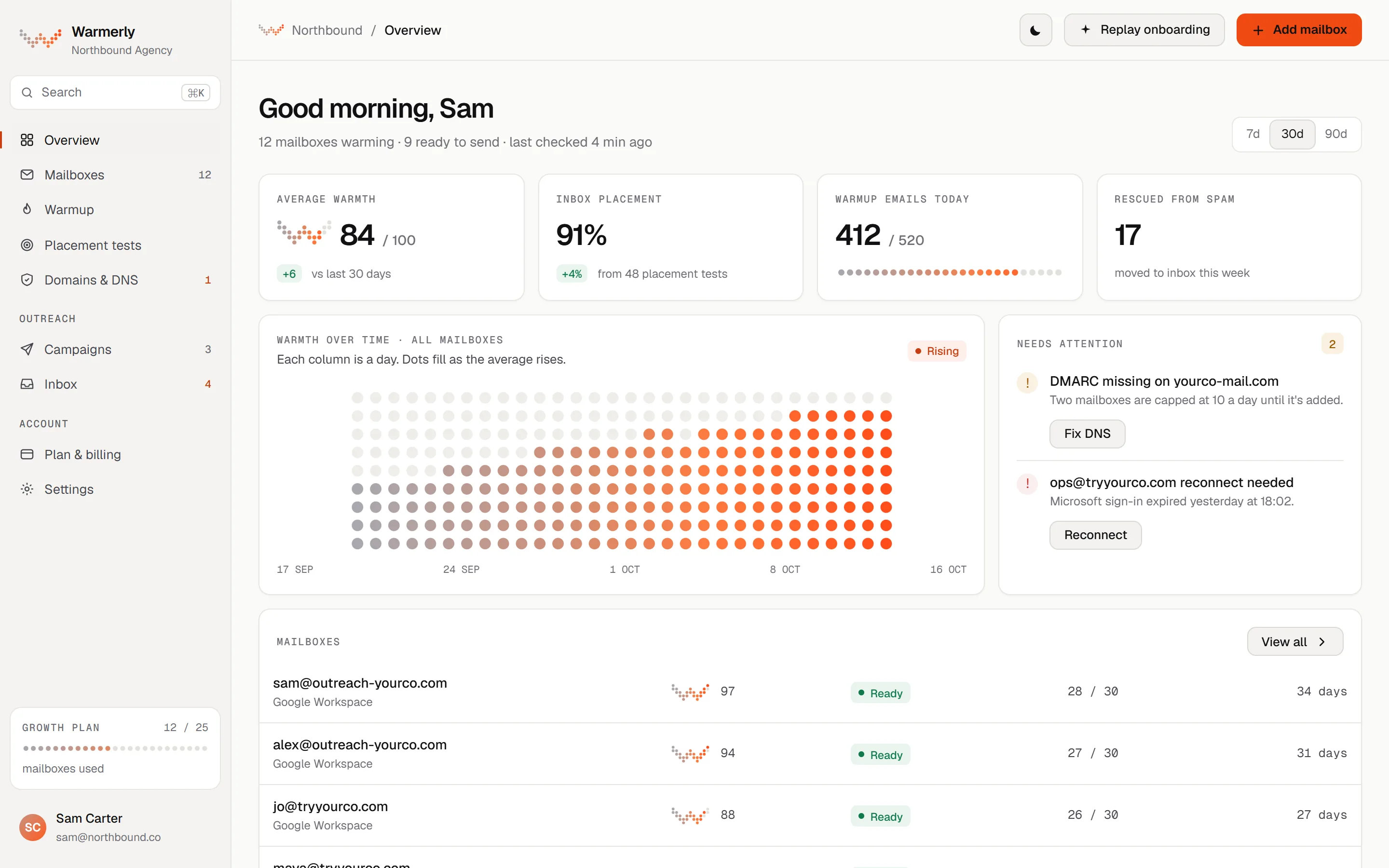
A daily score from 0 to 100 per mailbox, built from the last seven days of warmup mail, with 7, 30 and 90 day history and a stored record of which folder each warmup email reached.
The score is a weighted sum: 50% inbox rate, 20% for the share of sends that did not bounce, 15% reply rate, and 15% for the share of sends that reached a finished state. Inbox rate is inbox divided by inbox plus spam plus promotions. Reply rate counts in full once replies reach 40% of sends, so more than that earns nothing extra. The result is rounded to a whole number between 0 and 100.
Warmerly product, checked 19 October 2026
Each snapshot reads the mailbox's warmup jobs from the previous seven days and is stored once per mailbox per date (a later run on the same date overwrites it). The scoring job runs in the 02:00 UTC hour. The 7, 30 and 90 day charts on the mailbox page are drawn from these daily snapshots, so the score line has one point per day, not one per email.
Warmerly product, checked 19 October 2026
Every warmup email is stored as its own row with a status, the folder it landed in, and whether it was replied to, and a 90-day daily summary gives inbox, spam and bounce counts per day. The default mailbox page shows the daily series and charts, not a per-email list: a 'Recent warmup mail' list with a 'Landed in' column exists only in the new dashboard look, which is not yet the default for everyone. So the score is daily and the per-email detail is data we hold, not something every customer sees today.
Warmerly product, checked 19 October 2026
A snapshot is only written when at least one email was sent and at least one outcome (inbox, spam, promotions or bounce) was classified. Otherwise the arithmetic would give a day-one mailbox a score of 20 and pause it over nothing. If a mailbox has 10 or more finished warmup emails and none could be classified, Warmerly raises a 'delivery unobservable' alert instead, because no score is being produced. A score older than three days is ignored by the score alerts and shown with its date rather than as today's.
Warmerly product, checked 19 October 2026
Only permanent, recipient-side rejections count as bounces; sender-side faults such as SMTP login failures do not, so a connection problem does not drag the score down. The promotions folder is in the formula but has never been recorded, because Gmail's category tabs are not IMAP folders, so a zero there means 'not measurable'. The score reads warmup mail between Warmerly pool mailboxes. It is not a measure of where your campaign emails land.
Warmerly product, checked 19 October 2026
A drop of 15 points raises a score-drop alert, and a score under 50 raises a floor alert, each with a 24-hour cooldown. If the two most recent snapshots are both under 60, an active mailbox is paused automatically and an event is logged. After a three-day cooldown that automatic pause is lifted again, unless the mailbox needs reconnecting or someone paused it by hand later. An hourly sweep also returns a mailbox taken off campaigns to sending once warmup has rebuilt its score.
Warmerly product, checked 19 October 2026
A single percentage per email account: warmup emails in the inbox divided by warmup emails sent, over a rolling seven days, shown in a Health Score column on the Email Accounts dashboard.
Instantly describes the warmup health score as the percentage of warmup emails that land in the inbox rather than spam, over a rolling seven-day window. The formula given is warmup emails in inbox divided by total sent warmup emails, times 100. Its worked example: 80 sent, 1 in spam, 79 in the inbox, so 98.7%. It states the score reflects warmup placement only and does not measure campaign placement.
help.instantly.ai/en/articles/13939939-warmup-health-score · read 19 October 2026
The help article says to aim for a warmup health score above 90%. A new account shows 0 until warmup emails are sent, which starts after 12 AM UTC the next day. If no warmup emails were sent in the last seven days the score resets to 0, because it only reflects that window.
help.instantly.ai/en/articles/13939939-warmup-health-score · read 19 October 2026
Instantly's 'ready for campaigns' article lists two conditions: at least two weeks of warmup (three for AirMail accounts) and a health score above 90%. Pre-warmed accounts are exempt. The pre-launch checklist separately asks for a minimum of two weeks of warmup.
help.instantly.ai/en/articles/13938078-when-your-email-account-is-ready-for-campaigns · read 19 October 2026
In an account's Warmup tab, Instantly shows warmup emails received, warmup emails sent, emails saved from spam, and daily warmup email activity for the past week (7 days). The health score article tells users to read 'X saved from spam' and the sent count to work the figure out by hand.
help.instantly.ai/en/articles/11991261-getting-started-with-the-email-accounts-dashboard · read 19 October 2026
Instantly says a low score early in warmup is normal, because the system introduces new recipient accounts that have not interacted with yours, so some warmup emails land in spam at first and are then moved to the inbox automatically. Its suggested fixes are to check DNS with Test Domain Setup, confirm warmup is active, use its recommended warmup settings (increase per day 1, daily limit 10, reply rate 30%, slow warmup not disabled) and give it more time.
help.instantly.ai/en/articles/13939939-warmup-health-score · read 19 October 2026
The Deliverability AI Agent reviews warm-up scores alongside DNS health, blocklists and bounce rates, and shows its own health score and a list of what needs attention. Instantly lists it as available on Hyper Growth and above Outbound plans, and says a new run happens automatically after 24 hours.
help.instantly.ai/en/articles/15549574-deliverability-ai-agent · read 19 October 2026
We looked, and found no statement on these. That is about its published pages only, not about the product.
| Measure | Warmerly | |
|---|---|---|
| Health score timeline | A daily score from the last 7 days (inbox rate, bounces, replies, delivery) | Warmup health score, a rolling 7-day inbox rate |
| What the score is made of | Inbox rate 50%, no-bounce share 20%, reply rate 15%, delivery completion 15% | Warmup emails in inbox divided by warmup emails sent |
| Window | Last 7 days, one snapshot a day | Rolling 7 days |
| When it is refreshed | Daily, in the 02:00 UTC hour | Not stated in the help article |
| Measures campaign placement | No (warmup mail only) | No (stated by Instantly) |
| Chart ranges | 7, 30 and 90 days of daily scores | Daily warmup activity for the past 7 days |
| Alert or pause tied to the score | Alert on a 15-point drop or a score under 50; auto-pause after two snapshots under 60 | Not stated for the score itself; the Deliverability AI Agent (Hyper Growth and above) reviews warm-up scores |
| Suggested target | No single published target | Above 90% |
Our reading of the facts above. Not a promise, and not the only reasonable reading.
Warmerly's score moves once a day and blends four signals, so it is better at showing a mailbox drifting over weeks than at answering 'what did the last hour do'. Instantly's single ratio is easy to check by hand from numbers on the same screen, which some people will prefer.
The data to see which warmup email landed in spam is stored, but the default mailbox page shows daily charts rather than a list, so we would not sell this as a per-email view. Instantly's published pages describe counts and a seven-day activity view, and we found no per-email list there either.
Both vendors say or imply the score comes from warmup mail between their own pools. A high score is a good sign for the warmup, not proof that a cold campaign reaches the inbox. For that you need a placement test, which Warmerly and Instantly each sell or include in different ways.
Because the score drives an automatic pause below 60 for two snapshots, a bad run can stop sending without anyone clicking. It resumes after three days when the cause was the score alone. That protects the domain but can surprise someone who is not watching.
No. The score is calculated once a day for each mailbox from the last seven days of warmup mail. Each warmup email is stored with the folder it landed in, but the score is a daily snapshot and the default mailbox page shows daily charts.
Instantly's help centre gives the formula as warmup emails in the inbox divided by total sent warmup emails, times 100, over a rolling seven-day window. It says the score reflects warmup placement only, not campaign placement.
Not on either product. Both scores come from warmup mail, and Instantly states plainly that its score does not measure campaign placement. Warmerly's formula reads warmup mail only.
A drop of 15 points raises an alert, as does a score under 50. If the last two snapshots are both under 60, an active mailbox is paused automatically, and the pause lifts after three days unless it needs reconnecting.
A score is only written when at least one warmup email was sent and at least one outcome was classified. A very new mailbox, or one whose mail cannot be classified, will show no fresh score, and Warmerly dates an old one rather than showing it as today's.
Instantly pages were read on 19 October 2026. Plans and wording change, so check the vendor's own page before you decide. Warmerly details come from the product as it runs today.
Connect a mailbox. Warmerly runs alongside whatever you send from now, so you can compare before you move anything.
Free plan, no card. Paid plans: 7-day trial, first charge on day 8.