Warmerly
Gmail by app password, Microsoft by sign-in, Zoho, Namecheap and other providers over SMTP and IMAP.
One row, in depth: what each tool does, the verified numbers, and who each suits.
Warmup Inbox details read from its pricing page, home page, product pages, API page, integrations pages, help centre, legal pages and status page on 21 October 2026.
Gmail by app password, Microsoft by sign-in, Zoho, Namecheap and other providers over SMTP and IMAP.
Gmail and Microsoft by OAuth, plus Zoho, Amazon SES, SendGrid, Mailgun, Brevo and any SMTP inbox; SMTP-only needs a $139 plan.
Warmup Inbox connects Gmail and Microsoft mailboxes with a sign-in (OAuth), and lists Zoho, Amazon SES, Mailgun, SendGrid, Brevo and any SMTP inbox, with a separate $139 Send-only plan for inboxes that cannot receive over IMAP. Warmerly connects Gmail and Google Workspace with an app password, Microsoft with a sign-in, and Zoho, Namecheap Private Email and other providers over SMTP and IMAP, and tests both directions before it saves a mailbox. Warmup Inbox lists more providers and ESPs and has the easier Gmail connection. Last checked 21 October 2026.
Gmail by app password, Microsoft by sign-in, Zoho, Namecheap and other providers over SMTP and IMAP.
Gmail and Microsoft by OAuth, plus Zoho, Amazon SES, SendGrid, Mailgun, Brevo and any SMTP inbox; SMTP-only needs a $139 plan.
As each company lists it
Five presets and custom SMTP
OAuth, ESPs and any SMTP
Warmup Inbox names more providers and has the simpler Gmail connection. Warmerly tests send and receive before it saves a mailbox.
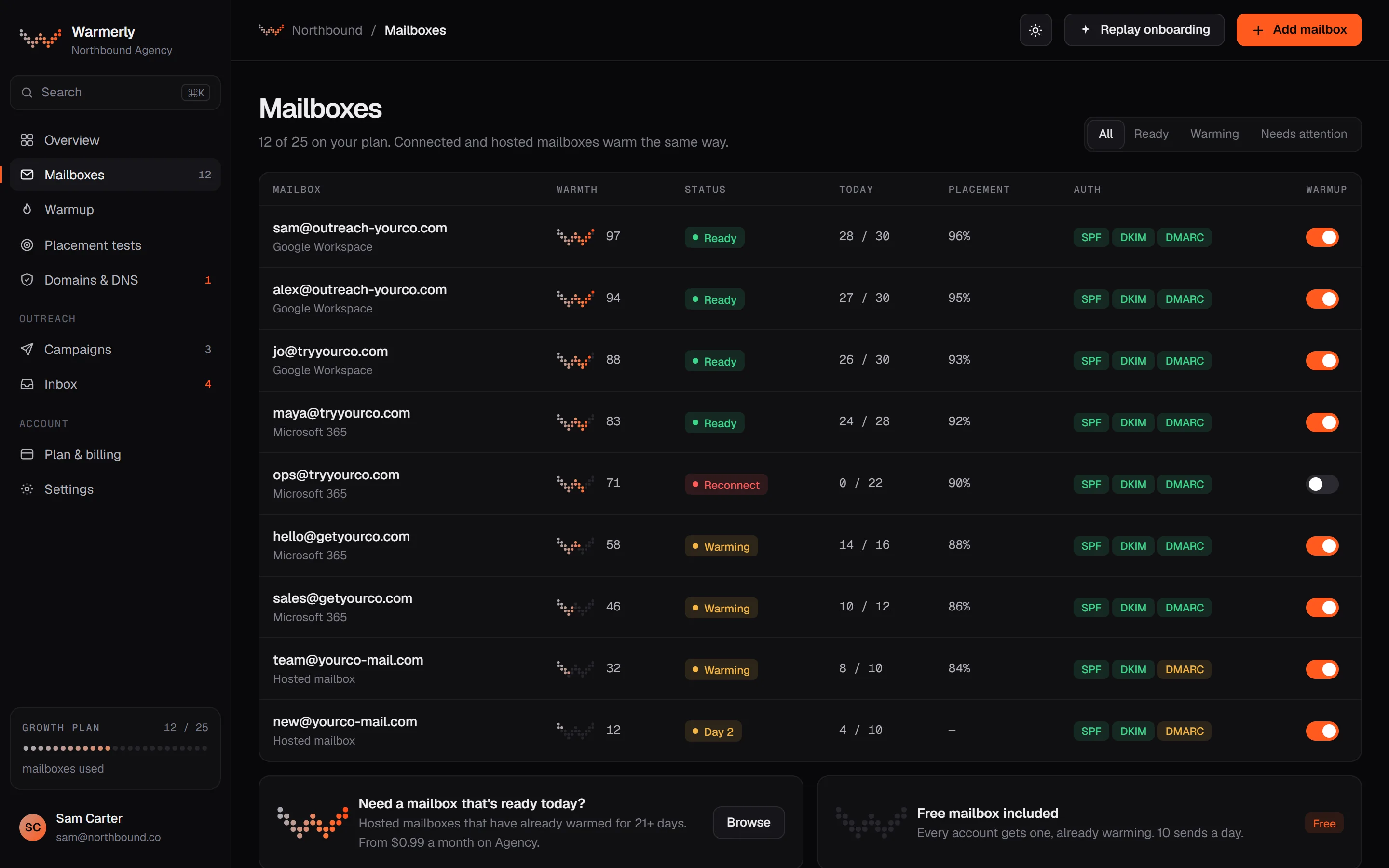
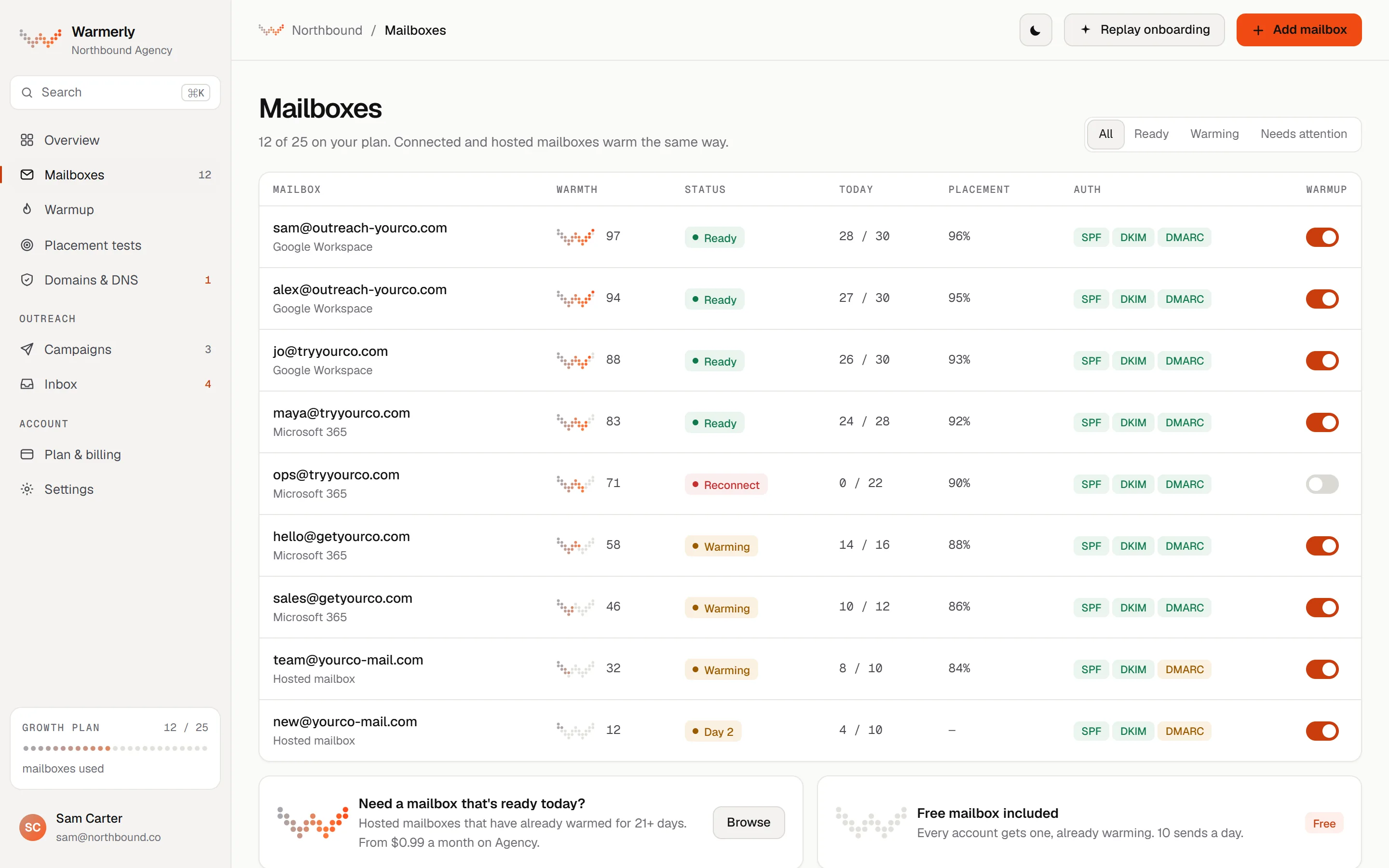
Five presets in the add-mailbox wizard: Gmail and Google Workspace, Outlook and Microsoft 365, Zoho Mail, Namecheap Private Email, and custom SMTP and IMAP, with a connection test in both directions.
A Gmail or Workspace mailbox connects with a Google app password. It takes one more step than a sign-in button. It is the main way Warmerly's Gmail connection differs from Warmup Inbox's.
Warmerly product, checked 21 October 2026
Microsoft 365, Outlook.com and Hotmail connect with a one-click Microsoft sign-in. Both the Google and Microsoft sign-in callbacks refuse a connection past the plan's mailbox limit, with a 402 and a message.
Warmerly product, checked 21 October 2026
Zoho, Namecheap Private Email, IONOS, Hostinger and others connect with manual SMTP and IMAP settings. The wizard has presets for Zoho Mail and Namecheap Private Email, and a custom option.
Warmerly product, checked 21 October 2026
Warmerly signs in to SMTP to send and to IMAP to read before it saves a mailbox. A mailbox that can send and cannot receive is therefore refused at the door, not found out later by a failing warmup.
Warmerly product, checked 21 October 2026
The warmup quota is held to 40 a day on Gmail, 30 on Outlook and 25 on Zoho, and to 50 for other providers. A Zoho mailbox therefore warms more slowly than a Gmail one even on the same day of the ramp.
Warmerly product, checked 21 October 2026
Mailboxes Warmerly hosts for you through OneMail do not use a plan mailbox slot and are bought per unit: $2.99 a month on Starter, $1.99 on Growth, $0.99 on Agency. They are not available in an Agency client workspace.
Warmerly product, checked 21 October 2026
OAuth for Gmail and Microsoft, SMTP for Zoho and Mailgun, credentials or keys for SES, SendGrid and Brevo, and any inbox that speaks SMTP. SMTP-only inboxes need a separate plan.
The Gmail page says OAuth sign-in with no SMTP setup, no app passwords and no DNS work, in about 30 seconds. Its FAQ says there is no IMAP or SMTP password sharing. It does not state the permission scopes it asks Google for.
warmupinbox.com/integrations/google-gmail-warmup · read 21 October 2026
The Outlook page says Microsoft 365, Office 365, Outlook.com, Hotmail, Live and Exchange Online all work, with no app passwords and no Exchange admin work. On-premises Exchange connects through SMTP and IMAP with credentials, and you contact the company for setup.
warmupinbox.com/integrations/microsoft-outlook-warmup · read 21 October 2026
Zoho connects by SMTP with an app password, Mailgun by SMTP, Amazon SES by SES SMTP credentials made in IAM, and SendGrid by an API key with mail-send permission. Brevo is listed with no connection method given.
warmupinbox.com/integrations · read 21 October 2026
The integrations page says that if it speaks SMTP, we can warm it, and that for custom servers you get in touch for setup. The home page logo row adds Yahoo, ProtonMail, Fastmail, iCloud and AWS SES.
warmupinbox.com · read 21 October 2026
A help article says the trial, Basic, Pro and Max plans do not work with the SMTP options, because they need an inbox that can send and receive. SMTP-only accounts use the Send-only plan at $139 a month, or a SendGrid, Brevo or Mailgun integration. It excludes Office365, which has no IMAP.
help.warmupinbox.com/en/articles/4738919-can-i-sync-an-smtp-only-account · read 21 October 2026
A help article says free email addresses such as Gmail do not receive the benefits of inbox warming in the same manner, because warming needs a unique domain tied to the address. It suggests a paid Google Workspace address and gives 45 to 60 days as the time to build reputation.
help.warmupinbox.com/en/articles/9279213-can-i-connect-free-email-addresses · read 21 October 2026
The Gmail and Outlook pages answer no to whether Google or Microsoft will flag the connection as suspicious, saying nothing triggers security alerts and that there is no app-password workaround or basic-auth bypass. These are statements about other companies' systems, with no evidence cited.
warmupinbox.com/integrations/microsoft-outlook-warmup · read 21 October 2026
We looked, and found no statement on these. That is about its published pages only, not about the product.
We report each version rather than pick one.
| Measure | Warmerly | Warmup Inbox |
|---|---|---|
| Supported mailboxes and sign-in | Gmail by app password, Microsoft by sign-in, Zoho, Namecheap and other providers over SMTP and IMAP. | Gmail and Microsoft by OAuth, plus Zoho, Amazon SES, SendGrid, Mailgun, Brevo and any SMTP inbox; SMTP-only needs a $139 plan. |
| Gmail connection | App password | OAuth sign-in, about 30 seconds |
| Microsoft connection | Microsoft sign-in | OAuth, with on-premises Exchange by SMTP and IMAP |
| Zoho | SMTP and IMAP preset, quota capped at 25 a day | SMTP with an app password |
| Amazon SES, SendGrid, Mailgun, Brevo | Not listed | Listed; SES by credentials, SendGrid by API key |
| Any SMTP inbox | Custom SMTP and IMAP, both tested | Any inbox that speaks SMTP |
| SMTP-only inbox | Refused: IMAP is needed to read | Send-only plan, $139 a month, up to 150 a day |
| Named provider quota caps | 40 Gmail, 30 Outlook, 25 Zoho | Not stated |
| Hosted mailboxes | OneMail, per unit, no plan slot | Not stated |
Our reading of the facts above. Not a promise, and not the only reasonable reading.
OAuth is a button; an app password is a short chore that needs two-step verification on. If you are connecting many Google mailboxes by hand, the difference adds up. We would not call the app password simpler.
Warmup needs replies. Warmerly tests both directions before saving. Warmup Inbox sells a separate $139 plan for inboxes that cannot receive. If your sender is an API-only service, the cost difference is large, and you may not need warmup there at all.
Amazon SES, SendGrid, Mailgun and Brevo are named integrations there. If you send through an ESP and want to warm its domain, that list matters. Warmerly connects mailboxes with SMTP and IMAP and does not list ESPs.
Warmup Inbox's help centre says free addresses do not get the benefit of warming in the same way. We make no claim either way for Gmail.com addresses, and our free plan is meant for a mailbox on your own domain.
Statements that a connection will never trigger a security alert are claims about Google and Microsoft. Test one mailbox before connecting your whole list, whichever tool you pick, and keep a note of the date.
With an app password. Microsoft uses a sign-in, and both directions are tested before the mailbox is saved.
With an OAuth sign-in, about 30 seconds. It also lists Zoho, Amazon SES, Mailgun, SendGrid and Brevo.
Not on Warmerly, which needs IMAP to read. Warmup Inbox has a Send-only plan at $139 a month, up to 150 a day.
Yes: 40 a day for Gmail, 30 for Outlook and 25 for Zoho. Warmup Inbox does not state caps.
Warmup Inbox pages were read on 21 October 2026. Plans and wording change, so check the vendor's own page before you decide. Warmerly details come from the product as it runs today.
Connect a mailbox. Warmerly runs alongside whatever you send from now, so you can compare before you move anything.
Free plan, no card. Paid plans: 7-day trial, first charge on day 8.