Warmerly
A ramp from 4 a day to 50 a day by day 30, with Gmail held to 40, Outlook to 30 and Zoho to 25.
One row, in depth: what each tool does, the verified numbers, and who each suits.
Warmup Inbox details read from its pricing page, home page, product pages, API page, integrations pages, help centre, legal pages and status page on 21 October 2026.
A ramp from 4 a day to 50 a day by day 30, with Gmail held to 40, Outlook to 30 and Zoho to 25.
Up to 75 a day on Basic, 250 on Pro and 1,000 on Max; the recommended ramp starts at 4 and adds 2, 4 or 6 a day.
Warmup Inbox sets a daily ceiling by tier, 75 on Basic, 250 on Pro and 1,000 on Max, and lets you set the starting point and the daily increase. Warmerly follows one published ramp that reaches 50 a day on day 30, holds Gmail to 40, Outlook to 30 and Zoho to 25, and never goes above 50. Warmup Inbox has far more headroom and more control. Whether a mailbox needs that headroom is a separate question that neither company's pages answer with data. Last checked 21 October 2026.
A ramp from 4 a day to 50 a day by day 30, with Gmail held to 40, Outlook to 30 and Zoho to 25.
Up to 75 a day on Basic, 250 on Pro and 1,000 on Max; the recommended ramp starts at 4 and adds 2, 4 or 6 a day.
Warmup emails a day, per mailbox. Warmup Inbox lines use its recommended Basic, Pro and Max settings
Our arithmetic from its help article's recommended settings, if the increase starts on day 2. Its ceilings are higher than the part of the chart shown.
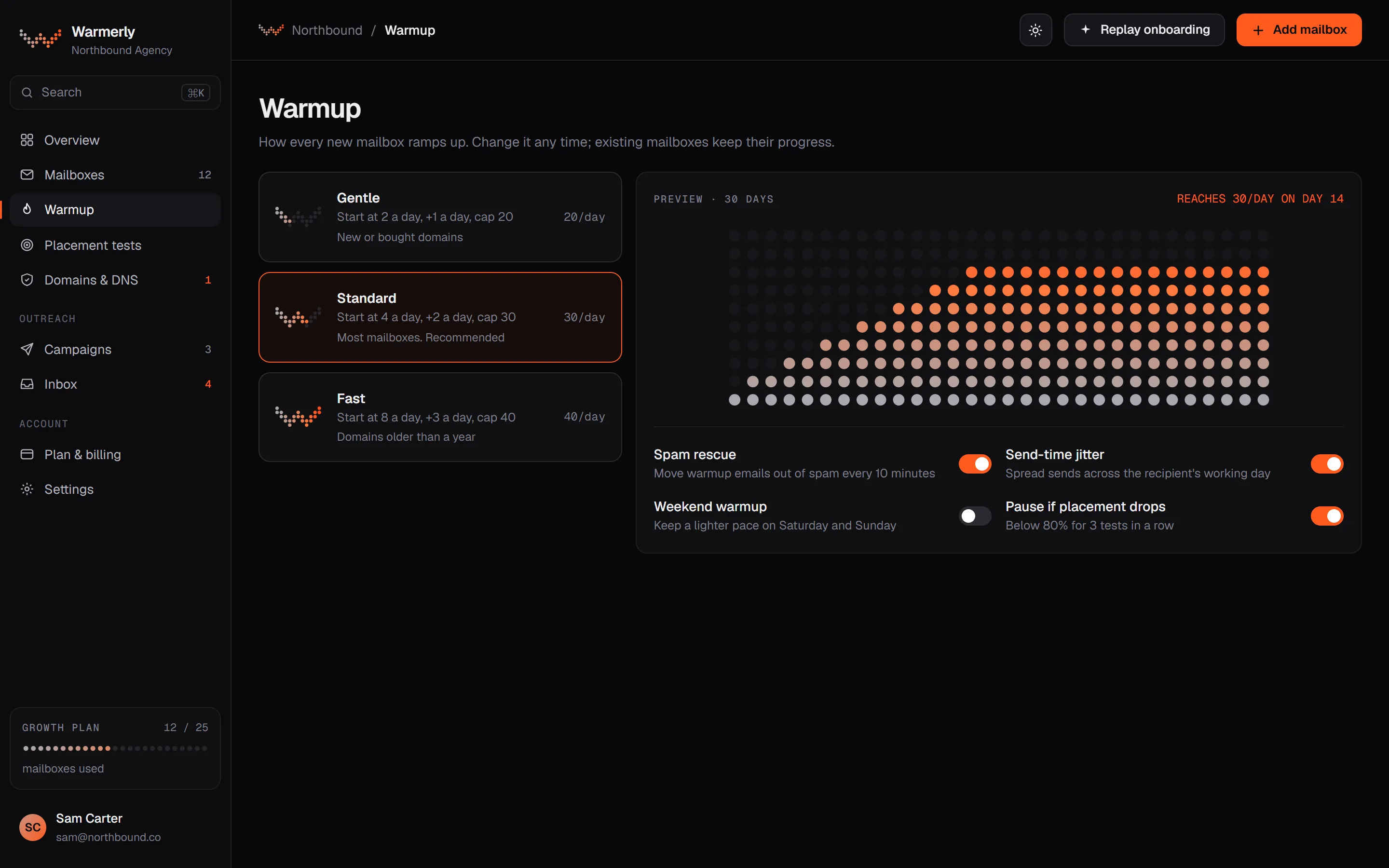
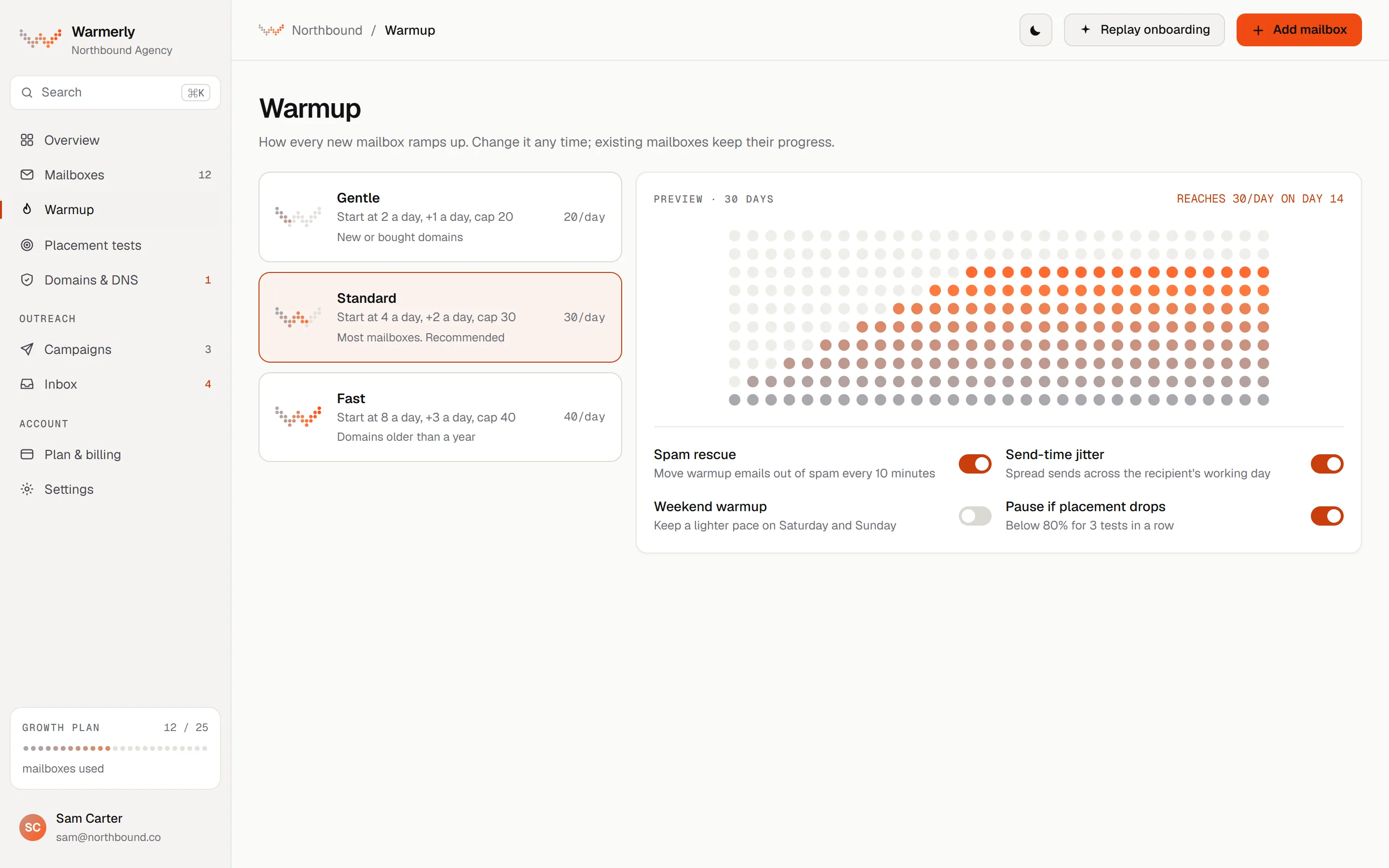
One ramp, published as anchor points, that counts days the mailbox really sent, with caps per provider and cuts for weekends and poor health.
The daily quota moves between 4 a day at day 0, 8 at day 3, 15 at day 7, 25 at day 14, 35 at day 21 and 50 at day 30. The ramp counts days on which the mailbox really sent, not calendar age, so a paused or newly enabled old mailbox cannot skip ahead.
Warmerly product, checked 21 October 2026
Past day 30 the quota is 50 a day, and a mailbox that has graduated is not dropped back to day 0. Graduation from aging to active after 30 sending days changes a label, not the volume.
Warmerly product, checked 21 October 2026
Whatever the ramp says, a Gmail mailbox is held to 40 a day, Outlook to 30 and Zoho to 25, with 50 for other providers. Weekends run at 0.6 of the weekday quota.
Warmerly product, checked 21 October 2026
A low health score or a high spam placement score cuts the quota to 0.75, 0.7 or 0.4 of normal. A mailbox with refused sends gets one probe send a day. Each day's plan gets a random jitter of up to plus or minus 15 per cent.
Warmerly product, checked 21 October 2026
Warmup sends happen between 08:00 and 20:00 in the mailbox's local timezone. A reply is scheduled 20 to 90 minutes after the open, moved into the replying mailbox's send window, and into the next morning if it would fall after hours.
Warmerly product, checked 21 October 2026
A sender does not write to the same recipient twice within 72 hours, so a sender doing N emails a day needs roughly 3N distinct partners. When a sender runs out, the window relaxes to 48 and then 24 hours, never below 24.
Warmerly product, checked 21 October 2026
The free sandbox mailbox every signup gets is capped at 3 a day. Campaign sending is a separate daily cap per mailbox, 30 by default, and warmup does not count against it.
Warmerly product, checked 21 October 2026
A daily ceiling by tier with a slow default ramp you can reshape: a starting baseline, a daily increase, a maximum and a reply rate.
Basic is up to 75 warmup messages a day per inbox, Pro 250 and Max 1,000. The structured data on the pricing page describes each plan the same way, as warmup messages per day per inbox.
warmupinbox.com/pricing · read 21 October 2026
Starting at 4 a day, adding 2 a day on Basic reaches 75 after 36 increases by our arithmetic. Adding 4 a day on Pro reaches 250 after 62 increases, and adding 6 on Max reaches 1,000 after 166. Day 30 would be about 62, 120 and 178.
help.warmupinbox.com/en/articles/6133076-sending-frequency · read 21 October 2026
The article calls a slow, steady ramp for new inboxes the safer option. Inboxes already sending can raise the starting baseline when they first connect. Reply counts vary a little each day so they look more natural.
help.warmupinbox.com/en/articles/6133076-sending-frequency · read 21 October 2026
The home page FAQ says first improvements come within 3 to 7 days, but a full ramp takes 14 to 21 days minimum, and that you should keep campaign volume under 20 to 50 emails a day in the first weeks. The home page also says 90% Primary placement by day 14.
warmupinbox.com · read 21 October 2026
A newly connected inbox goes into a testing environment for about 1 hour, where automated test emails are sent and searched for. If they are found, warmup starts. If not, the inbox is marked undeliverable, often because DNS records are missing.
help.warmupinbox.com/en/articles/15478604-how-does-email-warmup-work-and-what-to-expect-after-you-connect-your-first-inbox · read 21 October 2026
Its pages say warmup messages count against your SendGrid volume and your Zoho mailbox's daily send limit, and that most Zoho plans allow 200 to 300 sends a day. They state that a new SES account is limited to 200 sends a day in the sandbox.
warmupinbox.com/integrations/amazon-ses-warmup · read 21 October 2026
A help article says an automation deletes all sent warmup emails from your sent folder every 24 hours. Incoming warmup emails carry a unique ID, need no reply, and can be filed with a folder and filter rule.
help.warmupinbox.com/en/articles/15478604-how-does-email-warmup-work-and-what-to-expect-after-you-connect-your-first-inbox · read 21 October 2026
We looked, and found no statement on these. That is about its published pages only, not about the product.
We report each version rather than pick one.
| Measure | Warmerly | Warmup Inbox |
|---|---|---|
| Warm-up volume per mailbox | A ramp from 4 a day to 50 a day by day 30, with Gmail held to 40, Outlook to 30 and Zoho to 25. | Up to 75 a day on Basic, 250 on Pro and 1,000 on Max; the recommended ramp starts at 4 and adds 2, 4 or 6 a day. |
| Starting volume | 4 a day at day 0 | 4 a day as the recommended baseline |
| Daily increase | A curve: 8 at day 3, 15 at day 7, 25 at day 14, 35 at day 21 | 2 a day on Basic, 4 on Pro, 6 on Max |
| Day 30 volume | 50 a day | About 62, 120 and 178 at the recommended increases |
| Hard ceiling | 50 a day, Gmail 40, Outlook 30, Zoho 25 | 75, 250 or 1,000 a day by tier |
| Days to the ceiling | 30 sending days | 36, 62 or 166 increases at the recommended settings |
| Weekend behaviour | 0.6 of the weekday quota | Scheduled warmup on Pro and Max, no weekend rule stated |
| Warmup in a mailbox's working hours | 08:00 to 20:00, mailbox local time | Per-inbox schedules with timezone, Pro and Max |
| Test before warmup starts | None stated; the mailbox is checked in both directions when connected | About 1 hour in a testing environment |
Our reading of the facts above. Not a promise, and not the only reasonable reading.
Nothing in either company's pages shows that 250 or 1,000 warmup messages a day lifts placement more than 50. Warmup Inbox's own help centre says increasing volume too aggressively at the beginning will not speed up building reputation. Treat the ceiling as headroom, not a target.
Both begin at 4 a day. By day 30 Warmerly is at 50 and a Basic inbox on the recommended settings is near 62, which is a gap of about 12. The big difference is above that: Basic can keep climbing to 75, and Warmerly stops at 50 and at 40 for Gmail.
If a mailbox sends 30 to 40 campaign emails a day, a warmup ramp to 50 is plenty. If you run a high-volume sender doing hundreds a day from one inbox, you will want a tool that goes higher, and the provider's own limits will bind first.
Warmup Inbox lets you set the baseline and increase per inbox, which matters when you connect a mailbox that already sends. Warmerly decides for you from the days the mailbox really sent. Some teams want the decision made, others want the dial.
Gmail, Zoho and Microsoft all have sending limits. Warmup Inbox says warmup messages count against them. Warmerly holds Gmail to 40, Outlook to 30 and Zoho to 25 so warmup never takes the whole allowance, and keeps campaign sends in their own 30 a day default.
From 4 a day at day 0 to 50 a day at day 30. It reaches 8 at day 3, 15 at day 7, 25 at day 14 and 35 at day 21.
50 a day, with Gmail held to 40, Outlook to 30 and Zoho to 25.
75 on Basic, 250 on Pro and 1,000 on Max, with a daily increase of 2, 4 or 6.
Warmerly sends 0.6 of the weekday quota at weekends. Warmup Inbox has scheduled warmup on Pro and Max with no weekend rule stated.
Warmup Inbox pages were read on 21 October 2026. Plans and wording change, so check the vendor's own page before you decide. Warmerly details come from the product as it runs today.
Connect a mailbox. Warmerly runs alongside whatever you send from now, so you can compare before you move anything.
Free plan, no card. Paid plans: 7-day trial, first charge on day 8.