Warmerly
30 a day per mailbox by default, a volume ramp and a bounce brake
One row, in depth: what each tool does, the verified numbers, and who each suits.
Warmly.ai details read from its pricing, home, product, data, terms, privacy and security pages on 21 October 2026.
30 a day per mailbox by default, a volume ramp and a bounce brake
1 direct touch a day per account, with a 72 hour email cooldown
Warmerly paces sending at the mailbox: 30 campaign emails a day by default, at least 10 minutes between sends inside sending hours, a ramp for young mailboxes and a brake when bounces rise. Warmly.ai paces sending at the person and the account, and its outbound page states 'Max 1 direct touch per day per account', a 72 hour cooldown between emails to one person and a 48 hour cooldown between LinkedIn touches. These are different limits for different jobs, and we found no per-mailbox limit on Warmly.ai's pages. Neither is a promise of results. Last checked 21 October 2026.
30 a day per mailbox by default, a volume ramp and a bounce brake
1 direct touch a day per account, with a 72 hour email cooldown
One person over days, and one mailbox over a day. Different axes, so read each lane on its own
Cooldowns stated on its outbound page, in hours since the last touch
Also stated: at most 1 direct touch a day per account.
Sending hours 09:00 to 17:00, at least 10 minutes between sends: about 48 slots, 30 used by default
The ramp and the bounce brake can lower it. Warmup shares the mailbox.
Warmerly's slots are our arithmetic from its published defaults: an 8 hour window divided by a 10 minute gap. Warmly.ai states no per-mailbox limit.
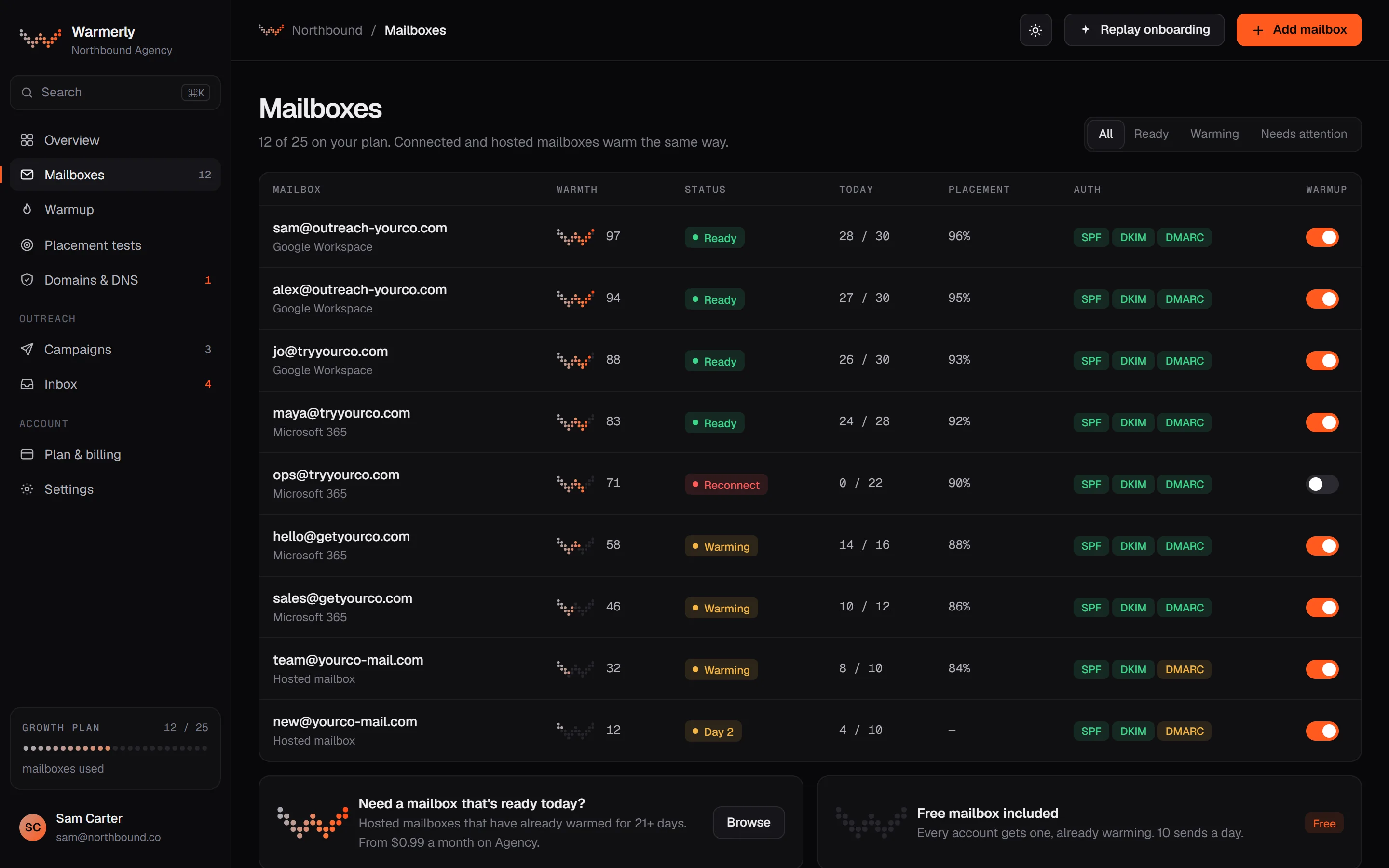
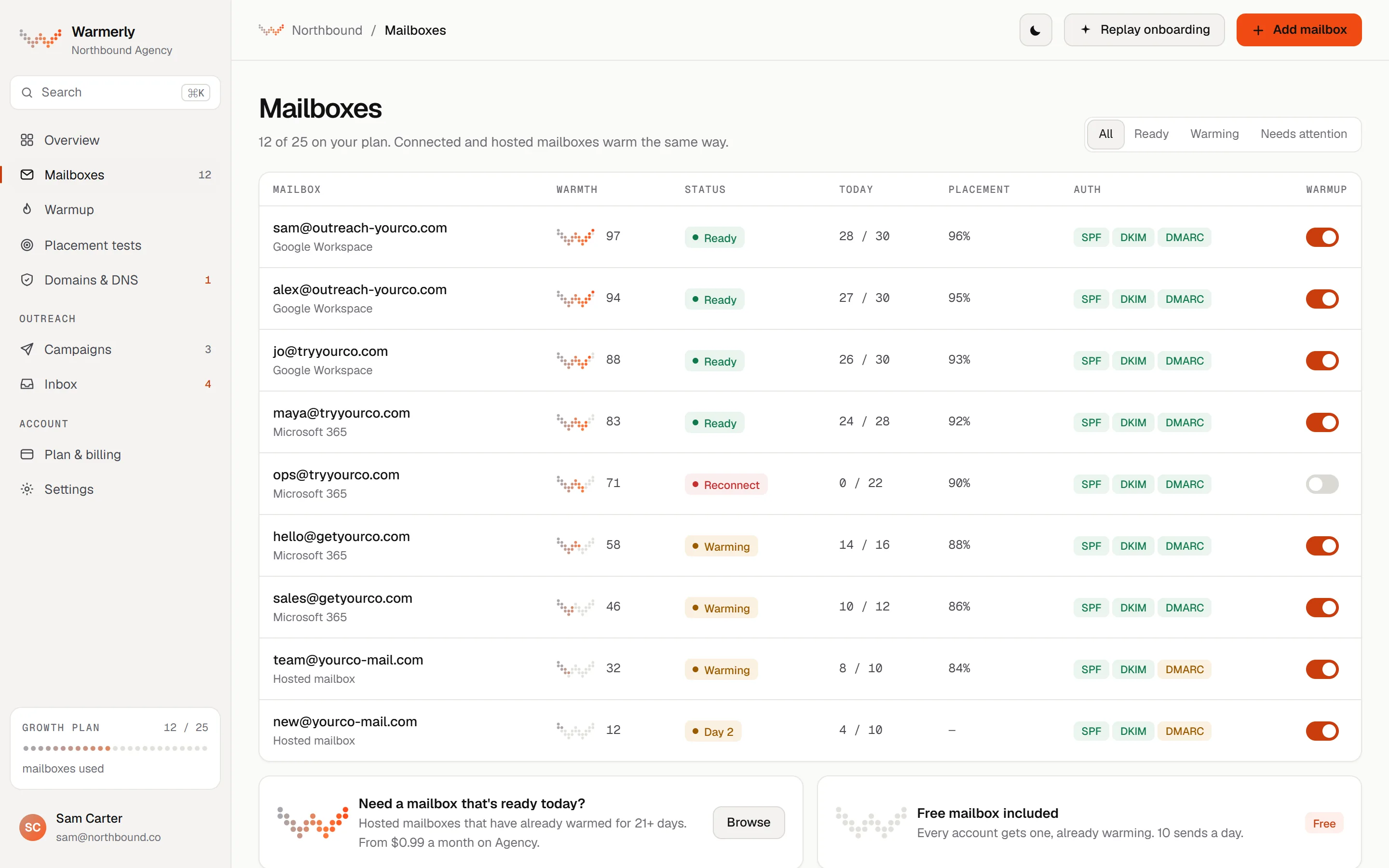
Warmerly limits how fast each mailbox sends, so a new or struggling mailbox is protected, and the app shows which limit is biting.
Each mailbox has its own daily campaign limit, 30 by default, shared by every campaign that uses it. A campaign has its own daily limit too, also 30 by default, accepting 1 to 50,000. The lower of the two is what bites.
Warmerly product, checked 21 October 2026
Nothing sends outside the days you tick (Monday to Friday by default) and between the start and end hour (09:00 to 17:00 by default) in the campaign's timezone. The default minimum wait between two sends from one mailbox is 10 minutes, so an 8-hour window gives about 48 a mailbox.
Warmerly product, checked 21 October 2026
A campaign can ramp each mailbox from 3 emails on sending day 1, adding 1 a day up to 15 by default, which is reached on the 13th sending day. It is switched on automatically when a project has no mailbox yet or any live mailbox with fewer than 14 days of warmup.
Warmerly product, checked 21 October 2026
Over a rolling 7 days a mailbox's cap is multiplied by 0.75 from 2 per cent bounces, 0.5 from 3 per cent and 0.25 from 5 per cent, and the mailbox is paused at 7 per cent. None of it applies under 25 sends, and the cap never goes below 1 a day.
Warmerly product, checked 21 October 2026
A mailbox's warmup quota comes from its age ramp, up to 50 a day, and a campaign's limit is separate. One does not shrink the other, but the mailbox does both jobs on the same day.
Warmerly product, checked 21 October 2026
Starter, Growth and Agency have no send meter. The Free plan allows 100 campaign sends a month. Sends are bounded by mailboxes and ramp, not by a meter.
Warmerly product, checked 21 October 2026
LinkedIn connection requests are limited to 10 a day on a normal account and 20 on Premium at full pace, with a weekly ceiling, and messages to 50 a day. WhatsApp starts at 5 messages on the first sending day and adds 3 a day up to 40, under a default ceiling of 75. Customers can make them slower, never faster.
Warmerly product, checked 21 October 2026
Warmly.ai's stated limits are about contact frequency: one touch a day per account and cooldowns between touches to one person. It states no per-mailbox or total send limit.
The outbound use-case page lists 'Max 1 direct touch per day per account'. It does not say whether the rule can be changed.
warmly.ai/p/solutions/use-cases/outbound-sales-automation · read 21 October 2026
The same page lists a '72-hour cooldown between emails to same person', a '48-hour cooldown between LinkedIn touches' and 'If chat engages, email pauses for 24 hours'.
warmly.ai/p/solutions/use-cases/outbound-sales-automation · read 21 October 2026
The page says 'Warmly never sends an email without a reason', meaning a signal triggers each send. That limits who is contacted, not how many emails a mailbox sends.
warmly.ai/p/solutions/use-cases/outbound-sales-automation · read 21 October 2026
The page says '500+ accounts per SDR with AI agents'. It gives no conditions, assumptions or test, so we treat it as a marketing claim.
warmly.ai/p/solutions/use-cases/outbound-sales-automation · read 21 October 2026
The retargeting page says email 'can go out within minutes' after a visitor leaves and LinkedIn audiences 'update same-day'. Its nurture example runs Day 1 email, Day 3 LinkedIn impression, Day 7 related content and Day 14 direct outreach if engaged, and reads as an illustration, not a default.
warmly.ai/p/inbound-agent/retargeting · read 21 October 2026
The alerts page gives 'one per visitor per day' as an example cap on alerts to reps, and says alerts can run 24/7 or only in business hours. That is about notifications, not sends.
warmly.ai/p/inbound-agent/alerts · read 21 October 2026
We looked, and found no statement on these. That is about its published pages only, not about the product.
We report each version rather than pick one.
| Measure | Warmerly | Warmly.ai |
|---|---|---|
| Sending pace | 30 a day per mailbox by default, a volume ramp and a bounce brake | 1 direct touch a day per account, with a 72 hour email cooldown |
| Touches to one account a day | Set by mailbox and campaign limits, not by account | Max 1 direct touch per day per account |
| Gap between emails to one person | A minimum wait between sends from one mailbox, 10 minutes by default | 72-hour cooldown to the same person |
| Gap between LinkedIn touches | Daily caps; connection requests 10 a day on a standard account | 48-hour cooldown |
| Per-mailbox daily limit | 30 campaign emails by default | Not stated |
| Ramp for new mailboxes | 3 on day 1, up 1 a day to 15 by default | Not stated |
| Bounce brake | Cap cut from 2 per cent bounces; paused at 7 per cent | Not stated |
Our reading of the facts above. Not a promise, and not the only reasonable reading.
Warmly.ai's rules ask how often one person or account hears from you. Warmerly's rules ask how hard one mailbox is working. A sender needs both, and each page covers only one.
You can raise a mailbox's daily limit and a campaign's. The ramp and the bounce brake still apply, and warmup shares the mailbox, so a raised limit does not mean more sent. Check the schedule page in the docs if a campaign sends fewer than its limit.
Under Warmly.ai's rules, an account that is emailed, then given a LinkedIn touch, then a chat pause has a spacing of 72, 48 and 24 hours between touches. A list-based Warmerly campaign has no such account-level rule, so you set the gaps yourself in the sequence.
The claim of 500+ accounts per SDR has no stated basis. Ask Warmly.ai what sending volume a mailbox can carry and what protects it.
30 campaign emails by default, with at least 10 minutes between sends inside sending hours.
3 on day 1, up 1 a day to 15 by default. A brake cuts the cap from 2 per cent bounces and pauses at 7 per cent.
Its outbound page says 'Max 1 direct touch per day per account', a 72-hour cooldown between emails to one person and 48 hours between LinkedIn touches.
We found none on the pages we read.
Warmly.ai pages were read on 21 October 2026. Plans and wording change, so check the vendor's own page before you decide. Warmerly details come from the product as it runs today.
Connect a mailbox. Warmerly runs alongside whatever you send from now, so you can compare before you move anything.
Free plan, no card. Paid plans: 7-day trial, first charge on day 8.