WarmerlyWarmerly ahead on this row
Threaded conversations with quoted replies, and spam-placed warmup mail moved to the inbox
One row, in depth: what each tool does, the verified numbers, and who each suits.
Snov.io details read from its pricing page, home page, warm-up page and help centre on 21 October 2026.
Threaded conversations with quoted replies, and spam-placed warmup mail moved to the inbox
Same-thread conversations in a 35,000-account pool; you set the daily limit and reply rate; spam rescue not stated
Both warm a mailbox by exchanging messages inside a network. Warmerly's reply quotes the earlier message, and any warmup mail that lands in spam is moved to the inbox and answered. Snov.io says it creates same-thread conversations in a 35,000-account pool and lets you set the daily limit and reply rate. Its pages do not say what happens when warm-up mail lands in spam. Last checked 21 October 2026.
Threaded conversations with quoted replies, and spam-placed warmup mail moved to the inbox
Same-thread conversations in a 35,000-account pool; you set the daily limit and reply rate; spam rescue not stated
What each product says it does about it
Warmerly's timing comes from its warmup code. Snov.io's pages do not describe moving warm-up mail out of spam.
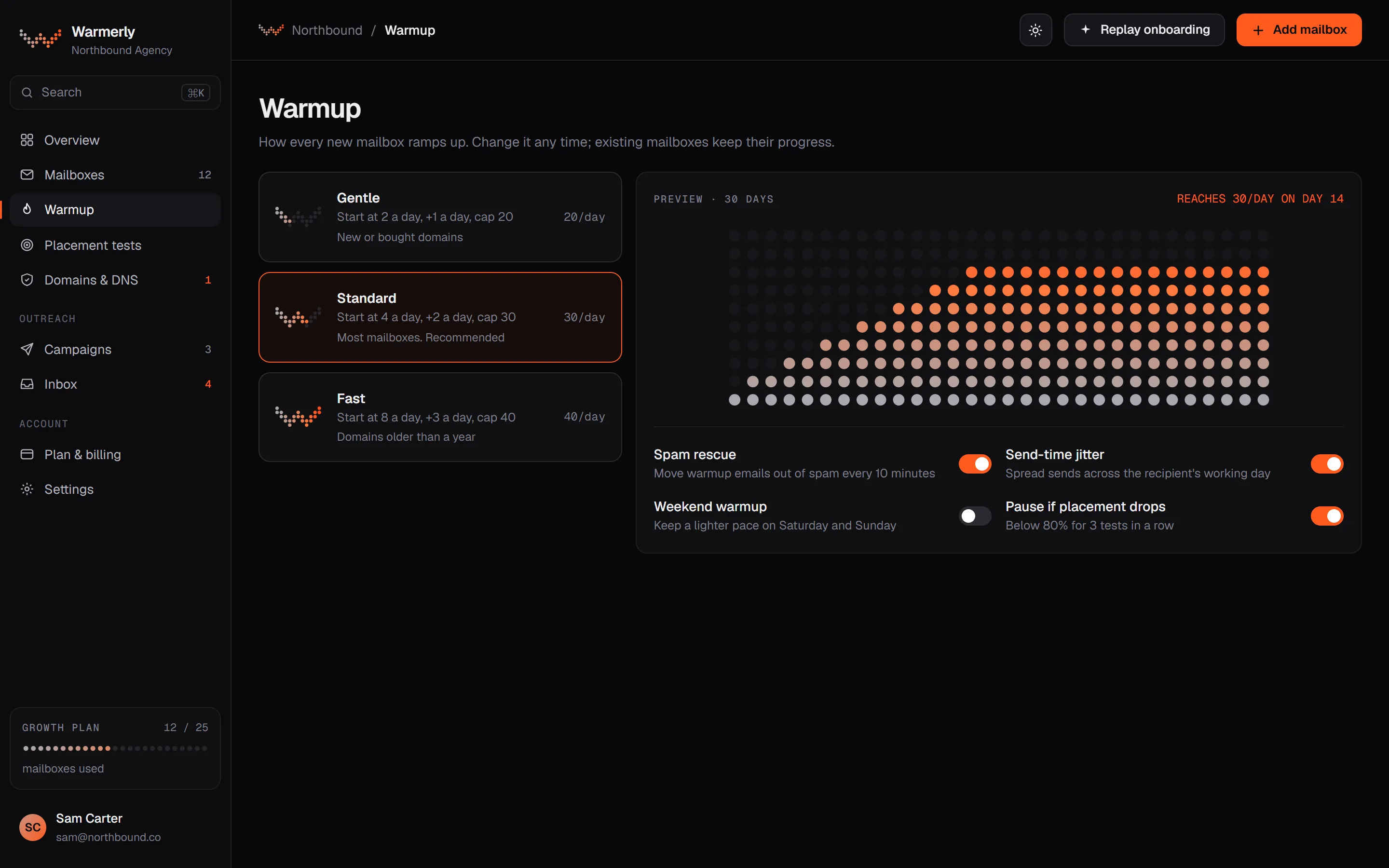
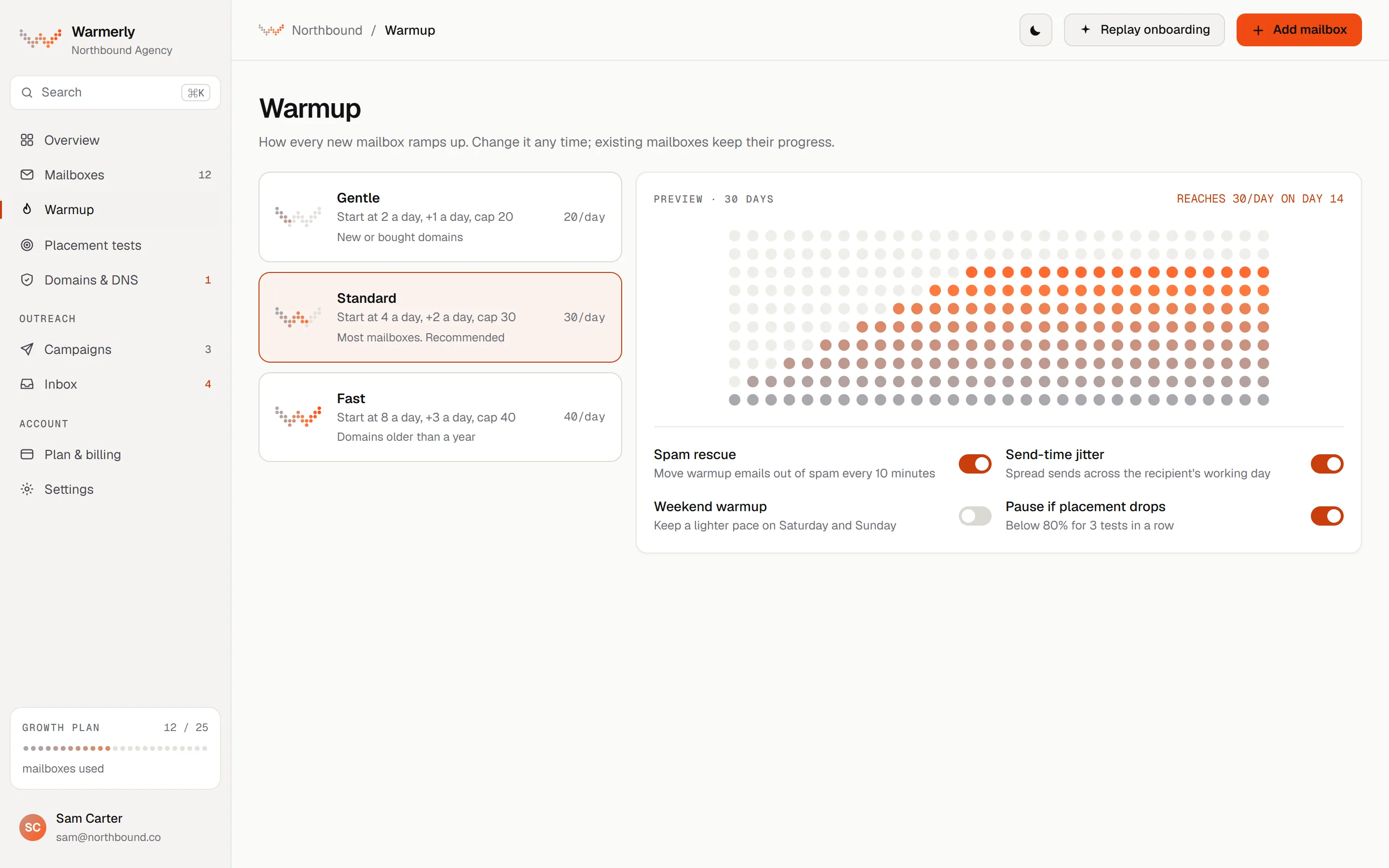
A fixed 30-day ramp, threaded conversations, and spam rescue on every spam-placed warmup message.
The daily quota is interpolated between anchor points: 4 a day at day 0, 8 at day 3, 15 at day 7, 25 at day 14, 35 at day 21 and 50 at day 30. It counts days on which the mailbox really sent, so a paused or newly enabled old mailbox cannot skip ahead. Domain age is not an input.
Warmerly product, checked 21 October 2026
A warmup mail is opened after a delay of 10 to 120 minutes, about 90 per cent of ordinary mail is opened, about 20 per cent of opened mail is starred as important, and the recipient replies with a default probability of 0.3 on a first message, stopping at thread depth 3. Spam-placed mail is different: every message is read, moved to the inbox and answered.
Warmerly product, checked 21 October 2026
Warmup mail is real mail between mailboxes in one pool. The Warmup Network Participation Terms say the pool includes other customers' mailboxes and may include mailboxes Warmerly hosts or operates. The planner picks each recipient by spreading load, mixing providers and how that recipient's domain has treated the sender over the last 14 days. A sender does not write to the same recipient twice within 72 hours (relaxing to 48 then 24 if the pool runs short).
Warmerly product, checked 21 October 2026
In order: remove the Junk keywords and add NotJunk (best effort, servers differ), mark the message read, starred and important, and move it to the inbox. On Gmail, moving out of Spam is the 'Not spam' signal. A reply from the recipient is then queued whatever the mailbox's reply probability, unless the thread is at depth 3 or the recipient cannot reply.
Warmerly product, checked 21 October 2026
Automated warm-up in a shared pool: it sends and replies, raises volume in steps, and tracks a sender reputation score.
The warm-up page says the inbox pool includes 35,000 high-quality accounts, and mentions a premium pool of business and corporate domains.
snov.io/email-warm-up · read 21 October 2026
It says warm-up generates realistic same-thread conversations, and describes them as AI-powered, inside a large deliverability network.
snov.io/email-warm-up · read 21 October 2026
Volume rises in steps, you can set a daily limit, and the number of replies depends on a Reply rate you set in the warm-up settings.
snov.io/knowledgebase/faq-email-warm-up · read 21 October 2026
The FAQ says to start with 5 to 10 emails a day, then 20 to 30, eventually 30 to 50 a day if stable. It does not publish an exact schedule.
snov.io/email-warm-up · read 21 October 2026
Its help FAQ says at least 4 weeks for newly created mailboxes and at least 2 weeks for older accounts with some sending history.
snov.io/knowledgebase/faq-email-warm-up · read 21 October 2026
The FAQ suggests pausing campaigns during warm-up, or keeping warm-up running at 10 to 20 emails a day while campaigns are active.
snov.io/knowledgebase/faq-email-warm-up · read 21 October 2026
We looked, and found no statement on these. That is about its published pages only, not about the product.
We report each version rather than pick one.
| Measure | Warmerly | Snov.io |
|---|---|---|
| How warmup works | Threaded conversations with quoted replies, and spam-placed warmup mail moved to the inbox | Same-thread conversations in a 35,000-account pool; you set the daily limit and reply rate; spam rescue not stated |
| Pool size | Peer pool of customer mailboxes | 35,000 accounts |
| Spam rescue | Every spam-placed warmup message | Not stated |
| Ramp start | 4 a day | 5 to 10 a day (suggested) |
Our reading of the facts above. Not a promise, and not the only reasonable reading.
Warmerly publishes the mechanics of its ramp, rescue and replies. Snov.io publishes a pool size and a recommended range, and its pages leave the mechanics open. That does not mean its warm-up does less, only that we cannot compare it from its pages.
It states a pool of 35,000 accounts, and lets you set reply rate and daily limit yourself. Warmerly's ramp is fixed on purpose, and you can only lower the daily limit.
Its warm-up pages do not say. Warmerly moves every spam-placed warmup message to the inbox, marks it important and answers it.
Its warm-up page says the inbox pool includes 35,000 high-quality accounts, and mentions a premium pool of business and corporate domains. Warmerly publishes the mechanics of its ramp and replies, not a pool size.
On Snov.io, yes: you can set a daily limit and a reply rate in the warm-up settings. On Warmerly the ramp is fixed on purpose and you can only lower the daily limit.
It starts at 4 a day on day 0 and reaches 50 a day at day 30. Snov.io suggests starting with 5 to 10 emails a day.
Snov.io pages were read on 21 October 2026. Plans and wording change, so check the vendor's own page before you decide. Warmerly details come from the product as it runs today.
Connect a mailbox. Warmerly runs alongside whatever you send from now, so you can compare before you move anything.
Free plan, no card. Paid plans: 7-day trial, first charge on day 8.