Warmerly
A published ramp: 4 a day on day 0 to 50 a day by day 30; Gmail held to 40, Outlook to 30.
One row, in depth: what each tool does, the verified numbers, and who each suits.
Mailreach details read from its pricing page and script, home page, product pages, terms, privacy policy and docs on 21 October 2026.
A published ramp: 4 a day on day 0 to 50 a day by day 30; Gmail held to 40, Outlook to 30.
Up to 100 warming emails a day, a higher ceiling; no ramp schedule published.
Warmerly publishes its ramp: 4 a day on day 0 to 50 a day by day 30, with Gmail held to 40 and Outlook to 30, while Mailreach states up to 100 warming emails a day and publishes no ramp. Mailreach's ceiling is higher, and Warmerly's numbers are easier to check. Last checked 22 October 2026.
A published ramp: 4 a day on day 0 to 50 a day by day 30; Gmail held to 40, Outlook to 30.
Up to 100 warming emails a day, a higher ceiling; no ramp schedule published.
Warmup emails a day, per mailbox, over the first 30 days
Straight lines join Warmerly's published anchor points. Gmail is held to 40 a day and Outlook to 30. The dashed line is a stated ceiling, not a ramp.
What each says to do
Mailreach says the initial warm-up should last 14 days at minimum, with no campaigns sent in that time.
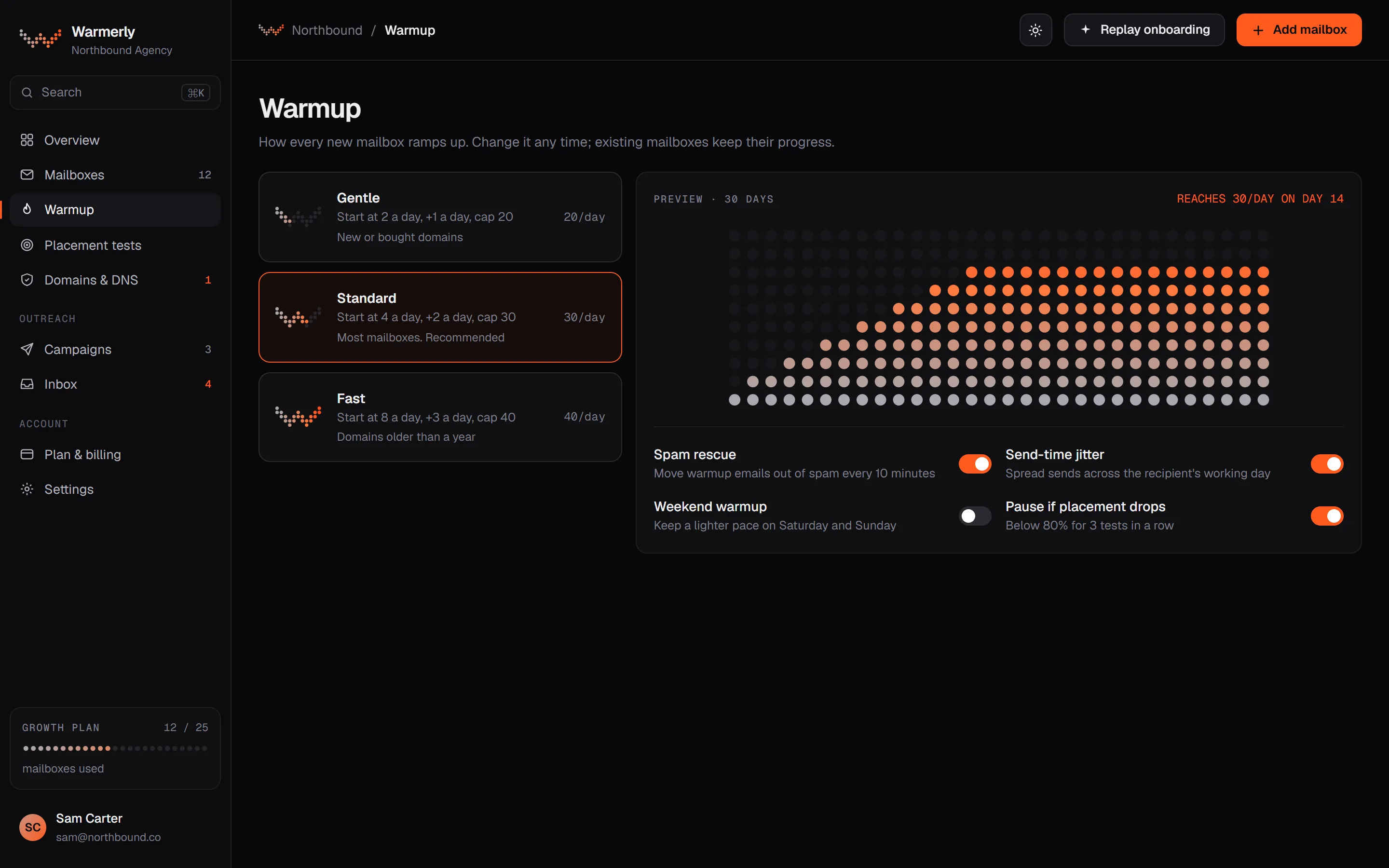
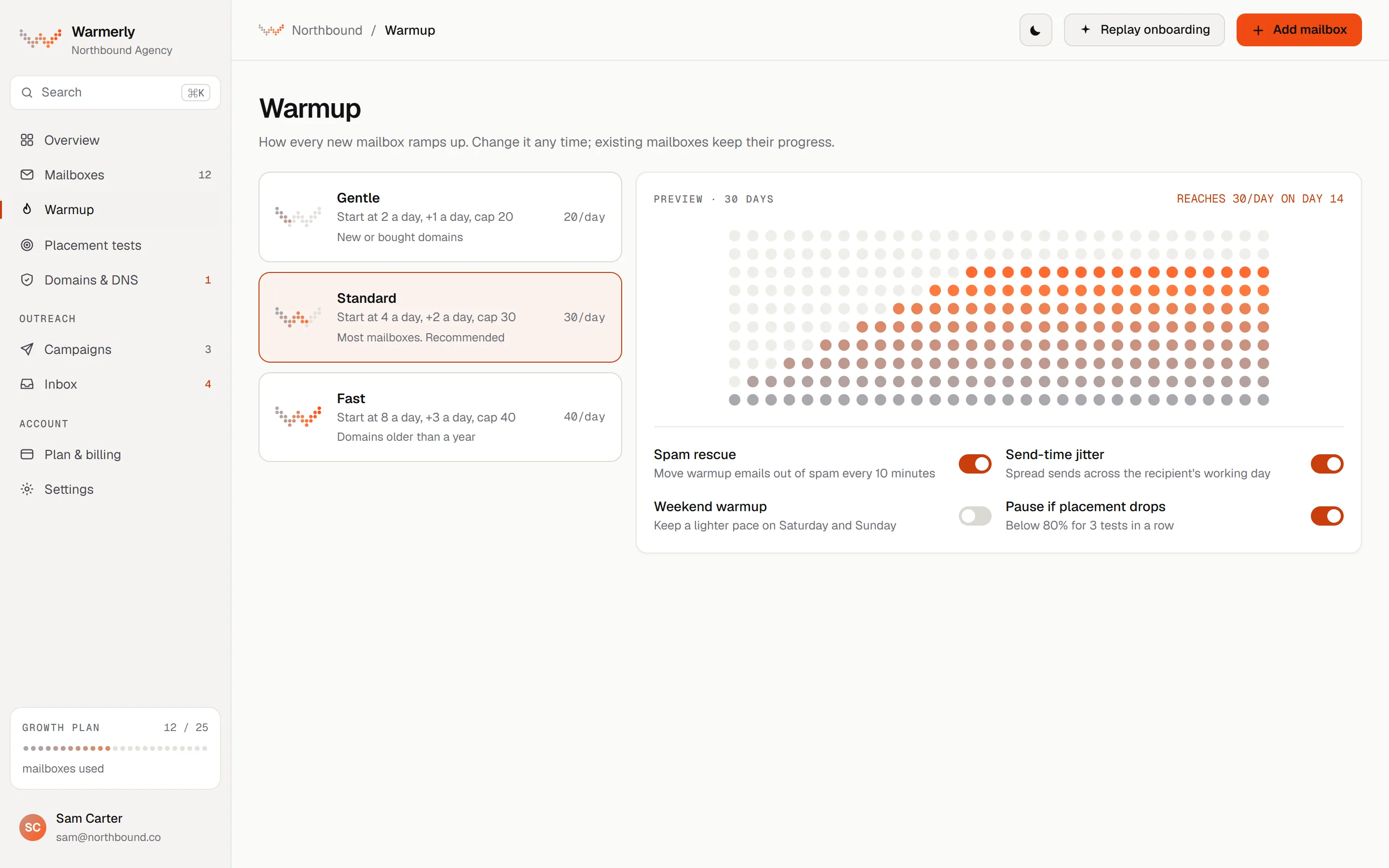
A published ramp from 4 a day to 50, counted in days the mailbox really sent, with caps by provider and named reductions for weekends and poor health.
The daily quota moves between 4 a day at day 0, 8 at day 3, 15 at day 7, 25 at day 14, 35 at day 21 and 50 at day 30. It counts days the mailbox really sent.
Warmerly product, checked 21 October 2026
The quota is held to 40 a day on Gmail, 30 on Outlook and 25 on Zoho.
Warmerly product, checked 21 October 2026
Weekends run at 0.6 of the weekday quota, and a low health score or spam placement reduces it further.
Warmerly product, checked 21 October 2026
The warmup page names the factor that limits today's quota for each mailbox.
Warmerly product, checked 21 October 2026
The ramp reads the smaller of the mailbox's age and the days on which it really sent. A mailbox that paused for a week does not skip ahead, and an old mailbox that has only just switched warmup on starts low.
Warmerly product, checked 21 October 2026
A health score under 50 multiplies the quota by 0.4 and under 70 by 0.75. A spam placement score of 20 or more multiplies it by 0.4 and 10 or more by 0.7. The lower of the two multipliers applies.
Warmerly product, checked 21 October 2026
A new mailbox is marked aging and becomes active once it has sent on 30 days. This is a label for the owner: the volume comes from the ramp, not from the status.
Warmerly product, checked 21 October 2026
A mailbox whose last one or two sends were refused gets one warmup send a day instead of its quota, so it can recover or reach the third refusal and be paused with a reconnect prompt.
Warmerly product, checked 21 October 2026
A per mailbox daily limit set by the user lowers the quota when it is under what the ramp would allow, and the warmup page then names that limit as the reason.
Warmerly product, checked 21 October 2026
A stated ceiling of 100 a day per mailbox, a 14 day minimum before campaigns, and no published ramp between the two.
The warm-up page and the pricing page state up to 100. Its agency page says 100 per day per mailbox.
mailreach.co/email-warmup · read 21 October 2026
It says volume is ramped up strategically and can be raised to repair a damaged reputation. No schedule or figures are given.
mailreach.co/email-warmup · read 21 October 2026
The initial warm-up should last 14 days at minimum, with no campaigns sent in that time. Warming then continues during and between campaigns.
mailreach.co/how-email-warmup-works · read 21 October 2026
It says the warming emails are hidden from your mailbox.
mailreach.co/email-warmup · read 21 October 2026
Reputation is said to rise through hundreds of positive interactions. The page gives no count per day, per week or per mailbox.
mailreach.co/email-warmup · read 22 October 2026
It says it warms the email account, the domain and the IP behind it, and that every address on a shared domain or IP should be warmed.
mailreach.co/pricing · read 22 October 2026
It says it does not warm your templates, does not warm by industry and does not warm in your local language.
mailreach.co/email-warmup · read 22 October 2026
The how-it-works page says you can connect Gmail, Outlook or a custom domain in under 2 minutes, and that the product is updated every week.
mailreach.co/how-email-warmup-works · read 22 October 2026
We looked, and found no statement on these. That is about its published pages only, not about the product.
We report each version rather than pick one.
| Measure | Warmerly | Mailreach |
|---|---|---|
| Daily warmup volume | A published ramp: 4 a day on day 0 to 50 a day by day 30; Gmail held to 40, Outlook to 30. | Up to 100 warming emails a day, a higher ceiling; no ramp schedule published. |
| Daily warmup ceiling | 50 a day by day 30 | Up to 100 a day |
| Starting volume | 4 a day on day 0 | Not stated |
| Minimum warm-up before sending | Not required | 14 days, no campaigns |
| Days to reach the daily ceiling | 30 active days | Not stated |
| Gmail daily cap | 40 a day | Not stated |
| Outlook daily cap | 30 a day | Not stated |
| Weekend volume | 0.6 of a weekday | Not stated |
Our reading of the facts above. Not a promise, and not the only reasonable reading.
Gmail and Outlook limit what a new sender can safely send. Warmerly holds Gmail to 40 and Outlook to 30 whatever the pool allows.
Mailreach publishes no schedule, so ask it for the numbers before you rely on the 100.
On a Gmail mailbox at day 30 the age ramp says 50, but the Gmail cap holds it to 40. On a weekend that becomes 24, which is 0.6 of 40. Five such mailboxes plan 200 warmup sends on a weekday. At a stated ceiling of 100 each, Mailreach's page would allow up to 500 for five mailboxes if it were reached, and it does not say whether it is.
Take a mailbox that has sent on 10 days but is 20 days old. Warmerly uses 10, not 20, so it sits between the day 7 anchor of 15 and the day 14 anchor of 25. Linear interpolation gives 19 a day. Mailreach does not say what it does after a gap.
An Outlook mailbox at day 21 has an age base of 35, held to 30 by the Outlook cap. If its health score is 62 the 0.75 multiplier applies and the quota is 23 on a weekday. The warmup page then names health as the limiting factor, so you can see why the number moved.
Mailreach tells you to send no campaigns for at least 14 days on a new domain or mailbox. On Warmerly's ramp the quota at day 14 is 25 a day, up from 4 at the start. Whichever tool you use, a young mailbox is still building volume at day 14, so keep the first campaign batches small.
Up to 100 a day, as its warm-up and pricing pages state (read 21 October 2026). It does not publish how the volume ramps.
Mailreach says at least 14 days with no campaigns. Warmerly's ramp reaches 50 a day by day 30.
No. The hard cap is 50 a day per mailbox, and Gmail, Outlook and Zoho mailboxes are held lower at 40, 30 and 25. Mailreach states up to 100 a day.
Weekends at 0.6 of a weekday, a health score under 70, a spam placement score of 10 or more, a self set daily limit, a paused mailbox and refused sends. The warmup page names the one that applies.
Its agency page says 100 warming emails per day per mailbox. Its pricing page says up to 100 a day without saying per what. We treat per mailbox as the better reading and flag the difference.
Mailreach pages were read on 21 October 2026. Plans and wording change, so check the vendor's own page before you decide. Warmerly details come from the product as it runs today.
Connect a mailbox. Warmerly runs alongside whatever you send from now, so you can compare before you move anything.
Free plan, no card. Paid plans: 7-day trial, first charge on day 8.