Warmerly
One list for email and LinkedIn replies, with a Needs reply view, labels and a suggested reply.
One row, in depth: what each tool does, the verified numbers, and who each suits.
HeyReach details read from its pricing page, home page and help centre on 21 October 2026.
One list for email and LinkedIn replies, with a Needs reply view, labels and a suggested reply.
A Unibox for LinkedIn conversations across all senders, with inbox privacy settings and permissions.
Both tools put replies in one inbox. HeyReach's Unibox gathers LinkedIn conversations from every connected sender, with per-account privacy settings and role-based permissions. Warmerly's inbox puts email and LinkedIn replies in one list, with a Needs reply view, labels and a suggested reply. HeyReach's is built around many LinkedIn senders. Warmerly's adds the email channel. Last checked 22 October 2026.
One list for email and LinkedIn replies, with a Needs reply view, labels and a suggested reply.
A Unibox for LinkedIn conversations across all senders, with inbox privacy settings and permissions.
Made-up conversations. Filter each one, then select a row to see what you could do with it.
Select a conversation.
Select a conversation.
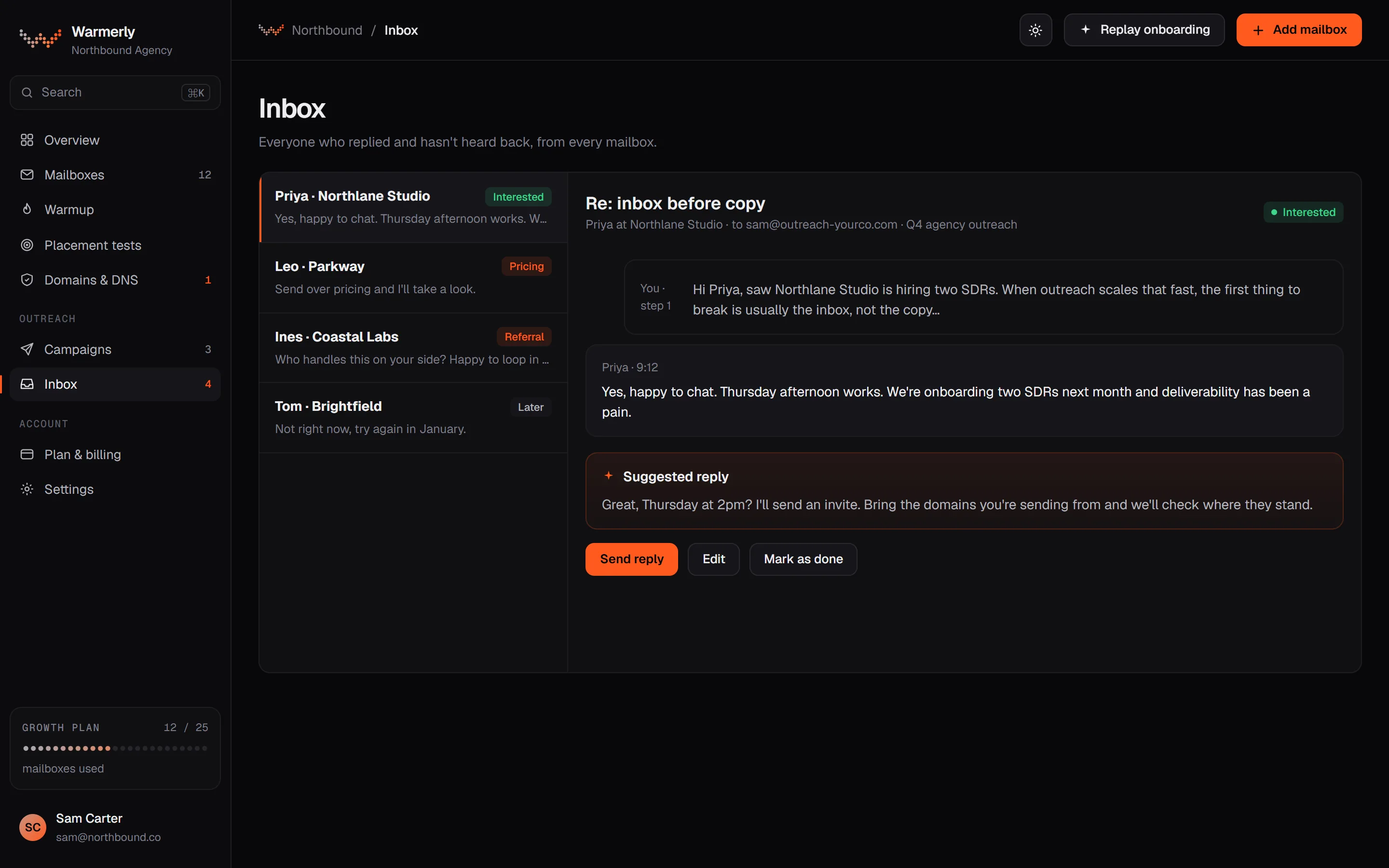
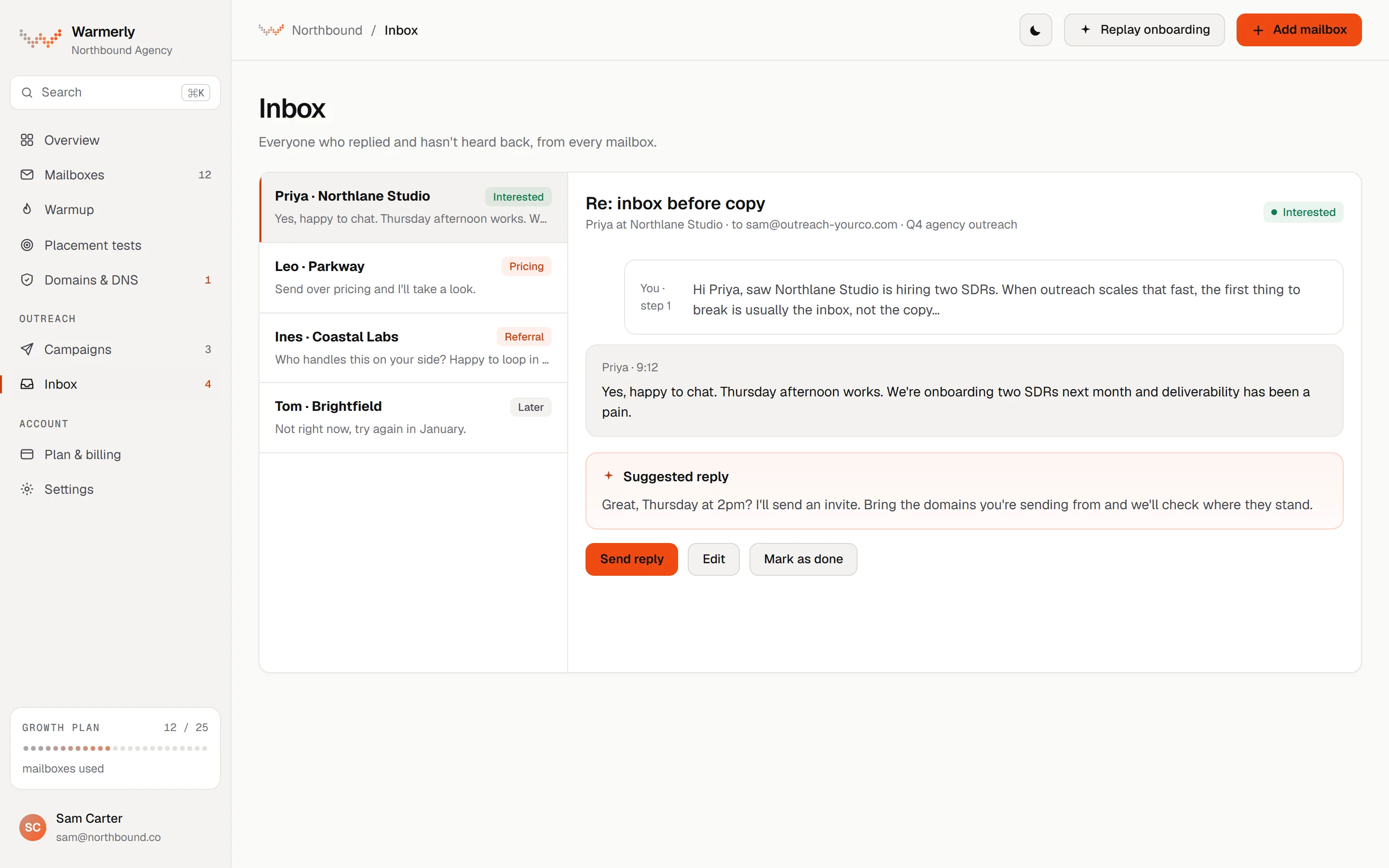
One inbox for email and LinkedIn replies, with a Needs reply view, labels (lead, not relevant, spam) and a short suggested reply you edit and send.
The default view is conversations where the newest message is theirs and it is labelled a lead or not labelled. Other views are All and Archived, and search covers name, email, company and message text.
Warmerly product, checked 21 October 2026
LinkedIn replies land in the same inbox as email replies. LinkedIn campaign replies are labelled: interested, question and referral count as leads, not interested, stop and out of office as not relevant.
Warmerly product, checked 21 October 2026
Warmerly can draft a reply to the latest inbound email: under 120 words, plain text, saved for you to edit and send.
Warmerly product, checked 21 October 2026
A cron job polls active LinkedIn accounts every 3 minutes. Mail is synced every five minutes.
Warmerly product, checked 21 October 2026
Every email a mailbox receives shows in the inbox, and the rules and the AI decide which view it belongs in. The one exclusion is warmup network traffic, so the list is about real conversations only.
Warmerly product, checked 21 October 2026
Every filter is applied in the database query before the page of conversations is cut, so the Archived view and search find every match and not just the newest few. The count shown is the true total.
Warmerly product, checked 21 October 2026
The inbox has no snooze, star or notes, and we found no tags on a conversation and no per-account inbox privacy setting for LinkedIn.
Warmerly product, checked 21 October 2026
A single LinkedIn inbox across all connected senders.
The home page says "Handle all LinkedIn messages in one centralized inbox, without logging in and out of accounts all the time" and lets you "reply on behalf of your colleagues".
heyreach.io · read 21 October 2026
Two sync options: conversations from your LinkedIn inbox in the last 30 days, or only conversations started through a HeyReach campaign. You cannot message leads you have not already contacted.
help.heyreach.io/en/articles/9935996-sending-direct-messages-via-heyreach-unibox · read 21 October 2026
The Unibox article links to per-account inbox privacy settings and role-based permissions for team members. We did not read those articles.
help.heyreach.io/en/articles/9935996-sending-direct-messages-via-heyreach-unibox · read 21 October 2026
The home page lists "sentiment analysis, and auto-tagged warm leads" and the help centre has an Auto-Tag article we did not read.
heyreach.io · read 21 October 2026
The home page says you can send voice notes from your desktop.
heyreach.io · read 21 October 2026
The article lists filters for senders, campaigns, tags, auto tags, message type (LinkedIn, Sales Navigator, Recruiter or all), who sent the last message (sender or lead) and archived or unarchived.
help.heyreach.io/en/articles/9877943-unibox-screen-overview · read 22 October 2026
Tags can be created, renamed, coloured, assigned and applied in bulk. A template library holds canned messages, which the article suggests using for predefined replies based on how a lead responded.
help.heyreach.io/en/articles/9877943-unibox-screen-overview · read 22 October 2026
You can add attachments, send photos and videos and record voice notes. Voice notes cannot go by InMail and are sent as an .m4a file, which the article puts down to a LinkedIn limitation.
help.heyreach.io/en/articles/9877943-unibox-screen-overview · read 22 October 2026
You can refresh a message to sync it with LinkedIn, archive it, add the lead to another list or campaign for re-engagement, mark it as a favourite or unread. Most can be done in bulk.
help.heyreach.io/en/articles/9877943-unibox-screen-overview · read 22 October 2026
Sending is not instant. The article says there is a delay of a couple of seconds, and longer if the sender's proxy is slow. It names no daily message cap for the inbox.
help.heyreach.io/en/articles/9877943-unibox-screen-overview · read 22 October 2026
We looked, and found no statement on these. That is about its published pages only, not about the product.
| Measure | Warmerly | HeyReach |
|---|---|---|
| Unified inbox | One list for email and LinkedIn replies, with a Needs reply view, labels and a suggested reply. | A Unibox for LinkedIn conversations across all senders, with inbox privacy settings and permissions. |
| Channels in the inbox | Email and LinkedIn | |
| History synced | LinkedIn replies from connected accounts, polled every 3 minutes | Last 30 days, or campaign conversations only |
| Suggested reply | Yes, under 120 words for email | Not stated |
| Filters named in the help article | 3 views (Needs reply, All, Archived), plus search | 7 (sender, campaign, tags, auto tags, message type, last message from, archived) |
| Voice notes in the inbox | Not found | Yes, sent as .m4a, not by InMail |
Our reading of the facts above. Not a promise, and not the only reasonable reading.
Roles, per-account privacy and replying for colleagues are listed. Warmerly lacks the privacy setting.
One Needs reply queue covers both channels.
If ten people share thirty senders, filtering by sender, campaign and tag matters more than a single Needs reply list. Warmerly's inbox is simpler and does not offer tags.
Its default view asks who is waiting for a reply, from email and LinkedIn together, and labels the rest so they stay out of the way. HeyReach's filter for the last message coming from the lead does a similar job for LinkedIn only.
Ask both tools how a reply from a prospect on a second channel appears. In Warmerly it lands in the same list. In HeyReach's pages we read, the Unibox covers LinkedIn conversations only.
Yes. Email and LinkedIn replies land in one list with a Needs reply view, labels and a suggested reply. It has no snooze, star or notes.
Yes, the Unibox, for LinkedIn conversations from all connected senders (heyreach.io and help.heyreach.io, read 21 October 2026).
We found no tags on a conversation in the inbox code. Conversations carry a label such as lead, not relevant or spam, set by rules or the AI, and views for Needs reply, All and Archived.
Yes, from the desktop, according to its home page and the Unibox article. Voice notes cannot be sent by InMail and go as an .m4a file (help.heyreach.io, read 22 October 2026).
HeyReach pages were read on 21 October 2026. Plans and wording change, so check the vendor's own page before you decide. Warmerly details come from the product as it runs today.
Connect a mailbox. Warmerly runs alongside whatever you send from now, so you can compare before you move anything.
Free plan, no card. Paid plans: 7-day trial, first charge on day 8.