WarmerlyWarmerly ahead on this row
Built in: mailbox warmup, SPF, DKIM and DMARC checks every 6 hours, and cold email sending.
One row, in depth: what each tool does, the verified numbers, and who each suits.
HeyReach details read from its pricing page, home page and help centre on 21 October 2026.
Built in: mailbox warmup, SPF, DKIM and DMARC checks every 6 hours, and cold email sending.
No email sending or warmup listed; email steps run through Instantly, Smartlead or EmailBison.
Warmerly has mailbox warmup, SPF, DKIM and DMARC checks every six hours built in, and sends cold email campaigns from the warmed mailboxes. HeyReach does not send email or warm mailboxes. Its pages say email steps are added through native integrations with Instantly, Smartlead and EmailBison, and we found no warmup or DNS checking. This is where Warmerly is clearly ahead. Last checked 22 October 2026.
Built in: mailbox warmup, SPF, DKIM and DMARC checks every 6 hours, and cold email sending.
No email sending or warmup listed; email steps run through Instantly, Smartlead or EmailBison.
Warmup emails a day, per mailbox, over the first 30 days
The line is drawn from the anchor points in Warmerly's capacity code, with straight lines between. Real ramps vary by mailbox and provider.
The steps each product covers before an email is read
HeyReach hands the lead to another email tool through an integration. We found no warmup or DNS checking on its pages, and that tool may cover them.
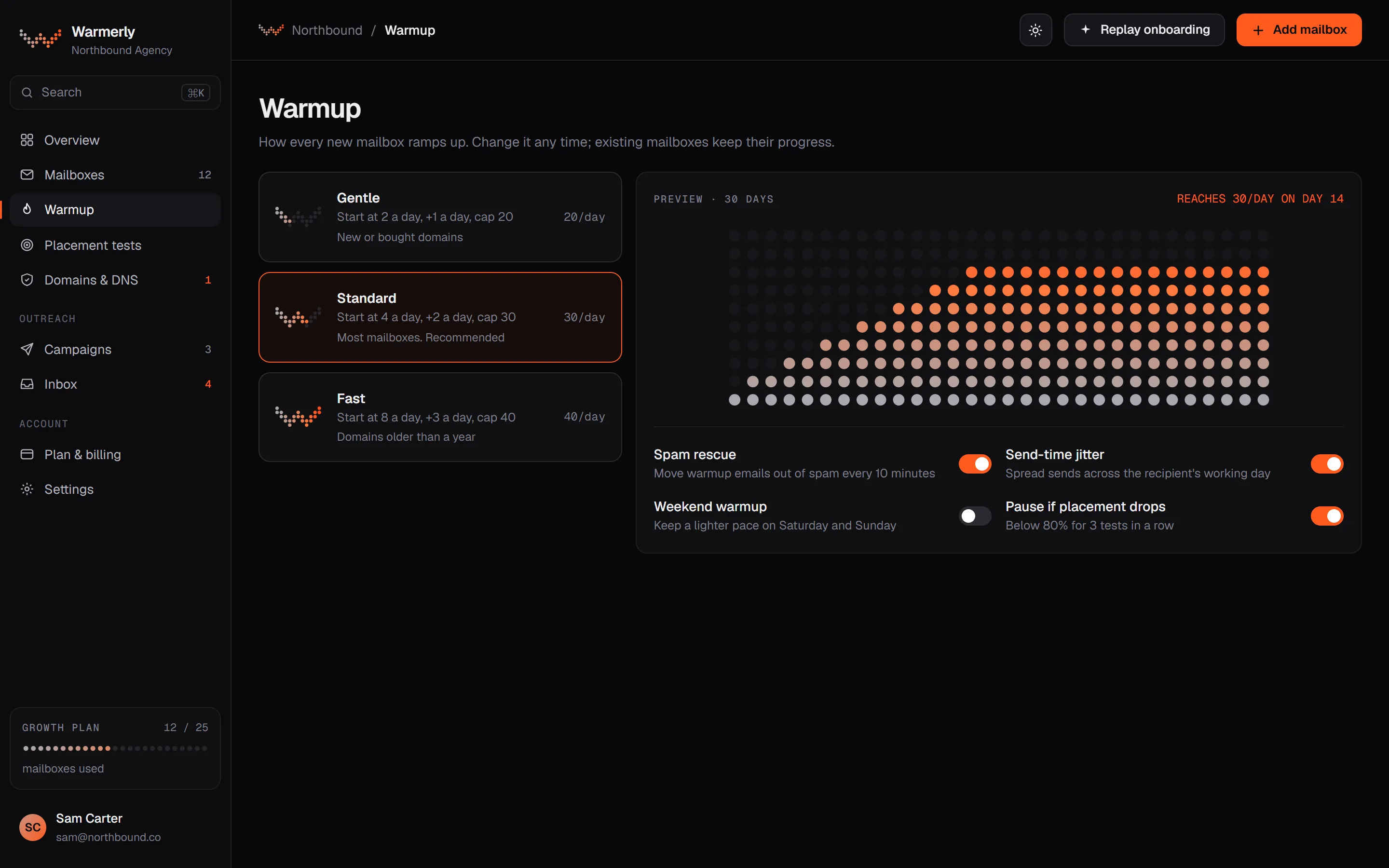
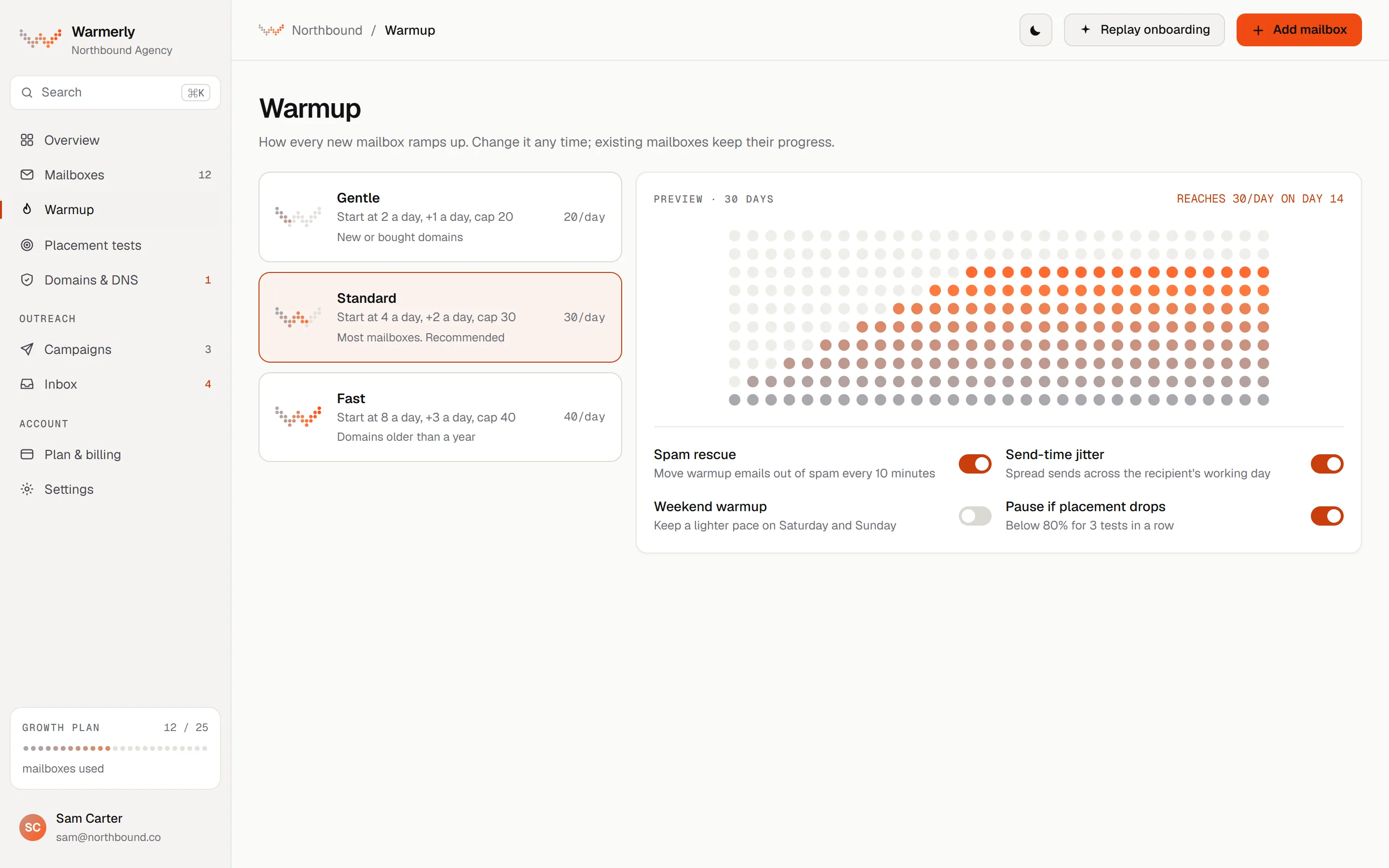
Built in: mailbox warmup from 4 a day to 50 a day over 30 days, SPF, DKIM and DMARC checks every 6 hours, and cold email sent from the warmed mailboxes.
Warmup mail ramps from 4 a day on day 0 to 8 at day 3, 15 at day 7, 25 at day 14, 35 at day 21 and 50 a day at day 30, with straight lines between and lower ceilings for Gmail (40), Outlook (30) and Zoho (25).
Warmerly product, checked 21 October 2026
SPF, DKIM, DMARC and MX are checked every 6 hours, with a written fix when one fails. Sixteen blocklists are checked.
Warmerly product, checked 21 October 2026
Each mailbox has a daily campaign limit of 30 by default. Paid plans have no monthly send meter. A bounce brake lowers the cap from 2 per cent bounces and pauses a mailbox at 7 per cent.
Warmerly product, checked 21 October 2026
Campaign emails carry List-Unsubscribe headers. Unsubscribes go on a workspace-wide suppression list and a genuine reply stops the sequence by default.
Warmerly product, checked 21 October 2026
The verifier answers Safe to send, Send with caution, Do not send or Unknown. Starter includes 5,000 verifications a month, Growth 25,000 and Agency 150,000.
Warmerly product, checked 21 October 2026
The Free plan has 1 mailbox, 1 active campaign and 100 campaign sends a month, and keeps a Powered by Warmerly line on outgoing mail. Paid plans have no monthly send meter.
Warmerly product, checked 21 October 2026
On LinkedIn, HeyReach does more. This page is about the email half, where Warmerly runs the whole chain: warm the mailbox, check the DNS, send, stop on reply and suppress on unsubscribe.
Warmerly product, checked 21 October 2026
No email sending or warmup of its own is listed. Email steps run in Instantly, Smartlead or EmailBison.
The home page lists "Native integrations with Instantly, Smartlead, and EmailBison that are simple to use". The help centre has set-up articles for Instantly and Smartlead.
heyreach.io · read 21 October 2026
HeyReach can find a lead's email from their LinkedIn profile as a campaign step. Each successful lookup uses 1 email credit; credits are bought in packs from Billing.
help.heyreach.io/en/articles/12855506-how-do-the-email-credits-work-in-heyreach · read 21 October 2026
"If credits run out, the action will stop", and remaining leads fail with a message. Pack sizes and prices are not stated in the article.
help.heyreach.io/en/articles/12855506-how-do-the-email-credits-work-in-heyreach · read 21 October 2026
Growth lists "multichannel outreach with native Instantly and Smartlead integrations".
heyreach.io/pricing · read 21 October 2026
A lead's email can come from manual input (the screen, a CSV import or the API), from enrichment or from a HubSpot sync. The most recent update takes priority.
help.heyreach.io/en/articles/14997865-unified-email-column-how-email-is-managed-on-leads · read 22 October 2026
A lead has no email, a manual email, an enriched email, a failed lookup or an enrichment running. Enrich, re-enrich and retry each cost 1 credit, and an earlier email is kept if a new lookup fails.
help.heyreach.io/en/articles/14997865-unified-email-column-how-email-is-managed-on-leads · read 22 October 2026
The article says CRM integrations, with Instantly as its example, receive only the latest email. The API and webhooks still return enriched and manually edited emails in the response body.
help.heyreach.io/en/articles/14997865-unified-email-column-how-email-is-managed-on-leads · read 22 October 2026
The webhooks article gives one example: leads who did not accept a connection request are sent from HeyReach to Instantly or Smartlead for email follow-up. The email is then sent from that tool.
help.heyreach.io/en/articles/9877965-webhooks · read 22 October 2026
The home page says HeyReach finds verified emails, without saying how or how accurate. The unified email column article does not mention verification at all.
heyreach.io · read 22 October 2026
We looked, and found no statement on these. That is about its published pages only, not about the product.
| Measure | Warmerly | HeyReach |
|---|---|---|
| Email, warmup and deliverability | Built in: mailbox warmup, SPF, DKIM and DMARC checks every 6 hours, and cold email sending. | No email sending or warmup listed; email steps run through Instantly, Smartlead or EmailBison. |
| Mailbox warmup | Built in, 4 a day to 50 a day over 30 days | No warmup listed |
| DNS checks | Every 6 hours | None listed |
| Email sending | Built in | Through Instantly, Smartlead or EmailBison |
| Email verifier | Built in, 5,000 a month on Starter | Not stated |
| Credit per email lookup or retry | 1 lookup counts when an address is found | 1 credit each, including retries |
Our reading of the facts above. Not a promise, and not the only reasonable reading.
That tool brings its own price and its own warmup, or you add one.
The sending mailboxes are warmed and checked before a campaign step goes out.
Many teams use it beside an email sender. The cost of that is two tools, two sets of limits and two places to check when a campaign stalls. Whichever sender you pair it with, the mailbox still needs warming.
HeyReach's credits pay for finding an email. They do not pay for sending one. Warmerly's lookups are counted when an address is found and sending has no monthly meter on paid plans.
HeyReach's article says a retry costs a credit, and a failed attempt shows a tooltip with the time and reason. Warmerly counts a lookup only when an address is found.
We found no mailbox warmup on its pages. It integrates with Instantly, Smartlead and EmailBison for email steps (read 21 October 2026). It may cover this elsewhere, so check with them.
Yes, on every mailbox, from 4 a day to 50 a day over 30 days, with SPF, DKIM and DMARC checked every 6 hours.
Yes. The verifier answers Safe to send, Send with caution, Do not send or Unknown, with a monthly allowance by plan: 5,000 on Starter, 25,000 on Growth and 150,000 on Agency.
Its home page says it finds verified emails but gives no method. The help article on the email column does not mention verification (read 22 October 2026).
HeyReach pages were read on 21 October 2026. Plans and wording change, so check the vendor's own page before you decide. Warmerly details come from the product as it runs today.
Connect a mailbox. Warmerly runs alongside whatever you send from now, so you can compare before you move anything.
Free plan, no card. Paid plans: 7-day trial, first charge on day 8.