WarmerlyWarmerly ahead on this row
Campaigns and sequences from Gmail, Outlook, Zoho or any SMTP and IMAP mailbox, with 13 kinds of pre-launch check.
One row, in depth: what each tool does, the verified numbers, and who each suits.
Dux-Soup details read from its pricing page, home page, integrations and feature pages and help centre on 22 October 2026.
Campaigns and sequences from Gmail, Outlook, Zoho or any SMTP and IMAP mailbox, with 13 kinds of pre-launch check.
Not listed on its home or pricing pages.
Warmerly sends cold email from Gmail, Outlook, Zoho or any SMTP and IMAP mailbox, with a daily limit per mailbox, a volume ramp, a bounce brake and 13 kinds of pre-launch check. Dux-Soup's home and pricing pages list no email outreach. Last checked 22 October 2026.
Campaigns and sequences from Gmail, Outlook, Zoho or any SMTP and IMAP mailbox, with 13 kinds of pre-launch check.
Not listed on its home or pricing pages.
As each side lists them
Dux-Soup's Address Finder looks addresses up; its pages list no way to send email from them. It may offer something we did not find.
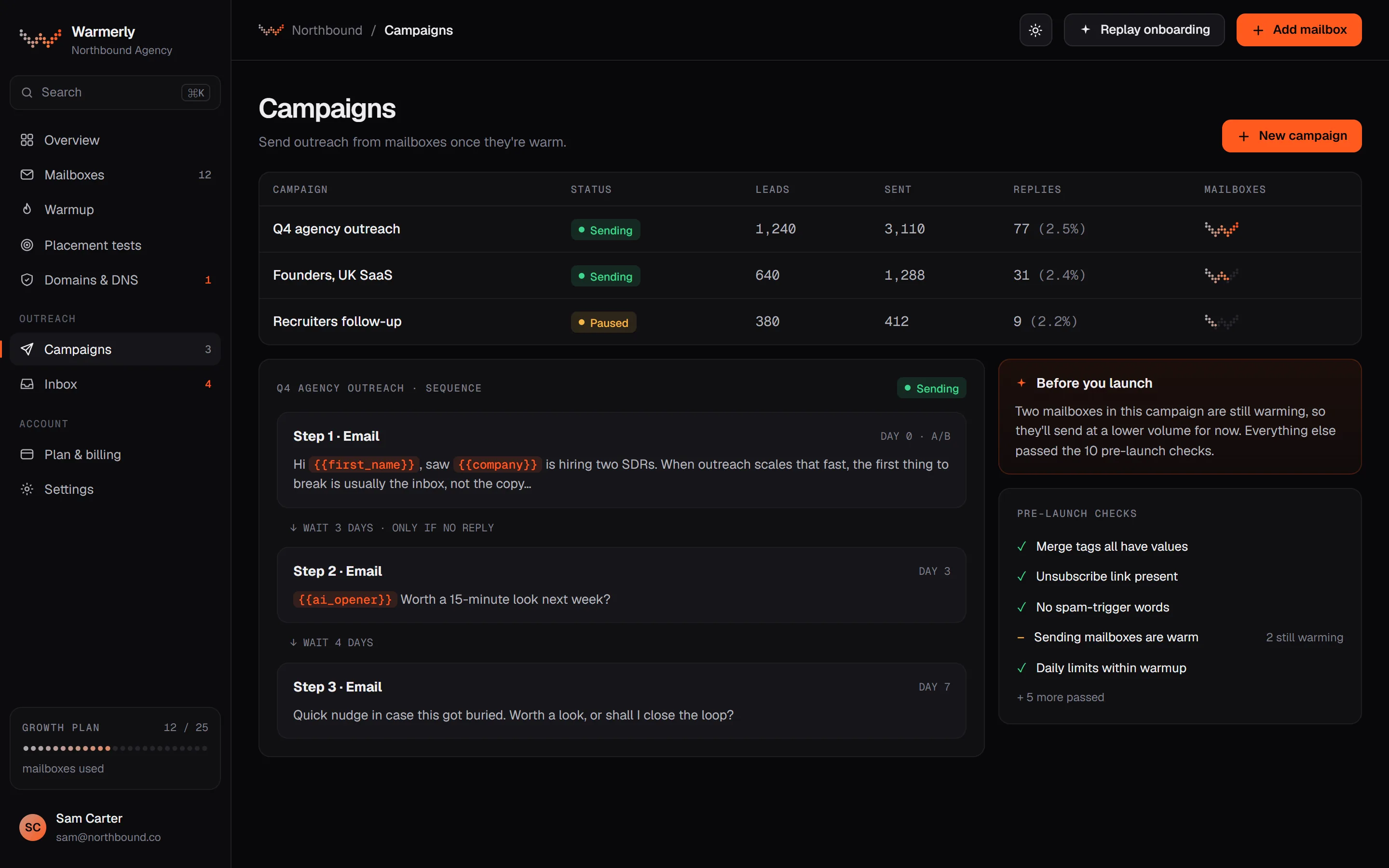
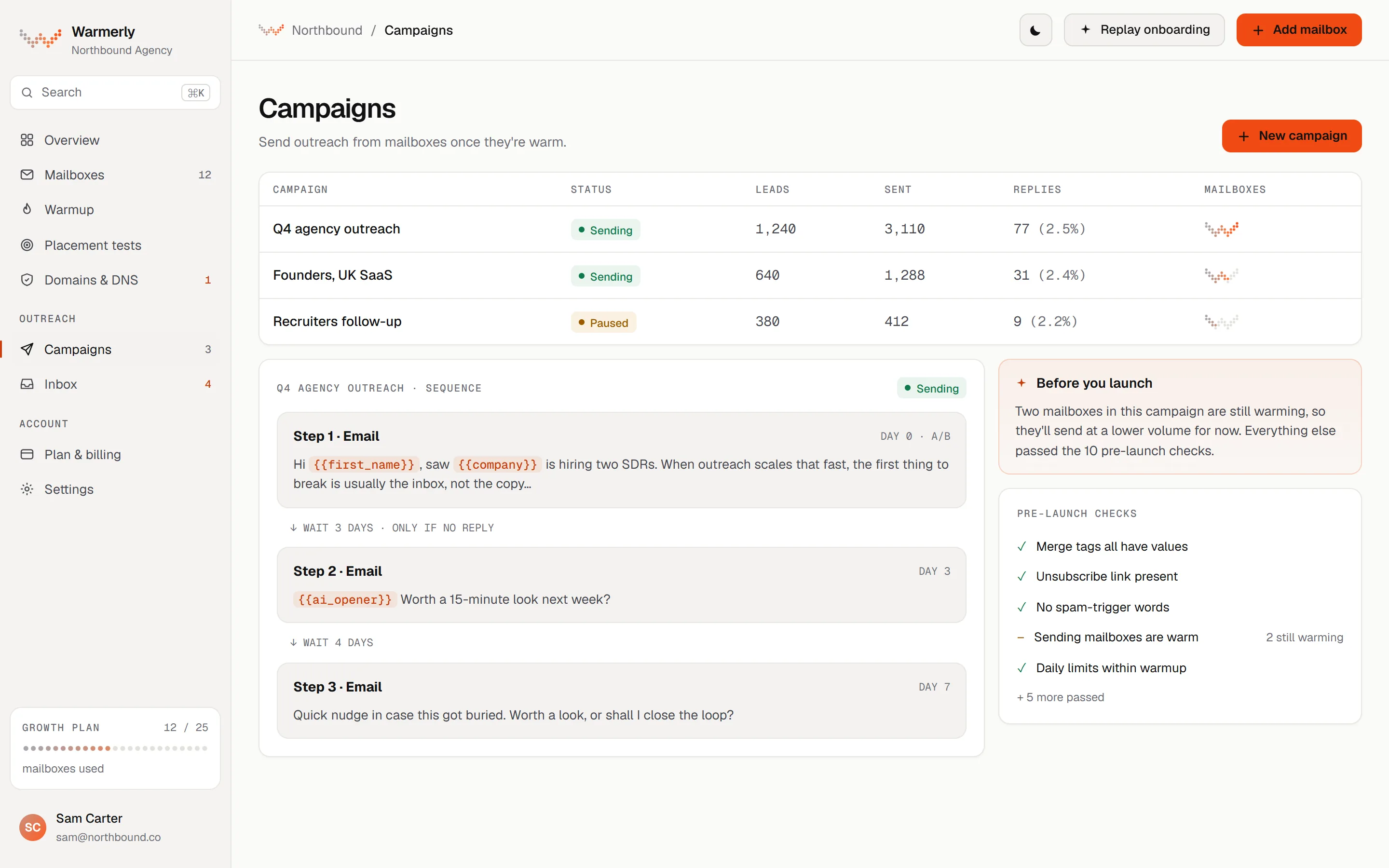
A full email campaign engine: sequence steps, scheduling, a 30 a day default per mailbox, a ramp from 3 to 15 a day, a bounce brake from 2 per cent, and 13 kinds of pre-launch check.
Each mailbox has its own daily campaign limit, 30 by default. A campaign has its own daily limit field too, also 30 by default. Sending is not metered on paid plans: what bounds volume is mailboxes times each mailbox's daily limit. The Free plan allows 100 campaign sends a month.
Warmerly product, checked 22 October 2026
A campaign can ramp each mailbox from 3 emails on sending day 1, adding 1 a day, up to 15 by default, so full volume arrives on the 13th sending day. It is switched on automatically for young mailboxes. A sending day means a day in the campaign's sending days, so weekends hold the cap flat. The ramp can only tighten a mailbox's own limit, never raise it.
Warmerly product, checked 22 October 2026
Over a rolling 7 days, below 2 per cent bounces a mailbox is untouched. From 2 per cent its daily cap is multiplied by 0.75, from 3 per cent by 0.5 and from 5 per cent by 0.25. At 7 per cent the mailbox is paused. A campaign also pauses when 30 per cent of the leads it tried were rejected outright. None of it applies under 25 sends.
Warmerly product, checked 22 October 2026
The readiness table in the pre-flight doc lists 13 kinds of check before Start: 7 that block (no usable step, plan gate, no sender, no queued leads, unknown merge tag, missing brief for an AI opener, failed AI provider probe) and 6 that warn (no postal address, thin lead research, DNS warn or fail or more than 5 senders on one domain, a free mailbox still waiting, no tracking domain for the unsubscribe link, spam-style copy). A warning needs one acknowledgement.
Warmerly product, checked 22 October 2026
Warmerly connects Gmail, Outlook, Zoho or any SMTP and IMAP mailbox, with Google and Microsoft sign-in. It also has hosted mailboxes.
Warmerly product, checked 22 October 2026
Every campaign email carries an unsubscribe link and one-click headers. Hard bounces and unsubscribes go on suppression lists that the engine checks immediately before each send.
Warmerly product, checked 22 October 2026
If the workspace has no postal address, a campaign that sends email shows a warning before launch, because CAN-SPAM and CASL expect one in the footer. It no longer blocks the send.
Warmerly product, checked 22 October 2026
On the pages we read, Dux-Soup does not send email. It can look addresses up.
The actions are Endorse, Follow, InMail, Connect, Message, Visit and Like a post.
dux-soup.com/pricing · read 22 October 2026
The home page lists drip campaigns, AI personalisation, insights, an inbox, integrations and account safety, and no email sending.
dux-soup.com · read 22 October 2026
For 2nd and 3rd-degree prospects it looks up an email address using lookup credits, by hand or through a drip campaign.
support.dux-soup.com/article/775-can-stacked-find-email-addresses-for-linkedin-prospects · read 22 October 2026
The help article says STACKED can capture the email addresses available for 1st-degree connections.
support.dux-soup.com/article/775-can-stacked-find-email-addresses-for-linkedin-prospects · read 22 October 2026
Addresses are added to the prospect data STACKED captures, for use in prospecting and export workflows.
support.dux-soup.com/article/775-can-stacked-find-email-addresses-for-linkedin-prospects · read 22 October 2026
The team page lists a contact's email 'if available' inside a Teams message, which is a lookup result, not an email send.
dux-soup.com/solutions/i-am/team · read 22 October 2026
Its messaging page covers direct messages, InMail and Open Profile messages, all on LinkedIn.
dux-soup.com/product/features/messaging · read 22 October 2026
Prospect data, including emails captured, can go to CSV or to a CRM, per its lead management page, so email sending would happen in another tool.
dux-soup.com/product/features/lead-management · read 22 October 2026
The help centre list we read shows no article on connecting a mailbox, sending email or handling bounces.
support.dux-soup.com · read 22 October 2026
We looked, and found no statement on these. That is about its published pages only, not about the product.
| Measure | Warmerly | Dux-Soup |
|---|---|---|
| Email outreach | Campaigns and sequences from Gmail, Outlook, Zoho or any SMTP and IMAP mailbox, with 13 kinds of pre-launch check. | Not listed on its home or pricing pages. |
| Email steps in a campaign | Yes, in the same sequence as LinkedIn | None listed |
| Mailboxes you can connect | Gmail, Outlook, Zoho, SMTP and IMAP | None listed |
| Daily limit per mailbox | 30 a day by default | Not stated |
| Pre-launch checks | 13 kinds (7 block, 6 warn) | Not stated |
| Bounce brake | Cap x0.75 from 2%, x0.5 from 3%, x0.25 from 5%, paused at 7% | Not stated |
| Unsubscribe handling | Link, one-click headers and suppression lists | Not applicable |
| Volume for 5 mailboxes at the default | 150 emails a day (our arithmetic: 5 x 30) | Not applicable |
| Free plan email sends | 100 campaign sends a month | Not applicable |
Our reading of the facts above. Not a promise, and not the only reasonable reading.
Ask them whether anything has been added since we read the pages.
Finding an address and sending to it are different jobs.
Email steps and LinkedIn steps sit in one sequence with the add-on.
At the default of 30 a day, five mailboxes can send 150 a day, and 750 over a five-day week (our arithmetic). With the volume ramp, a young mailbox sends 3 on its first sending day and 15 by the 13th.
Warmerly shows a deliverability warning when more than 5 senders share one domain, so five mailboxes on one domain is the largest group that avoids it. Spreading the same 150 sends over two domains keeps each domain's load lower.
From 2 per cent bounces over seven days that mailbox's cap is multiplied by 0.75, so 30 a day becomes about 22. At 3 per cent it is 15, at 5 per cent about 7, and at 7 per cent it is paused (our arithmetic from the stated multipliers).
Dux-Soup collects addresses and Warmerly sends to them. Export Dux-Soup's prospect data to CSV with the email column filled, then import it into a campaign.
We found no email sending on its home or pricing pages. It may offer something we did not find, so check with them.
Gmail, Outlook, Zoho or any SMTP and IMAP mailbox, with Google and Microsoft sign-in.
We found no email step on its pages. It captures addresses and can look them up for credits.
Unsubscribes go on a workspace suppression list and the engine checks it right before every email.
30 by default, adjustable per mailbox. Young mailboxes can ramp from 3.
Dux-Soup pages were read on 22 October 2026. Plans and wording change, so check the vendor's own page before you decide. Warmerly details come from the product as it runs today.
Connect a mailbox. Warmerly runs alongside whatever you send from now, so you can compare before you move anything.
Free plan, no card. Paid plans: 7-day trial, first charge on day 8.