





Deliverability, Troubleshooting, Gmail
Emails Going to Spam or Junk? 6 Causes and Fixes
Your emails are going to junk for one of six reasons, and usually more than one at once. Here is how to diagnose which, fix it in the right order, and stop it happening again.

Updated 10 min read

In this article
- First, diagnose before you change anything
- Cause 1: Broken or missing authentication (the most common)
- Cause 2: New or damaged sender reputation
- Cause 3: Sending too much, too fast
- Cause 4: Spammy content and formatting
- Cause 5: A dirty recipient list
- Cause 6: Low engagement
- How to stop it happening again
- Provider-specific fixes
- Frequently asked questions
Your emails are going to spam or junk (two names for the same folder) for one of six reasons, and usually two or three of them at once: broken authentication (SPF, DKIM, DMARC), a new or damaged sending reputation, sending too much too fast, spammy content or formatting, a dirty recipient list, or low engagement from the people you email. To stop emails going to spam, work through them in that order: authentication first, because it is the most common cause and the easiest to check.
This guide covers how to diagnose which of the six is hurting you, how to fix each one, and how to stop your mail sliding back into junk once you have recovered. If you send cold or bulk email, pay special attention to reputation and warmup. They are the reasons most cold campaigns end up in spam.
First, diagnose before you change anything
Do not start rewriting subject lines at random. Run a check on your sending domain first: verify your SPF, DKIM, DMARC, and MX records, and see whether your domain is on any blocklists. That tells you in two minutes whether the problem is technical (authentication or reputation) or behavioural (volume, content, list). Most senders who think they have a content problem actually have an authentication problem.
Cause 1: Broken or missing authentication (the most common)
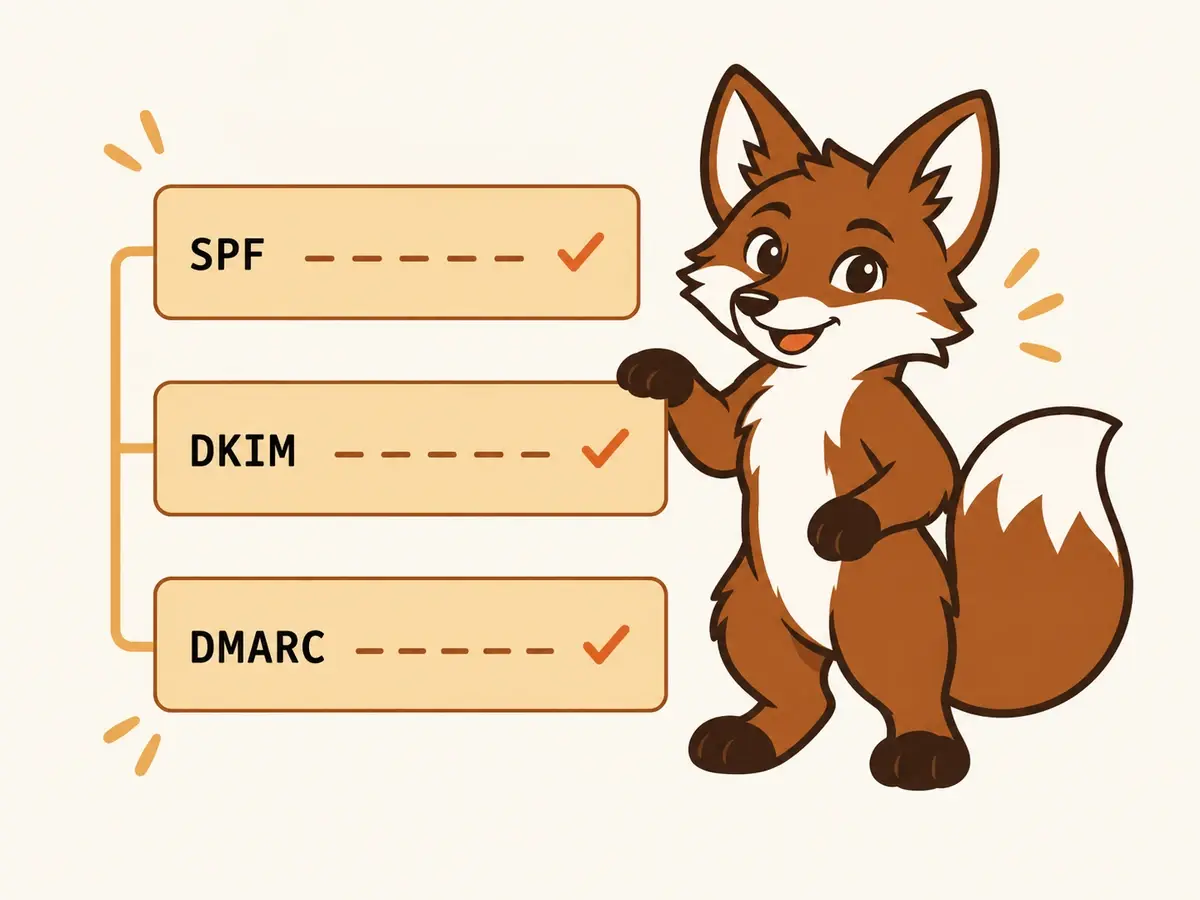
Roughly 6 in 10 junk-folder cases start here. If SPF is missing or exceeds the 10-DNS-lookup limit, if DKIM is absent or under 1024 bits, or if you have no DMARC record, Gmail and Outlook treat your mail as unverified, and unverified mail from a cold sender goes to junk. As of 2024, Gmail and Yahoo require SPF, DKIM, and DMARC for bulk senders outright. Fix authentication before anything else.
Cause 2: New or damaged sender reputation
Mailbox providers score every sending domain and IP on a reputation scale. A brand-new domain has no reputation, so it is treated as suspicious by default. Send 50 cold emails on day one and you trip every new-sender heuristic at once. A domain that previously sent spammy or high-bounce mail carries a damaged reputation that follows it. This is what email warmup exists to fix: it gradually builds positive reputation signals (opens, replies, spam-rescues) before you send real volume, so providers learn your mailbox belongs to a real sender.
Cause 3: Sending too much, too fast
Volume spikes from a new or quiet mailbox are a red flag. Ramping from 0 to 200 sends a day in a week looks exactly like a compromised account blasting spam. Throttle back to a healthy baseline and increase by about 20% per week, not per day. New domains should not be sending real cold volume until they have been warmed for two to three weeks.
Cause 4: Spammy content and formatting
Content matters less than people think in 2026, but it still matters. Gmail no longer cares about the word 'free', but it does care about: a link-to-text ratio above 1:5, single-image emails with no text, base64-encoded bodies, URL shorteners chained through redirects, and a display name that does not match the sending address. Clean those up. Write like a human sending one email, not a template blasting a thousand.
Cause 5: A dirty recipient list
If your bounce rate is above 2% or your spam-complaint rate above 0.3%, providers will junk everything you send regardless of how good the rest is. Verify every list before you send, remove role addresses (info@, sales@), catch-all detections, and anyone who has ever marked you as spam. One bad send to a stale list can undo weeks of good reputation.
Cause 6: Low engagement
Gmail and Outlook watch what recipients do. If nobody opens, replies, or stars your mail, and especially if people delete it without opening or mark it as spam, your reputation drops and more of your mail lands in junk. This is a slow, compounding signal. Warmup helps here too, because it generates positive engagement signals on your mailbox while you fix the rest.
How to stop it happening again
Recovery is not a one-time fix. Once your authentication is clean and your reputation has recovered, keep the mailbox warm: a low, steady stream of engaged conversational mail keeps providers seeing your domain as a real sender, so cold campaigns keep landing. This is exactly what a warmup tool automates: it runs the engagement signals (replies, inbox rescues, stars) in the background while you send real outreach, so your reputation compounds instead of decaying.
Provider-specific fixes
Gmail and Outlook filter differently, and the exact steps vary by provider. If your problem is specific to one, start with the targeted guide:
Frequently asked questions
Why are my emails suddenly going to junk when they used to land fine?
A sudden change almost always means a reputation event: a volume spike, a bad send to a stale list that spiked bounces or complaints, a broken DNS/authentication change, or a blocklist listing. Run a deliverability check first to rule out authentication and blocklists, then look at what changed in your sending volume or list quality in the days before it started.
How do I stop my emails from going to junk?
Work in order: fix SPF, DKIM, and DMARC first; warm up the mailbox to build reputation; ramp volume slowly (about 20% per week); clean your recipient list to keep bounces under 2%; and keep the mailbox warm ongoing so reputation does not decay. Content and formatting matter least. Fix them last.
Does email warmup stop emails going to junk?
Warmup addresses the reputation and engagement causes, which are behind most cold-email junk-foldering. It builds positive signals before you send real volume and keeps them topped up afterwards. It does not fix broken authentication or a dirty list (those are separate steps), but combined with clean SPF/DKIM/DMARC and good list hygiene, warmup is what keeps cold mail in the inbox.
Why do my emails go to junk in Outlook but not Gmail (or vice versa)?
Gmail and Outlook use different filters and weight signals differently. Outlook (SmartScreen) is stricter about brand-new domains and IP reputation; Gmail leans harder on engagement and authentication. If you land in one but not the other, start with that provider's specific guide, but the underlying fixes (authentication, reputation, warmup) are the same.
