






Deliverability, Troubleshooting, Cold email
Emails Going to Spam Even When SPF, DKIM and DMARC Pass
Authentication proves your mail really comes from your domain. It says nothing about whether recipients want it. Here is what to check when everything passes and the mail still lands in spam.

7 min read
In this article
- 1. The domain is new or has gone quiet
- 2. People are marking you as spam, or ignoring you
- 3. Bounces from a poor list
- 4. A tracking or link domain with a poor record
- 5. The domain or IP is on a blocklist
- 6. Content and pattern
- 7. Authentication passes, but not aligned
- What to do first
- Frequently asked questions
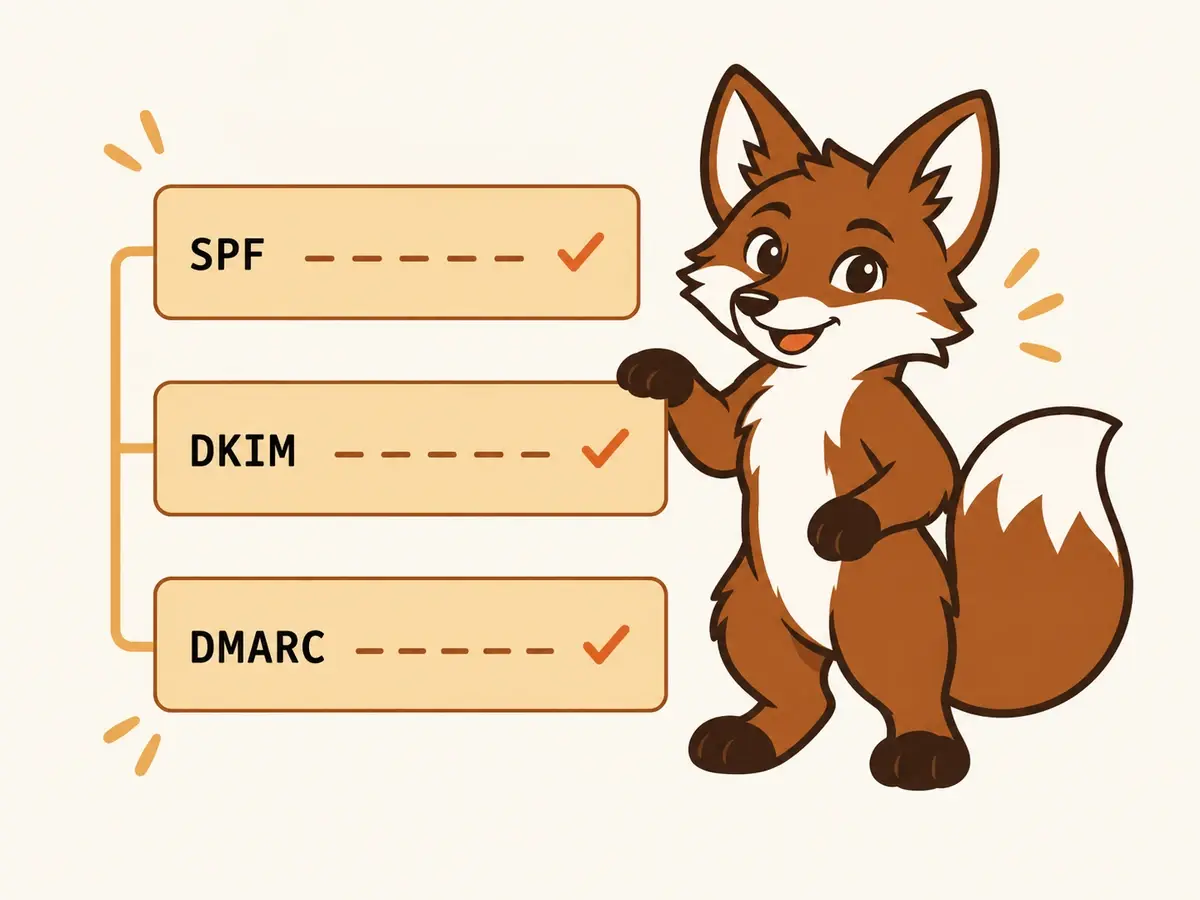
SPF, DKIM and DMARC prove that a message really came from your domain. They do not prove that the domain is trusted, so a fully authenticated email can still go to spam. When authentication passes, the cause is almost always reputation (a young or unwarmed domain, complaints, bounces), content and links, or your own sending pattern.
1. The domain is new or has gone quiet
A domain with no sending history has no reputation, and filters treat no history as a reason for caution. Authentication passes, trust does not exist yet. Warming up gives the domain a record of normal behaviour: small volumes, replies, rescued messages. See how long warmup takes for the ramp.
2. People are marking you as spam, or ignoring you
Spam complaints, deletes without reading and low engagement all feed reputation. A list that does not know you will complain more than one that does. Google Postmaster Tools shows your reported spam rate for a domain once you send enough volume to Gmail. Keep it under the 0.1 per cent guideline.
3. Bounces from a poor list
Sending to addresses that do not exist is a sign of a scraped or stale list. Verify addresses before sending and remove hard bounces after the first one. The bounce rate post covers sensible limits.

4. A tracking or link domain with a poor record
Your message may be clean while the link domain in it is shared with thousands of other senders. A shared tracking domain inherits their problems. A custom tracking domain on your own domain removes that dependency. Warmerly checks a custom tracking domain's DNS records when you set one up.
5. The domain or IP is on a blocklist
A listing on a major blocklist can send mail to spam or reject it outright, with every authentication check still passing. Look up the sending domain and IP. See Spamhaus delisting by list type for what to do next.
6. Content and pattern
- The same message to hundreds of people in one burst, with only the name changed.
- Heavy HTML, many links, large images, or an image-only message.
- Spam-trigger wording in the subject line. A spam word checker can flag obvious ones, but a flagged word alone rarely decides placement.
- A sudden jump in volume from a mailbox that was sending little.
7. Authentication passes, but not aligned
SPF and DKIM can pass for your sending tool's domain while neither matches your From address. Check the headers for dmarc=pass, not just spf=pass and dkim=pass. See how to read email headers.
What to do first
- Send a few messages to mailboxes you control at Gmail and Outlook and see where they land. The free inbox or spam test post explains how to do that without paying.
- Open the headers and confirm dmarc=pass.
- Check the domain and IP against blocklists.
- Look at your bounce and complaint numbers. If either is rising, pause and fix the list before anything else.
- If the domain is young, slow down and warm it up before ramping volume.
Frequently asked questions
Why is my email going to spam if SPF, DKIM and DMARC all pass?
Authentication confirms the sender's identity, not their reputation. Spam placement then depends on domain reputation, complaints, bounces, content, links and sending pattern.
What spam complaint rate is safe?
Google's sender guidelines say to keep the reported spam rate below 0.1 per cent and to never reach 0.3 per cent.
Does warmup fix spam placement?
It helps a new or quiet domain build a history of normal behaviour. It will not fix a bad list, a blocklisting or content that recipients mark as spam.
