Warmerly
One published ramp: 4 a day on day 0 to 50 a day by day 30; Gmail held to 40, Outlook to 30.
One row, in depth: what each tool does, the verified numbers, and who each suits.
Warmbox details read from its pricing, home, features, agency and checker pages and its help centre on 21 October 2026.
One published ramp: 4 a day on day 0 to 50 a day by day 30; Gmail held to 40, Outlook to 30.
Four recipes (Grow, Flat, Randomized, Custom), a schedule, and settings for maximum emails and reply rate.
Warmerly runs one published ramp, from 4 a day on day 0 to 50 a day by day 30, held to 40 on Gmail and 30 on Outlook, with sends between 08:00 and 20:00 in the mailbox's own time. Warmbox gives you four recipes (Grow, Flat, Randomized, Custom), a schedule in your timezone, and settings for maximum emails and reply rate. Last checked 22 October 2026.
One published ramp: 4 a day on day 0 to 50 a day by day 30; Gmail held to 40, Outlook to 30.
Four recipes (Grow, Flat, Randomized, Custom), a schedule, and settings for maximum emails and reply rate.
Warmerly's quota for a mailbox on that day, from its published anchor points
25
warmup emails a day, before provider caps
You set it
Four recipes, a schedule, maximum emails and reply rate. Its Grow article suggests 40 a day for a first campaign and a 30% reply rate.
Between anchors Warmerly's quota is a straight line, rounded to a whole email. Gmail is held to 40 a day and Outlook to 30. Warmbox publishes no starting volume or daily step for any recipe.
Days from the start of warm-up
Warmbox says timing depends on the address and provider, and gives its figures as an indication. Neither tool promises a result in that time.
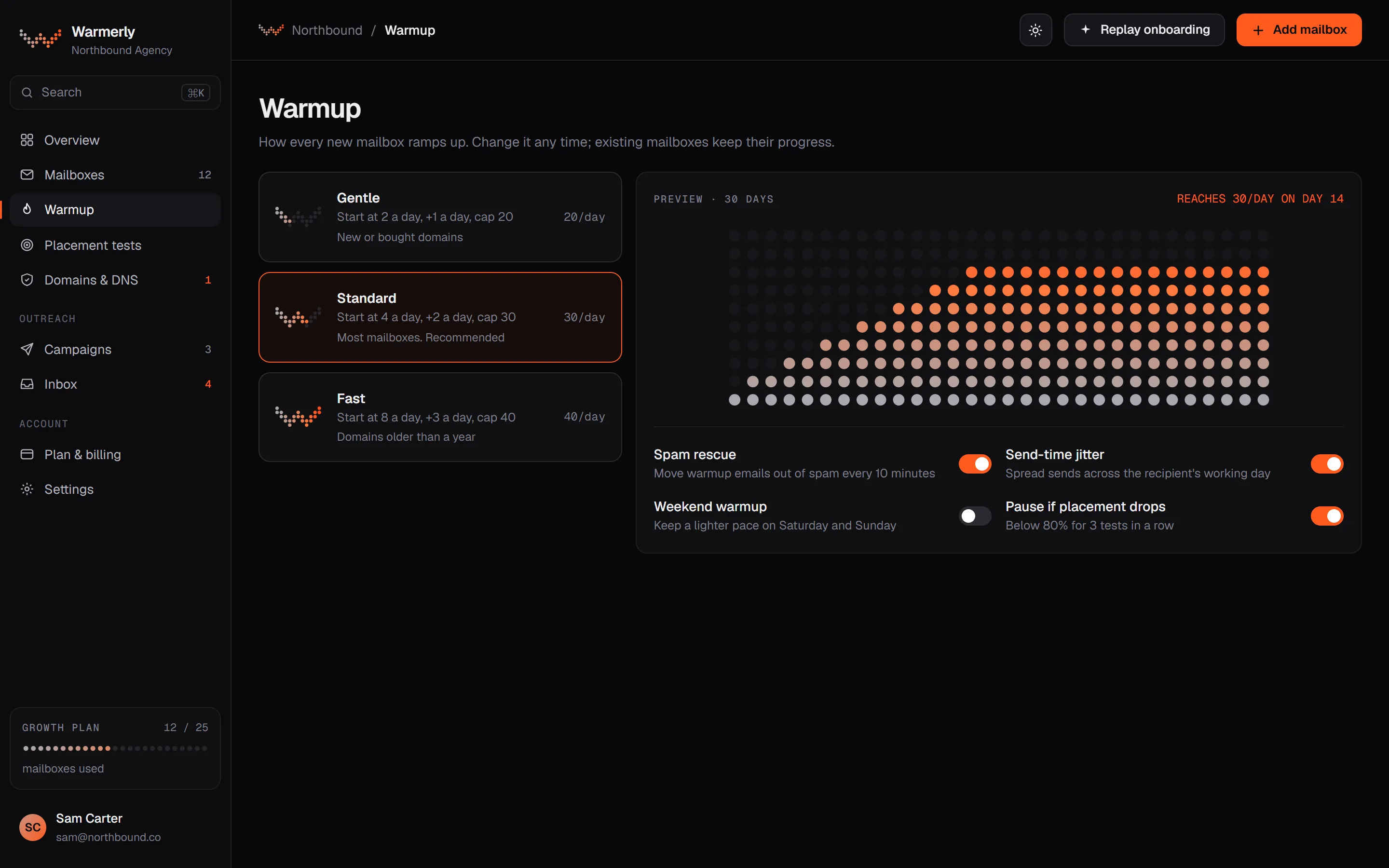
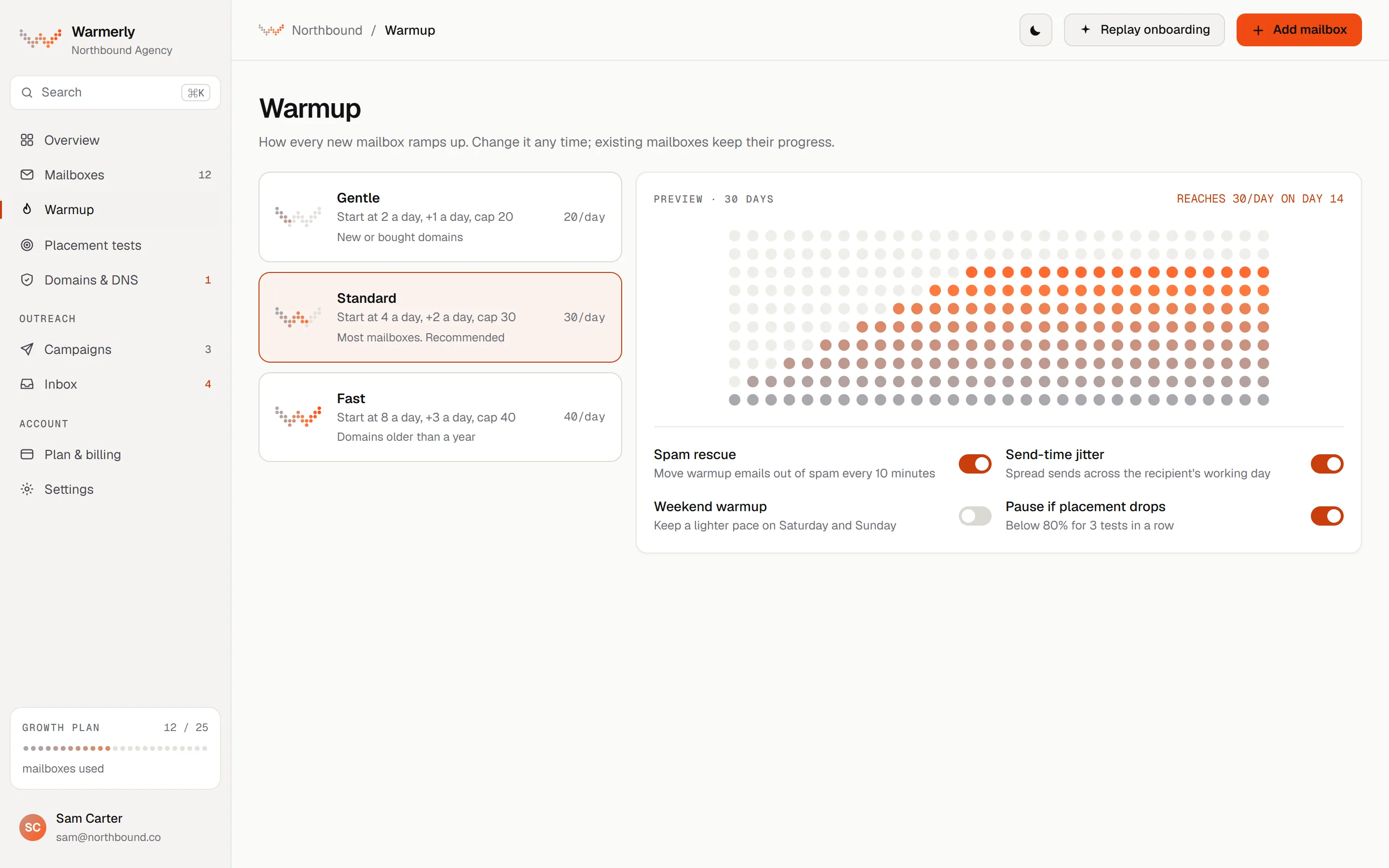
One published ramp, cut by provider caps, weekends and health.
The daily quota moves between 4 a day at day 0, 8 at day 3, 15 at day 7, 25 at day 14, 35 at day 21 and 50 at day 30. It counts days the mailbox really sent.
Warmerly product, checked 21 October 2026
The quota is held to 40 a day on Gmail, 30 on Outlook and 25 on Zoho.
Warmerly product, checked 21 October 2026
Weekends run at 0.6 of the weekday quota, and a low health score or spam placement reduces it further.
Warmerly product, checked 21 October 2026
Warmup sends happen between 08:00 and 20:00 in the mailbox's local timezone. A warmup message gets a reply with a default chance of 30%.
Warmerly product, checked 21 October 2026
The daily quota moves between 4 a day at day 0, 8 at day 3, 15 at day 7, 25 at day 14, 35 at day 21 and 50 at day 30. It counts days the mailbox really sent.
Warmerly product, checked 21 October 2026
The quota is worked out in straight-line steps between the anchor days, so day 10 sits between 15 on day 7 and 25 on day 14.
Warmerly product, checked 21 October 2026
The quota is held to 40 a day on Gmail, 30 on Outlook and 25 on Zoho, whatever the ramp would allow.
Warmerly product, checked 21 October 2026
Weekend days run at 60% of the weekday quota, worked out in the mailbox's own time zone.
Warmerly product, checked 21 October 2026
Warmup sends happen between 08:00 and 20:00 in the mailbox's own time zone, because mail in the middle of the recipient's night is a strong bot signal.
Warmerly product, checked 21 October 2026
A health score under 70 cuts the day's quota to 75%, and under 50 to 40%. A high spam placement score cuts it to 70% or 40%. The ramp recovers when the numbers do.
Warmerly product, checked 21 October 2026
Each day's quota moves up or down by up to about 15%, and sends are spread through the day on a random schedule, so volume is never a flat line.
Warmerly product, checked 21 October 2026
A mailbox's reply rate starts at 30% and moves between 15% and 40%. It rises by 5 points when health is falling or under 60, and falls by 2 points when health is above 75 and rising.
Warmerly product, checked 21 October 2026
A per mailbox daily limit lowers the quota when it is under what the ramp allows, and the warmup page then names that limit as the reason. You cannot raise the pace above the ramp.
Warmerly product, checked 21 October 2026
Four recipes, a schedule, and adjustable volume and reply settings, on every plan.
After connecting an inbox you choose Grow (progressive), Flat, Randomized or Custom. The recipe article does not describe how they differ.
help.warmbox.ai/en/articles/4803446-choose-a-warm-up-recipe · read 21 October 2026
Its Grow article says it is the most recommended strategy for a new or inactive inbox, recommends a minimum duration of 45 days, and suggests 40 emails a day for a first warm-up campaign.
help.warmbox.ai/en/articles/4803457-grow-progressive-warm-up · read 21 October 2026
The reply-rate setting suggests 30% for the full benefit and says not to exceed 45%.
help.warmbox.ai/en/articles/4803473-set-up-reply-rate · read 21 October 2026
The features page says you can warm up during your working hours, in your timezone, and the help centre lets you edit the volume for a specific day.
warmbox.ai/the-best-email-warm-up-solution-discover-our-features · read 21 October 2026
The Flat recipe sends exactly the same number of emails every day for the whole warm-up. Warmbox calls it suited to an inbox that is already warm and needs to keep high deliverability.
help.warmbox.ai/en/articles/4803460-flat-warm-up · read 22 October 2026
The Randomized recipe sends a random number of emails each day, which you can edit. Warmbox calls it suited to an inbox that is already warmed and for running experiments.
help.warmbox.ai/en/articles/4803464-randomized-warm-up · read 22 October 2026
The Custom recipe sends exactly the amount you define each day, and you drag the blue bars of a graph to set each day. Warmbox says it is for cold email experts who need more flexibility.
help.warmbox.ai/en/articles/4803461-custom-warm-up · read 22 October 2026
Each recipe asks for a timing range, a maximum number of emails a day and a reply rate a day. Warmbox suggests at least 45 days, 40 emails for a first campaign and a 30% reply rate.
help.warmbox.ai/en/articles/4803457-grow-progressive-warm-up · read 22 October 2026
You can drag the blue bar of one day in the graph to change that day's volume.
help.warmbox.ai/en/articles/4876545-edit-sending-volume-for-a-specific-day · read 22 October 2026
The help article says the average reply rate is between 30% and 45%, so the setting is limited to 45%, because a higher rate would look suspicious to providers.
help.warmbox.ai/en/articles/4803470-why-can-t-i-increase-limits-to-100 · read 22 October 2026
The timing article says that when the timing range ends Warmbox automatically continues to send emails from your inbox to keep it warm.
help.warmbox.ai/en/articles/4803471-set-up-warm-up-timing · read 22 October 2026
The sending limit article says your daily volume is limited by your inbox provider and by your Warmbox plan, and that you can see the limits under Settings, Billing, Subscriptions.
help.warmbox.ai/en/articles/4830049-sending-limit · read 22 October 2026
The features page says Warmbox recommends a recipe automatically with smart rules, or lets experts edit the timing range, emails a day, reply rate and other settings.
warmbox.ai/the-best-email-warm-up-solution-discover-our-features · read 22 October 2026
We looked, and found no statement on these. That is about its published pages only, not about the product.
We report each version rather than pick one.
| Measure | Warmerly | Warmbox |
|---|---|---|
| Warm-up controls | One published ramp: 4 a day on day 0 to 50 a day by day 30; Gmail held to 40, Outlook to 30. | Four recipes (Grow, Flat, Randomized, Custom), a schedule, and settings for maximum emails and reply rate. |
| Recipes you can choose | 1 published ramp | 4 (Grow, Flat, Randomized, Custom) |
| Suggested length for a new inbox | 30-day ramp | 45 days minimum on Grow |
| Maximum a day for a first campaign | 50 a day by day 30 | 40, as it suggests |
| Reply rate | 30% default | 30% suggested, 45% not to exceed |
| First results, its FAQ | Ramp reaches 50 on day 30 | 15 to 30 days |
| Warm-up recipe for a new inbox | The one published ramp | Grow, recommended by Warmbox |
| Recipe for an already warm inbox | Same ramp, held at its ceiling | Flat, or Randomized for experiments |
| Edit one day's volume | No, the ramp sets it | Yes, drag the bar for that day |
| Highest reply rate you can set | Not a setting; tuned between 15% and 40% | 45%, its stated ceiling |
| Warm-up hours | 08:00 to 20:00 in the mailbox's time zone | Your working hours and timezone, no range stated |
| Weekend volume | 60% of a weekday | Not stated |
| Day-to-day variation | Up to about 15% either way | Randomized recipe only, no range stated |
| Daily cap on a Gmail mailbox | 40 a day | Not stated |
| Where the daily limit comes from | Ramp, provider, health and your own limit | Recipe maximum, your plan and the provider |
Our reading of the facts above. Not a promise, and not the only reasonable reading.
Warmbox lets you set volume, length and reply rate. That helps if you know what you want, and costs you a decision if you do not.
Warmerly's ramp is the same for every mailbox, and the warmup screen names the factor that limits today's quota.
Warmbox gives you four recipes and a graph you can edit. Warmerly gives you one ramp that you can lower but not raise. If you know exactly what pattern you want, Warmbox lets you draw it. If you would rather not make that decision, Warmerly makes it for you and shows why.
The 45 days, 40 emails and 30% reply rate are Warmbox's own suggestions, with no evidence given. Our ramp numbers are our own design in the same way. Neither is a promise about where your mail lands.
For a new mailbox the sensible choice on Warmbox is the Grow recipe, which is the one it recommends. The other recipes are described for inboxes that are already warm.
On Warmbox the daily figure you choose has to fit under the plan's emails a day: 50, 250 or 500. Check that the recipe maximum, summed across your inboxes, fits the plan you pay for.
Both tools send within working hours for the mailbox. Warmerly states 08:00 to 20:00. Warmbox says you choose your hours and timezone without giving a range.
Grow, Flat, Randomized and Custom. It recommends Grow for a new inbox, with 45 days minimum.
One published ramp from 4 a day to 50 by day 30, over a 30-day ramp.
Warmbox suggests 30% and says not to exceed 45%. Warmerly tunes it between 15% and 40%.
Warmerly sends 08:00 to 20:00 in the mailbox's time zone, with weekends at 60% of a weekday.
On Warmbox, yes, by dragging that day's bar. On Warmerly the ramp sets it.
Warmbox pages were read on 21 October 2026. Plans and wording change, so check the vendor's own page before you decide. Warmerly details come from the product as it runs today.
Connect a mailbox. Warmerly runs alongside whatever you send from now, so you can compare before you move anything.
Free plan, no card. Paid plans: 7-day trial, first charge on day 8.