Warmerly
Gmail and Google Workspace, Outlook and Microsoft 365, Zoho Mail, Namecheap Private Email and custom SMTP and IMAP. Gmail connects with an app password.
One row, in depth: what each tool does, the verified numbers, and who each suits.
Lemwarm details read from its pricing page, home page, blog and lemlist's help centre on 21 October 2026.
Gmail and Google Workspace, Outlook and Microsoft 365, Zoho Mail, Namecheap Private Email and custom SMTP and IMAP. Gmail connects with an app password.
Gmail and Outlook in one click, and any provider over SMTP and IMAP; its home page names Zoho, FastMail and Proton.
Both connect Gmail, Outlook and any mailbox with SMTP and IMAP details. Warmerly has ready settings for Gmail and Google Workspace, Outlook and Microsoft 365, Zoho Mail and Namecheap Private Email, plus a custom SMTP and IMAP form. Lemwarm connects Gmail and Outlook with a one-click Connect button, and its home page names Zoho, FastMail and Proton. Lemwarm is ahead on one-click connection and on the providers it names. Last checked 21 October 2026.
Gmail and Google Workspace, Outlook and Microsoft 365, Zoho Mail, Namecheap Private Email and custom SMTP and IMAP. Gmail connects with an app password.
Gmail and Outlook in one click, and any provider over SMTP and IMAP; its home page names Zoho, FastMail and Proton.
As each company states it
Lemwarm's help centre says relays and transactional sending services are not supported. Its home page names Zoho, FastMail and Proton. Warmerly has ready settings for Zoho and Namecheap.
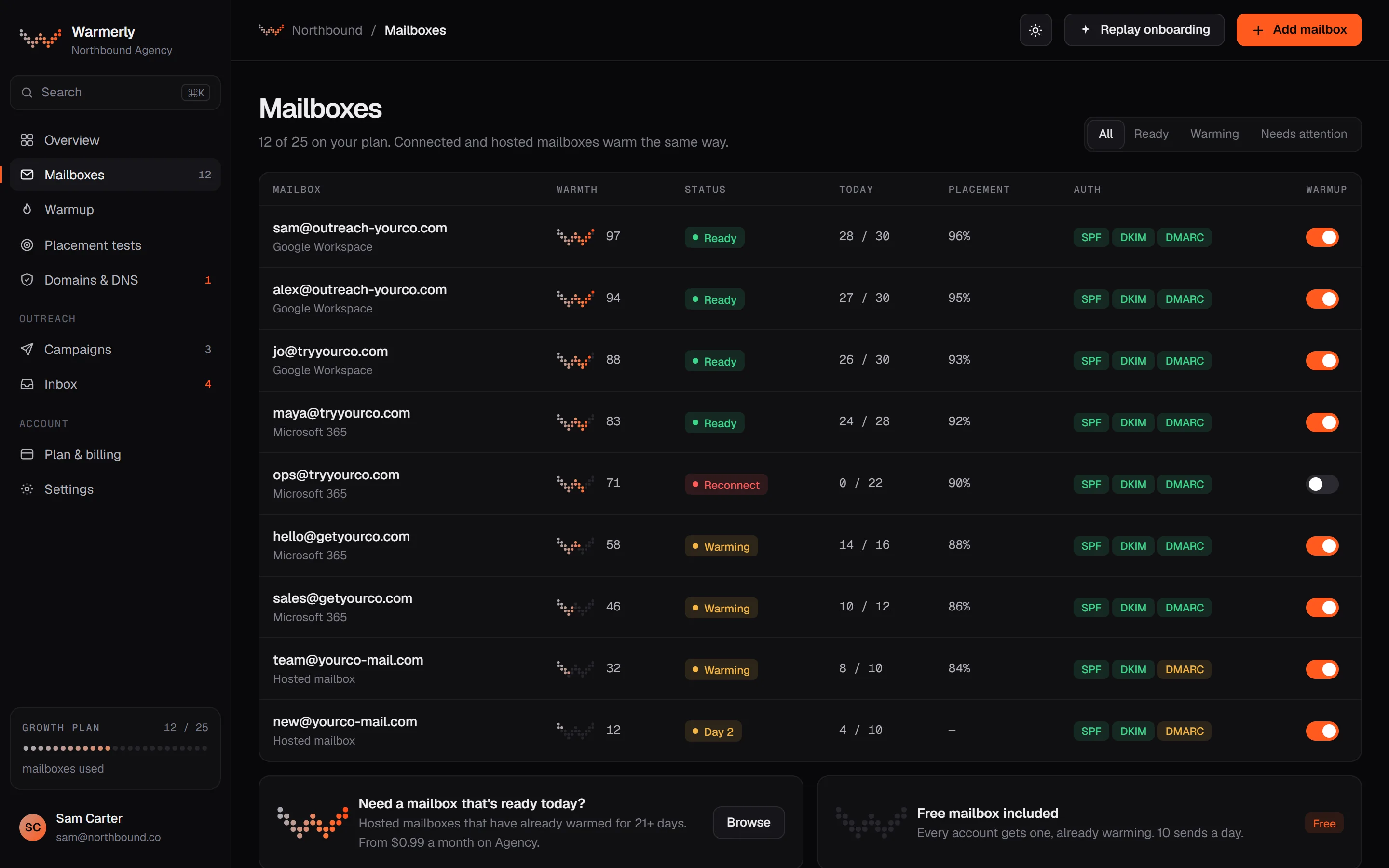
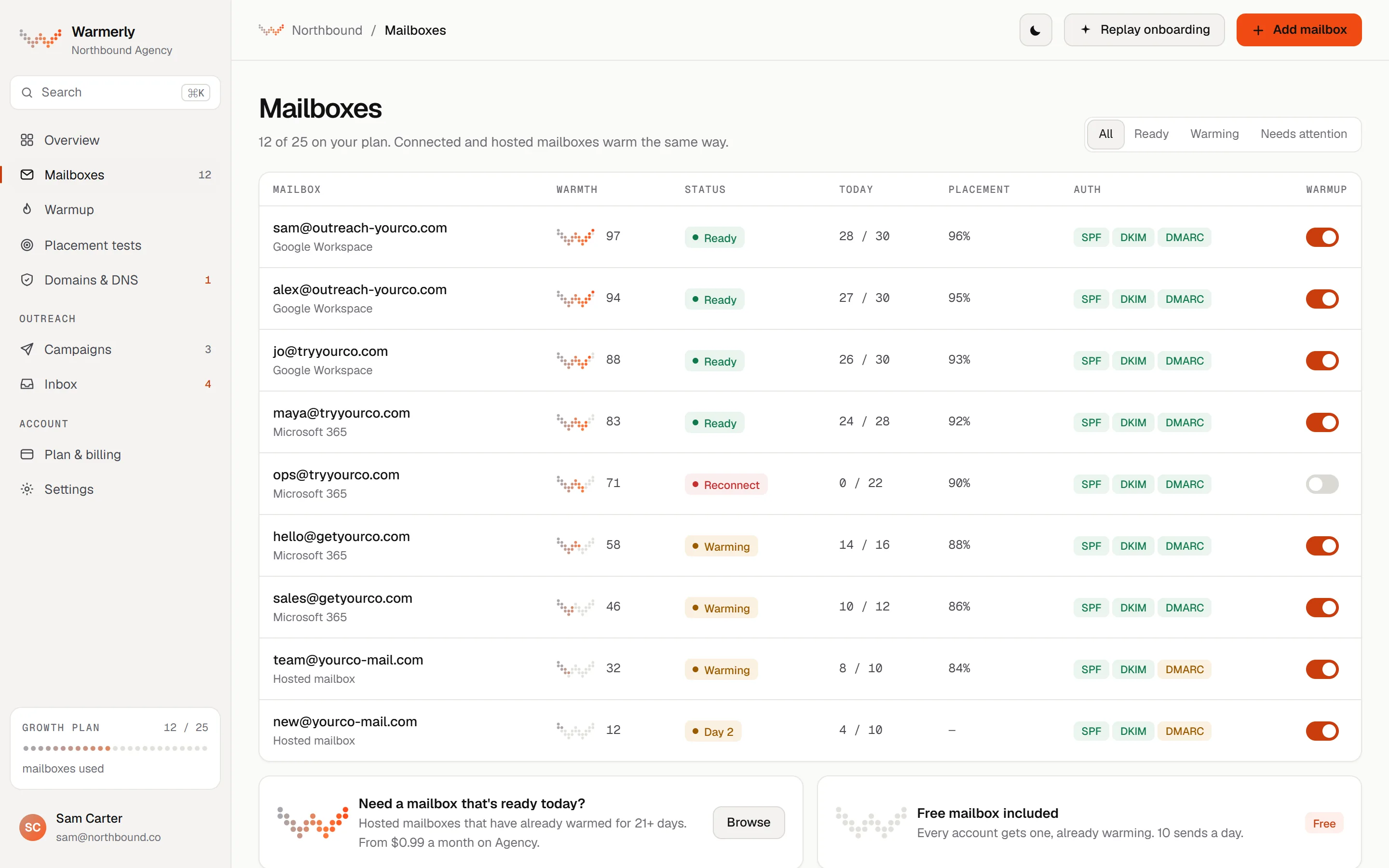
Five connection options: Gmail, Outlook, Zoho, Namecheap and custom SMTP and IMAP.
The connect form has presets for Gmail and Google Workspace, Outlook and Microsoft 365, Zoho Mail, Namecheap Private Email and a Custom SMTP and IMAP option, each with host and port filled in.
Warmerly product, checked 21 October 2026
Gmail and Google Workspace connect with an app password, which needs 2-Step Verification on first. The form links to Google's page for creating one.
Warmerly product, checked 21 October 2026
Microsoft 365 mailboxes can connect with a Microsoft sign-in. The Outlook preset also notes that many Microsoft accounts need an app password if the normal password is refused.
Warmerly product, checked 21 October 2026
Any other mailbox connects by giving its SMTP and IMAP host, port, user and password. Passwords are encrypted at rest and never returned by the API.
Warmerly product, checked 21 October 2026
Given an address, the wizard guesses the provider from the domain's live MX records and fills in the hosts. A domain it cannot place is reported as unsupported with a note, not an error.
Warmerly product, checked 21 October 2026
A connection test checks that SMTP and IMAP each authenticate without saving anything, so a bad password is found before it pauses a new mailbox.
Warmerly product, checked 21 October 2026
SMTP or IMAP hosts that point at private or internal addresses are refused, and connecting an address already in the project returns a conflict.
Warmerly product, checked 21 October 2026
A newly connected mailbox is created as ageing with warmup on, its first warmup email is planned for about a minute later, and a DNS pre-flight check runs in the background.
Warmerly product, checked 21 October 2026
Warmup volume is held to 40 a day on Gmail, 30 on Outlook, 25 on Zoho and 50 on Namecheap or custom hosts, whatever the ramp would allow.
Warmerly product, checked 21 October 2026
Mailboxes Warmerly hosts for you (OneMail) do not use a plan mailbox slot.
Warmerly product, checked 21 October 2026
Gmail, Outlook, and other SMTP and IMAP providers.
The home page FAQ says lemwarm connects with Gmail and Outlook in one click, and that other providers like Zoho, FastMail or Proton work too.
lemwarm.com · read 21 October 2026
lemlist's help centre lists Google or Gmail, Microsoft or Outlook, and Other email provider (SMTP/IMAP).
help.lemlist.com/en/articles/14653207-how-to-set-up-and-use-lemwarm · read 21 October 2026
SMTP relays and transactional sending services, aliases with no inbox of their own, entire domains, and dedicated or shared IPs.
help.lemlist.com/en/articles/8178397-what-lemwarm-warms-up · read 21 October 2026
lemlist's help centre says Google or Microsoft accounts use a Connect button, other providers need SMTP and IMAP details, and you then verify the address through a link in an email before pressing Start lemwarm.
help.lemlist.com/en/articles/14653207-how-to-set-up-and-use-lemwarm · read 21 October 2026
The help centre says lemwarm needs a connection to a single inbox with both SMTP and IMAP, and warms the address defined as the primary one in the account.
help.lemlist.com/en/articles/8178397-what-lemwarm-warms-up · read 21 October 2026
To warm several inboxes each one is connected on its own, and only for the same person and where you are authorised to use them.
help.lemlist.com/en/articles/8178397-what-lemwarm-warms-up · read 21 October 2026
The help centre says lemwarm warms email addresses, not IPs, and not the whole domain directly.
help.lemlist.com/en/articles/8178397-what-lemwarm-warms-up · read 21 October 2026
The same article says that for outreach it is often safer to use a separate domain created specifically for sending campaigns.
help.lemlist.com/en/articles/8178397-what-lemwarm-warms-up · read 21 October 2026
We looked, and found no statement on these. That is about its published pages only, not about the product.
| Measure | Warmerly | lemwarm |
|---|---|---|
| Supported mailboxes | Gmail and Google Workspace, Outlook and Microsoft 365, Zoho Mail, Namecheap Private Email and custom SMTP and IMAP. Gmail connects with an app password. | Gmail and Outlook in one click, and any provider over SMTP and IMAP; its home page names Zoho, FastMail and Proton. |
| Ready provider settings | 5: Gmail, Outlook, Zoho, Namecheap, custom | 3 connection types: Google, Microsoft, SMTP and IMAP |
| Gmail connection | App password | One-click Connect button |
| Other providers named | Zoho Mail, Namecheap Private Email | Zoho, FastMail, Proton |
| Warmup cap on Gmail | 40 a day | Total output under 70 a day per provider |
| Warmup cap on Outlook | 30 a day | Total output under 70 a day per provider |
| Relays and transactional services | Not stated | Not supported |
Our reading of the facts above. Not a promise, and not the only reasonable reading.
If your mailboxes are on Gmail, Google Workspace, Outlook, Microsoft 365, Zoho or Namecheap, both tools connect them. If you use FastMail or Proton, Lemwarm names them and Warmerly would need the custom SMTP and IMAP form.
Lemwarm's Connect button is quicker than creating a Google app password. For 10 Google mailboxes that is 10 app passwords on Warmerly, which is a real cost in time even though each takes a minute or two.
lemlist's help centre names Sendgrid, Mailgun, Sendinblue, Mailjet, O2switch, Amazon SES, Postmark, Cloudmark and Hostgator as not supported as SMTP relay connections, and says the list is not exhaustive. We found no equivalent list for Warmerly, so ask before connecting a relay.
Lemwarm warms an alias only if it has an inbox of its own, and warms the address defined as primary in the connected account. If you plan to warm several addresses on one login, ask both vendors how they count them first.
Both sets of numbers are per provider. lemlist says six Google mailboxes share one Google-side reputation, and Warmerly caps each Gmail mailbox's warmup at 40 a day, so adding mailboxes on one provider adds volume, not a bigger cap per mailbox.
Yes. The connect form has ready settings for Zoho Mail and Namecheap Private Email, and a custom SMTP and IMAP option for any other provider.
Not as named presets. A mailbox with SMTP and IMAP details can use the custom form, but we have not tested those two providers and do not list them as supported.
Gmail and Google Workspace mailboxes connect over SMTP and IMAP with an app password, which needs 2-Step Verification on first. The form links to Google's page for creating one.
Lemwarm says SMTP relays and transactional sending services are not supported. Warmerly warms mailboxes, and we do not list relays as supported.
Lemwarm warms an alias only if it has its own inbox. We have not tested how Warmerly treats an alias, so connect each address that has its own login as its own mailbox.
Lemwarm pages were read on 21 October 2026. Plans and wording change, so check the vendor's own page before you decide. Warmerly details come from the product as it runs today.
Connect a mailbox. Warmerly runs alongside whatever you send from now, so you can compare before you move anything.
Free plan, no card. Paid plans: 7-day trial, first charge on day 8.