WarmerlyWarmerly ahead on this row
Checked every six hours per domain, with MX and 16 blocklists, and the exact record to add when one is missing.
One row, in depth: what each tool does, the verified numbers, and who each suits.
La Growth Machine details read from its pricing page, features pages, LinkedIn safety page, integrations page, developer docs and help centre on 21 and 22 October 2026.
Checked every six hours per domain, with MX and 16 blocklists, and the exact record to add when one is missing.
SPF, DKIM and DMARC status for every mailbox in its email settings, shown before launch.
Warmerly checks every domain every six hours, adds MX and 16 blocklists, and writes the exact record to add, while La Growth Machine shows SPF, DKIM and DMARC status in its email settings so setup errors show before launch. La Growth Machine shows the SPF, DKIM and DMARC status of every mailbox in its email settings, so a setup error shows before launch. Warmerly checks every domain every six hours, adds MX and 16 blocklists, and writes the exact record to add. Last checked 22 October 2026.
Checked every six hours per domain, with MX and 16 blocklists, and the exact record to add when one is missing.
SPF, DKIM and DMARC status for every mailbox in its email settings, shown before launch.
SPF, DKIM, DMARC and MX
La Growth Machine's pages do not say how often the status refreshes, whether it explains the fix, or whether it checks MX or blocklists. Warmerly also checks 6 domain blocklists and 10 IP blocklists on the same schedule.
What each shows you
Neither tool edits your DNS.
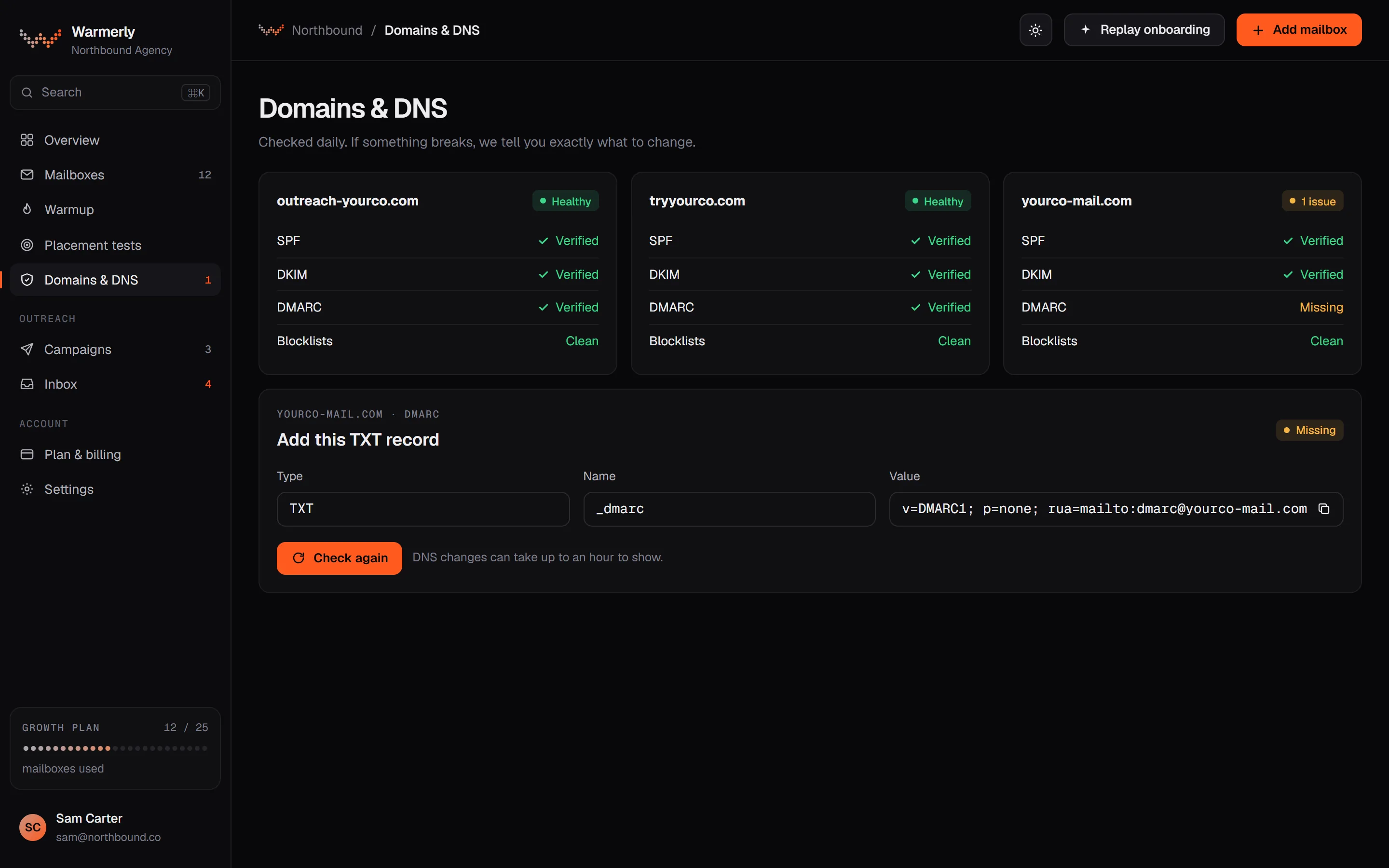
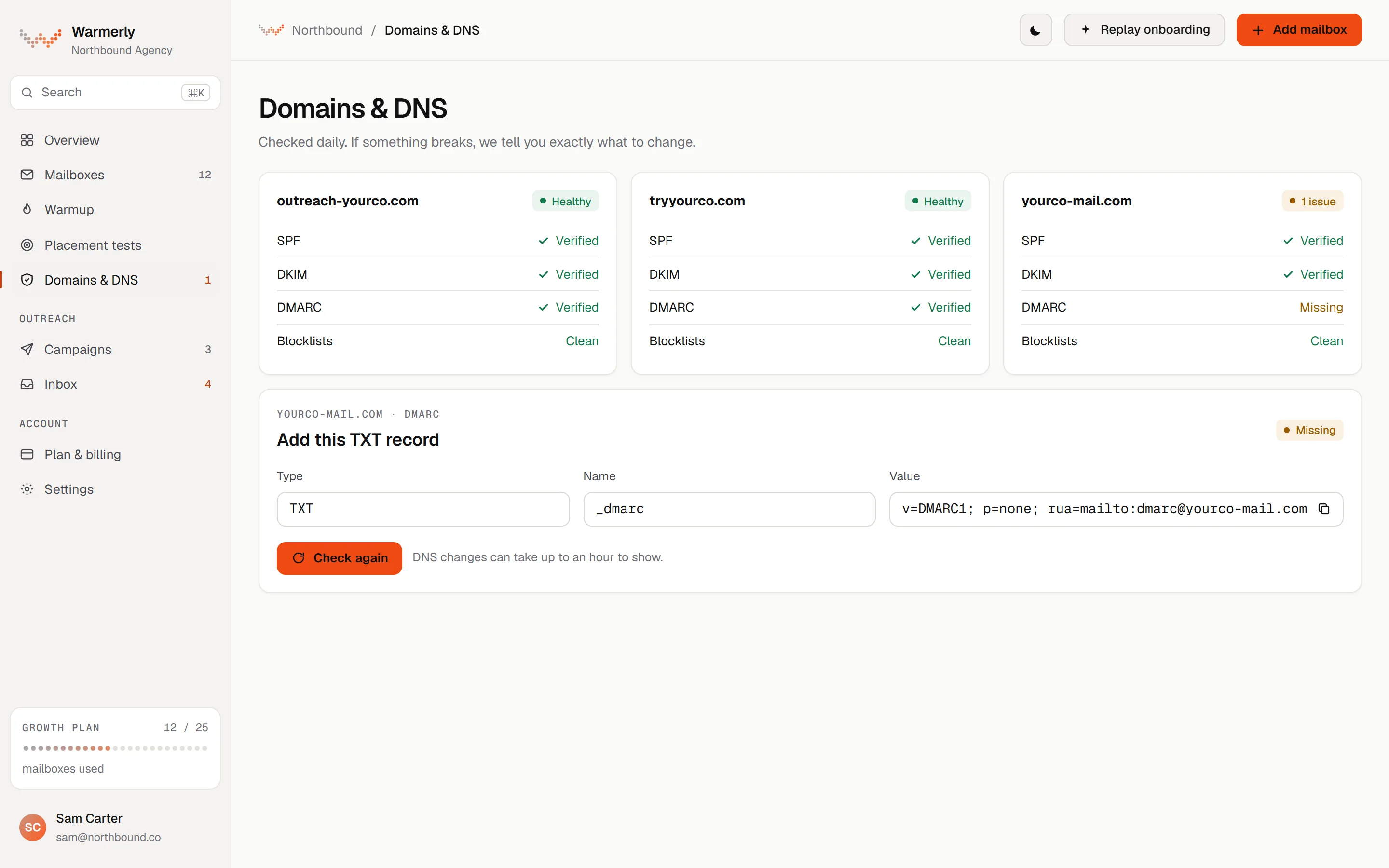
A records sweep every 6 hours across each mailbox that is not dead or paused. SPF, DKIM, DMARC and MX are each judged on quality, not just presence, and each finding comes with a fix.
SPF is checked for its ending (-all, ~all, ?all or +all), for the limit of 10 DNS lookups counted through include and redirect, and for broken terms. DKIM is checked for key length (a 1024-bit key or shorter is flagged) and for the t=y test-mode flag. DMARC is checked for p=, sp=, pct= and whether rua= is set. MX is checked for presence.
Warmerly product, checked 21 October 2026
The records sweep runs every 6 hours by default across every mailbox that is not dead or paused. The mailbox's Health tab has a Re-check now option. Blocklist checks run on their own 6-hourly sweep.
Warmerly product, checked 21 October 2026
Each finding has a title, an explanation and a fix. For example, SPF needing more than 10 lookups is explained as receivers treating the record as a permanent error. DKIM in test mode says to remove t=y once signing is confirmed. Advisories such as p=none are shown but never red.
Warmerly product, checked 21 October 2026
Warmerly queries 6 domain lists (Spamhaus DBL, SURBL, URIBL, NordSpam DBL, Spam Eating Monkey URI, s5h) and 10 IP lists (Spamhaus ZEN, SpamCop, Barracuda, PSBL, Mailspike, NordSpam, Spam Eating Monkey, Lashback UBL, DroneBL, GBUdb Truncate) by plain DNS lookup. A refused query is never reported as a listing, and several well known zones are left out on purpose (SORBS, UCEPROTECT and Invaluement).
Warmerly product, checked 21 October 2026
The pre-launch checklist warns when a sending mailbox's DNS check came back warn or fail, or when more than 5 senders share one domain. It is a warning you can acknowledge, not a block. Free DMARC report monitoring is available for up to 10 domains per workspace.
Warmerly product, checked 21 October 2026
Under an SPF or DMARC check that is not passing, the card shows the record to add: type, host, value and a copy button. SPF is suggested only for Google and Microsoft mailboxes, merged into the record already published so the old terms stay. A monitor-only DMARC (p=none) is suggested when none exists. Nothing is shown under a passing check or on a domain the provider manages.
Warmerly product, checked 21 October 2026
If a lookup times out, the chip says unknown, not fail, and an unknown blocklist status outranks a warning in the overall verdict. A refused blocklist query is never read as a listing, and a partial answer such as clean on 3 lists that answered while 10 refused is shown in amber with the count.
Warmerly product, checked 21 October 2026
A tracking domain is a CNAME to Warmerly's app host. It counts as verified only after a real DNS lookup, never a field the browser sends, and the checker re-verifies it on a schedule. Once verified, every tracked link in a campaign is built on it.
Warmerly product, checked 21 October 2026
Free DMARC report monitoring covers up to 10 domains per workspace, through an address on Warmerly's own collector. It reads the reports every 30 minutes and keeps 90 days.
Warmerly product, checked 21 October 2026
A status view per mailbox. The pages do not say how often it refreshes or whether it explains fixes.
Your email settings show the SPF, DKIM and DMARC status of every mailbox, so an error shows up before launch.
lagrowthmachine.com/features/deliverability · read 21 October 2026
You can use your own tracking domain, and sends go out spaced and only in your hours. Your sender reputation stays yours, not shared.
lagrowthmachine.com/features/deliverability · read 21 October 2026
By default it emails only business addresses checked by 2 verification tools, and an address that hard bounces is never emailed again.
lagrowthmachine.com/features/deliverability · read 21 October 2026
The article says SPF, DKIM, DMARC and MX are all required for best deliverability, though not mandatory to use the tool. It explains each record in a sentence and sends you to MXToolbox to check whether one is present or missing, with provider guides for Google Workspace, Outlook, OVH and Hostinger.
help.lagrowthmachine.com/en/articles/5624287-how-to-set-up-my-email-domain-properly · read 22 October 2026
Without one, links use a tracking domain shared by all its users, so other users' actions can affect your reputation, as its help article puts it. Setup gives a CNAME and sometimes one or two TXT records. Email Settings then shows Not configured, Pending, Invalid or Valid. DNS can take up to 72 hours, and Cloudflare's proxy must be off.
help.lagrowthmachine.com/en/articles/5959292-why-and-how-to-set-up-a-custom-tracking-domain · read 22 October 2026
On a campaign's Identity step, when SPF, DKIM or DMARC is invalid or pending, or the tracking domain is. A disconnected identity shows Disconnected instead. A tracking domain that was never set up does not trigger it.
help.lagrowthmachine.com/en/articles/5959292-why-and-how-to-set-up-a-custom-tracking-domain · read 22 October 2026
The inbox rotation page lists turning off open tracking, and a help article covers disabling link tracking, both of which remove the tracking link or pixel that depends on the tracking domain.
lagrowthmachine.com/features/inbox-rotation · read 22 October 2026
We looked, and found no statement on these. That is about its published pages only, not about the product.
We report each version rather than pick one.
| Measure | Warmerly | La Growth Machine |
|---|---|---|
| SPF, DKIM and DMARC checks | Checked every six hours per domain, with MX and 16 blocklists, and the exact record to add when one is missing. | SPF, DKIM and DMARC status for every mailbox in its email settings, shown before launch. |
| Records checked | SPF, DKIM, DMARC and MX | SPF, DKIM and DMARC |
| How often | Every 6 hours, or on demand | Not stated |
| Blocklists | 6 domain and 10 IP lists | Not listed |
| A written fix | Yes, for each finding | Not stated |
| MX in the per-mailbox status | Yes | Setup guide requires it, status shows SPF, DKIM and DMARC |
| Custom tracking domain | Yes, CNAME, verified by lookup | Yes, CNAME and sometimes TXT, four states |
| Time to verify a tracking domain | Re-checked on a schedule | Up to 72 hours |
| DMARC report monitoring | Free, up to 10 domains | Not found |
Our reading of the facts above. Not a promise, and not the only reasonable reading.
La Growth Machine shows the status in settings. Warmerly also warns again on its pre-launch checklist when a sending mailbox's DNS check came back warn or fail.
Both give you a view, not an automatic fix: neither changes your DNS.
On La Growth Machine a tracking domain is set per sending domain, with its own CNAME and up to 72 hours of waiting. Ten sending domains means ten sets of records, checked in Email Settings. Warmerly checks all ten every 6 hours, which is 40 checks a day for each record type across the ten.
A missing DMARC shows on both. Warmerly adds the exact p=none record to paste, merged with your SPF where it applies. La Growth Machine points to MXToolbox and a provider guide. Neither changes your DNS for you.
La Growth Machine's own help says the default tracking domain is common to all its users, so each user's behaviour touches the others. If you send cold email from it before setting up your own, you share that reputation. Setting your own is a one-off task on either product.
It shows their status for every mailbox in its email settings. Its pages do not say how often it checks or whether it explains the fix.
Every 6 hours by default, with a Re-check now option, plus its own 6-hourly blocklist sweep.
We found no blocklist check on its pages or help centre. Warmerly queries 6 domain lists and 10 IP lists every 6 hours.
It is not mandatory, but its help article says the default is shared with other users and advises setting your own.
La Growth Machine says up to 72 hours for a tracking domain, and a Pending status straight after setup is normal.
La Growth Machine pages were read on 21 October 2026. Plans and wording change, so check the vendor's own page before you decide. Warmerly details come from the product as it runs today.
Connect a mailbox. Warmerly runs alongside whatever you send from now, so you can compare before you move anything.
Free plan, no card. Paid plans: 7-day trial, first charge on day 8.