










Infrastructure, Cold email, Deliverability
Cold Email Infrastructure Setup: The Complete Guide
Most cold email campaigns fail before a single word is read. The domain is unaged, the DNS is misconfigured, the mailbox was never warmed. This guide covers the full setup, layer by layer.

12 min read
Summarize with AI
In this article
Most cold email problems trace back to infrastructure, not copy. You can write the best subject line in the world and it will not matter if your domain was registered last week, your DNS records are missing, or your mailbox went straight from zero to two hundred sends per day without a warmup period.
This guide covers the four layers of cold email infrastructure: sending domains, DNS authentication, mailboxes, and warmup. Work through them in order before you launch a single sequence. Every layer connects to the others, so skipping one typically breaks what comes after it.
What is cold email infrastructure?
Cold email infrastructure is the technical foundation your outreach runs on. It includes the domains you send from, the DNS records that authenticate your sender identity, the mailboxes your sequences come from, and the warmup process that builds each mailbox's reputation before your campaigns start.
Most people starting out treat infrastructure as a one-hour task and then spend weeks wondering why their open rates are flat. The problem is that infrastructure failures are usually silent until they are severe. Your campaign tool shows sends. It does not show you that 80% of them landed in spam.
- Sending domains: the domains your outreach emails come from, kept separate from your main company domain
- DNS records: SPF, DKIM, DMARC, and MTA-STS records that verify your sender identity to receiving mail servers
- Mailboxes: the individual email accounts you use for cold outreach
- Warmup: the process that builds each mailbox's sending reputation before campaigns start

Layer 1: Sending domains
The first rule of cold outreach: never send from your main company domain. If that domain gets flagged or blocklisted, it takes your transactional email, support inbox, and brand reputation with it. Sending domains are purpose-built for outreach and are replaceable if something goes wrong. Your primary domain is not.
How many sending domains do you need?
A practical starting point: one domain per two or three sending mailboxes. If you plan to run three warmed mailboxes, one domain is enough. If you are scaling to fifteen mailboxes, you want four or five domains so a problem with one does not stop all your outreach at once.
More domains also spread deliverability risk. Providers evaluate domain reputation independently. If one domain accumulates complaints or takes on too much volume, the others continue unaffected.
Choosing your sending domains
- Use a recognisable variation of your company name. If your company is Acme, try get-acme.com, outbound.acme.io, or similar. Avoid unrelated keyword domains with no brand connection.
- Stick to .com, .io, or well-known country TLDs. Obscure TLDs trigger spam filters at higher rates.
- Avoid hyphens where possible and anything that reads like a spam domain: excessive keywords, numbers, or obvious brand imitations.
- Check any second-hand domain for blocklist entries before buying. A domain with an existing Spamhaus or Barracuda listing is not worth the saving.
- Register new domains at least 14 days before starting warmup and at least 30 days before launching campaigns. Domain age is a trust signal. Fresh registrations are treated as suspicious by default.
Layer 2: DNS authentication records
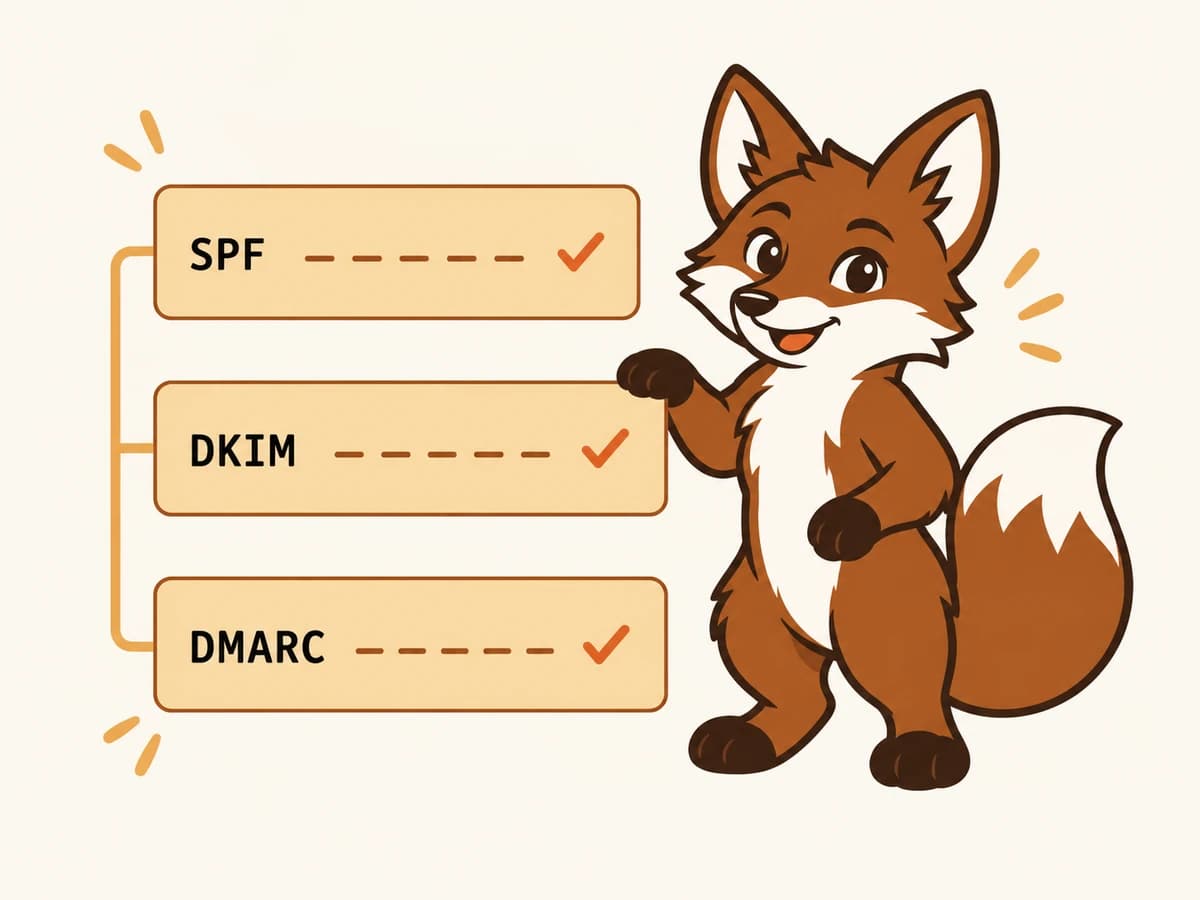
DNS records are how receiving mail servers verify that your email actually comes from you. Without them, Gmail and Outlook have no reason to trust your sender identity, and most of your mail will be filtered or rejected. There are three essential records to configure and two optional ones worth adding.
SPF
SPF is a TXT record on your domain that lists which mail servers are authorised to send email on your behalf. For Google Workspace, the record includes Google's sending infrastructure. For Microsoft 365, it includes Microsoft's. Use a soft-fail (~all) at the end. Never use a pass-all (+all), which allows anyone to send as your domain and signals to filters that your authentication is effectively absent.
DKIM
DKIM adds a cryptographic signature to every outgoing email. The receiving server checks that signature against a public key you publish in DNS. Your email provider generates the key pair and gives you the DNS record to add. Use a 2048-bit key minimum. Older accounts set up several years ago sometimes still have 1024-bit keys that aggressive filters increasingly reject.
DMARC
DMARC tells receiving servers what to do when SPF or DKIM fails, and where to send reports. Start with a policy of none so you can collect aggregate data without affecting delivery. Once you have reviewed your first few reports and confirmed your authentication is clean, move to quarantine. Set a reporting address pointing to an inbox you actually read. The reports are genuinely useful.
MTA-STS and BIMI
MTA-STS enforces TLS encryption on email in transit and is low-effort to add once your core records are in place. BIMI displays your logo in Gmail's inbox view but requires a verified mark certificate and a strict DMARC policy. MTA-STS is worth doing early. BIMI is a useful addition once the fundamentals are solid.

Layer 3: Mailboxes
Once your domain is registered and DNS is clean, you can create the mailboxes. Gmail (Google Workspace) and Microsoft 365 (Outlook) are the two standard choices for cold outreach. Both work. The more important question is how you set them up and whether you give them time to warm properly.
Gmail tends to perform better when your audience is primarily Gmail users. Microsoft 365 can improve inbox placement with enterprise recipients running Microsoft environments. If your list is mixed, some operators run both providers across their sending infrastructure.
Mailbox setup checklist
- Use a real name format for the email address: firstname@domain.com or first.last@domain.com. Avoid info@, sales@, and contact@ addresses for outreach. They are over-represented in bulk sending and filtered accordingly.
- Complete the mailbox profile with a first name, last name, and profile photo. Providers and recipients treat complete, human-looking profiles as more trustworthy.
- Add an email signature with your name, job title, and a link to your company website.
- Send and receive a few real, manual emails from each new mailbox before connecting it to a warmup tool. A small amount of organic activity before warmup begins helps establish initial account credibility.
- Do not connect any mailbox to a cold email sending tool until the warmup period is complete.
Layer 4: Warmup
Warmup is the process of building each mailbox's sending reputation before you use it for real outreach. A warmup tool connects your mailbox to a network of peer mailboxes. Those peers send email to your mailbox, open it, reply to it, mark it important, and rescue it from spam if it lands there. Each of those actions sends a positive reputation signal to Gmail and Outlook.
Skipping warmup is the single most common infrastructure mistake. A brand-new mailbox that sends 50 cold emails on day one is a near-guaranteed spam placement from that point forward. The damage compounds: a flagged mailbox affects domain reputation, and a damaged domain is difficult to recover.
How long does warmup take?
A new domain with new mailboxes needs a minimum of 14 days of warmup before any cold sends. Three weeks is the safer target for most setups. An aged domain with a clean history can be ready in seven to ten days. You know warmup is complete when inbox placement is consistently above 90% and your health score sits above 80 across your target providers.
Warmup is not a one-time step. It should continue at reduced volume while campaigns are active. Stopping warmup entirely means reputation decays during quiet periods, and restarting at full campaign volume after a gap is one of the most common ways senders end up back at square one.
Step 5: Test before you launch
Before sending any cold email, run a pre-launch check. The goal is to confirm that infrastructure is working correctly and each mailbox is genuinely ready.
- Send a test email to a Gmail and an Outlook account you control. Check the full message headers for SPF pass, DKIM pass, and DMARC pass. Fix any failures in DNS before continuing.
- Check Google Postmaster Tools for your sending domain. If domain reputation is Low or Medium, continue warming before launching campaigns.
- Review your Warmerly health score. A score above 80 is a reasonable threshold for starting cold outreach.
- Run a seed test to check inbox placement across providers. Confirm that the majority of test messages are landing in the primary inbox, not in spam or promotions.
- Check your sending domains against a blacklist checker. Resolve any listings before launching. Sending from a listed domain wastes the entire campaign.
Step 6: Scale safely
Infrastructure that survives its first campaigns is infrastructure that scaled carefully. The warmup period builds a reputation baseline, but that baseline does not give you unlimited sending capacity from day one.
Per-mailbox sending limits
A safe starting volume for a freshly warmed mailbox is 20 to 30 cold emails per day. Increase by roughly 20% per week as long as placement and reputation metrics stay healthy. Most experienced operators keep individual mailboxes below 50 emails per day and reach higher total volumes by running more mailboxes, not by pushing each one harder.
Inbox rotation
If your cold email tool supports inbox rotation, use it. Rotation distributes sends across multiple mailboxes automatically, keeping each one well below its safe ceiling. It also means a problem with one mailbox does not pause your whole campaign. Most major sending tools support rotation natively.
Ongoing monitoring
Infrastructure requires maintenance, not just setup. Domain reputation shifts. Mailboxes age. Lists degrade. A brief weekly review covers most of it: check Postmaster Tools domain reputation, review your Warmerly health scores, run a spot-check seed test on a sending domain, and verify no new blocklist entries. Catching a problem in week two costs an afternoon. Catching it after three burnt domains costs months.
Common infrastructure mistakes
- Using your main company domain for cold outreach. A spam complaint or blocklist entry on a sending domain should not touch your brand email.
- Starting warmup before DNS is fully configured. Warmup on a domain without SPF, DKIM, and DMARC in place builds no meaningful reputation and wastes weeks.
- Sending cold campaigns mid-warmup. Even a small cold batch during the warmup period can reset progress and flag the mailbox.
- Stopping warmup when campaigns start. Warmup maintains the ongoing positive signal that makes sustained campaigns possible. Slow it down during quiet periods, but do not stop it entirely.
- Scaling volume too quickly after warmup completes. A 20% weekly ramp is a safe ceiling. Faster than that risks outpacing the reputation you built.
- Using generic mailbox names. Addresses like info@, sales@, or contact@ receive more aggressive filtering because they are heavily associated with bulk sending.
- Buying second-hand domains without checking their history. A domain can look clean and still carry a blocklist entry from a previous owner.
Frequently asked questions
Do I need a separate domain for cold email?
Yes. Sending cold outreach from your main company domain puts your brand email at risk. If the sending domain gets flagged, blocklisted, or burnt, only that domain is affected. Your primary company email continues operating normally. Dedicated sending domains are standard practice for any serious cold email operation.
How many mailboxes do I need for cold outreach?
It depends on your target send volume. A warmed mailbox can safely send around 30 to 50 cold emails per day. If you want to send 300 emails per day, you need roughly six to ten mailboxes across two or three domains. More mailboxes at lower individual volume is consistently safer than fewer mailboxes pushed to their limits.
Should I use Gmail or Outlook for cold email?
Both work. Gmail (Google Workspace) is the most common choice and performs well when your audience is primarily Gmail users. Microsoft 365 (Outlook) is a strong choice if you are targeting enterprise organisations that run Microsoft environments. Many operations use a mix of both for broader inbox placement coverage.
How long does it take to set up cold email infrastructure from scratch?
The technical setup (domain registration, DNS configuration, and mailbox creation) takes two to four hours. The warmup period is 14 to 21 days for new domains. Budget three weeks from domain registration to a campaign-ready mailbox.
Can I warm multiple mailboxes at the same time?
Yes. There is no reason to warm mailboxes sequentially. Connect all new mailboxes to your warmup tool at the same time and each one will build reputation independently. Warmerly warms every mailbox on your plan in parallel at no extra cost, so there is nothing to stagger.
Do I need to keep warming mailboxes after campaigns start?
Yes, at reduced volume. Stopping warmup entirely when campaigns go live means reputation decays during quiet periods. When you restart at full campaign volume after a gap, you are starting from a weaker base than where warmup left off. Keep warmup running at a reduced rate throughout your campaign lifecycle.