










Inbox placement, Deliverability, Beginners
What Is Inbox Placement? A Plain-English Guide for Cold Email Senders
Your campaign tool says 'delivered'. That does not mean anyone saw it. Inbox placement is the metric that tells you whether your email landed somewhere the recipient will actually look.

8 min read
Summarize with AI

In this article
When your cold email is sent, your campaign tool marks it as delivered. That feels reassuring. But 'delivered' just means the receiving server accepted the message. It says nothing about where the email went next, and in many cases, it went straight to spam.
Inbox placement is the metric that answers the real question: where did my email actually land? It is the difference between a campaign that gets replies and one that quietly disappears into a junk folder nobody reads.
What inbox placement actually means
Inbox placement is the percentage of sent emails that land in a folder the recipient actually looks at: the primary inbox, rather than spam, junk, or promotions. It is sometimes shortened to inbox placement rate, or IPR.
The confusion arises from delivery rate, which most campaign tools report. Delivery rate measures whether the receiving server accepted the message with a 250 OK response. A server can say yes and then immediately route the message to spam. Your tool records a successful delivery. The recipient never sees anything.
Inbox placement closes that gap. It tells you what actually happened after the server accepted the message.
The folders that matter for cold email
Not every inbox sorts mail the same way, but the main destinations you need to care about are:
- Primary inbox. Where recipients actively read. The best outcome for cold outreach.
- Promotions tab (Gmail). Filtered automatically for marketing-style messages. Engagement is much lower than primary, but not zero.
- Updates tab (Gmail). Used mainly for transactional messages like receipts and alerts. Rarely the right place for cold outreach.
- Spam or junk folder. Essentially invisible. Most users open this folder only to delete, not to read.
- Silent block. Some providers drop messages without telling the sender. Your tool still reports delivered because the SMTP handshake completed before the block.
For cold email, the goal is primary inbox. Promotions is a distant second. Anything else is effectively a missed send.
What determines where your email lands
Providers use a combination of signals to route each incoming message. The main ones:
Sender reputation
Each provider maintains a score for your sending domain and IP address. High reputation means your emails are more likely to reach the inbox. Low reputation means spam folder, every time. Reputation is built through consistent, clean sending behaviour over weeks and months. It drops quickly when something goes wrong and recovers slowly.
Authentication
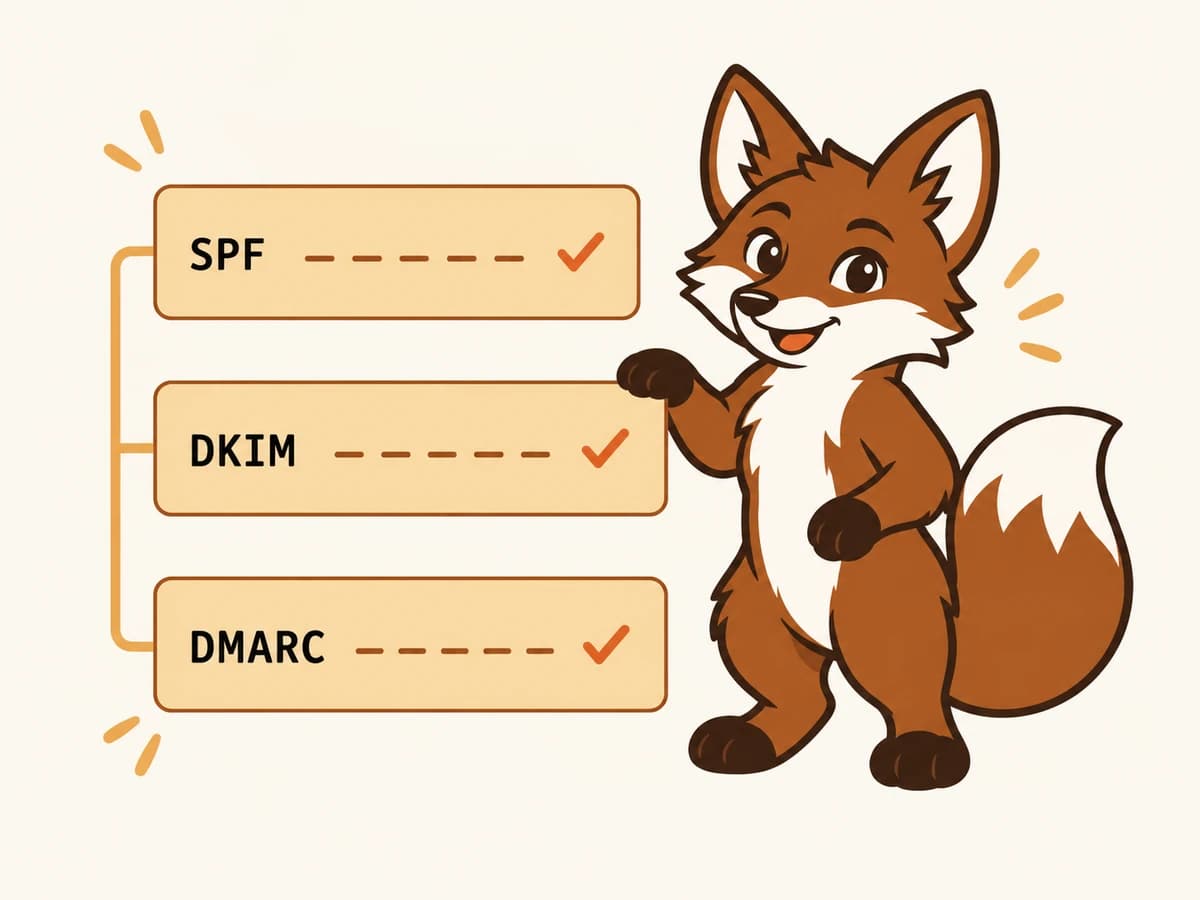
SPF, DKIM, and DMARC must all pass with alignment before a provider takes the rest of your signals seriously. A missing or misconfigured record pushes you toward spam regardless of how good your content is. Think of authentication as the admission ticket: without it, nothing else matters.
Engagement signals
Providers track what recipients do with your mail. Do they open it, reply, star it, or drag it out of spam? Or do they mark it as spam, delete without reading, or never open it at all? Positive signals over time move you toward the inbox. Negative ones push you out. Warmup software is designed specifically to generate these positive signals before your real campaigns start.
Content and link patterns
High link-to-text ratios, image-heavy messages, redirect chains in URLs, and emails with no plain-text version all increase the chance of spam placement. Plain, conversational emails with one or no links consistently perform better. The rule is simple: write like a human, not like a newsletter.
Sending volume and consistency
A sudden spike in send volume from a new sender looks like a compromised account. Providers route the messages to spam while their classifiers assess the pattern. Building volume gradually, over weeks, gives providers enough behavioural data to extend trust.

How to measure inbox placement properly
Open rates do not tell you where your email landed. They only measure what your engaged subset did. A 35% open rate with 40% spam placement means roughly half your audience never had the chance to open your message.
The right way to measure inbox placement is seed testing. You maintain a panel of real mailboxes at the providers your prospects use, and you include those seed addresses in every send. Then you check which folder each seed mailbox received the message in.
A useful seed panel covers:
- Two or three Gmail consumer accounts of different ages.
- At least one Microsoft 365 business mailbox with default EOP settings.
- One Outlook.com or Hotmail consumer address.
- One Yahoo mailbox.
- Any other provider your prospects commonly use.
Run seed tests before every campaign. A message that was landing in Gmail's primary inbox last week might have shifted to spam this week, and you want to know before sending to real prospects rather than after wondering why reply rates dropped.
Why Gmail and Outlook place email differently
A message can land in Gmail's primary inbox and Outlook's junk folder at the same time. The two providers use different signals with different weights, which is why testing both separately matters.
Gmail weights domain reputation most heavily, with user actions as the primary driver. Outlook weights IP reputation more and is stricter about volume spikes from new senders. If you only test Gmail placement, you may be running a broken campaign for every Outlook recipient without knowing it.
Where email warmup fits in
Email warmup is the main tool cold email senders use to build inbox placement before they start campaigns. A warmup tool connects your mailbox to a network of peer mailboxes and generates realistic email activity: sends, replies, stars, and spam rescues. Each of those actions builds the sender reputation and engagement history that moves inbox placement upward.
Warmup is most important at the start, when a domain has no sending history and providers treat it with suspicion. But it matters throughout: reputation decays without consistent sending, so warmup that continues at reduced volume during and between campaigns keeps placement stable over time.
Warmerly monitors inbox placement as part of its standard health score. Seed messages go out to Gmail, Outlook.com, Microsoft 365, Yahoo, and a fifth provider with every warmup cycle. You can see folder placement before you invest in a campaign, rather than discovering a problem after the fact.
Common mistakes that hurt inbox placement
- Treating delivery rate and inbox placement as the same thing. Delivery rate is a server handshake. Inbox placement is where the message went after that.
- Only testing Gmail. Enterprise buyers often read on Outlook or Microsoft 365. Placement can vary significantly between providers.
- Sending to unverified lists. Hard bounces and spam complaints both damage placement long-term. A clean list of 500 usually outperforms a dirty list of 5,000.
- Skipping warmup on new domains. A brand new domain defaults to spam placement until providers see two to four weeks of consistent, clean sending behaviour.
- Stopping warmup once campaigns start. Warmup is ongoing maintenance, not a one-time setup. Stopping it lets reputation decay during quiet periods.
- Too many links in cold email. One link per message is the safe ceiling for inbox placement. More than that and content scanners push toward promotions or spam.
Frequently asked questions
What is a good inbox placement rate for cold email?
Above 90% in the primary inbox is the target before scaling any cold email campaign. Between 70% and 90%, investigate before sending more. Below 70%, stop and fix the underlying cause (warmup, authentication, list hygiene, or send volume) before running another campaign.
Is inbox placement the same as delivery rate?
No. Delivery rate measures whether the receiving server accepted the message and returned a 250 OK SMTP response. Inbox placement measures where the message went after that. A campaign can have a 99% delivery rate and a 30% inbox placement rate at the same time: most recipients' servers accepted the message and then routed it to spam.
How do I test inbox placement?
Set up a seed panel of real mailboxes at Gmail, Outlook, Yahoo, and other providers your prospects use. Include those seed addresses in every send, then check which folder each one received the message in. Warmerly automates this with a 5-provider seed panel built into its standard health score.
Why does my email go to Gmail's promotions tab instead of primary?
Gmail's promotions tab is triggered by patterns that look like marketing mail: multiple links, an unsubscribe header, HTML formatting with images, or a large send volume with low engagement history. Plain-text messages with one or no links typically stay in primary. Ongoing warmup also helps build the sender signals that push mail toward primary rather than promotions.
Can email warmup improve inbox placement?
Yes. Warmup builds the sender reputation and engagement signals that providers use to decide where to route your mail. The spam-folder rescue action (where a warmup peer moves your message from spam back to the inbox) is the single strongest positive placement signal Gmail tracks. Over two to four weeks of consistent warmup, most mailboxes move from defaulting to spam to defaulting to inbox.
How often should I run inbox placement tests?
Before every campaign and after any change to your setup: new domain, new mailbox, authentication update, or volume increase. If you run ongoing campaigns, a weekly placement check is the minimum to catch problems before they compound across a full send.